

The quote becomes the job
- Who
- Owners
- Where
- Automatic when the customer accepts; or a sent quote → They said yes, make the job.
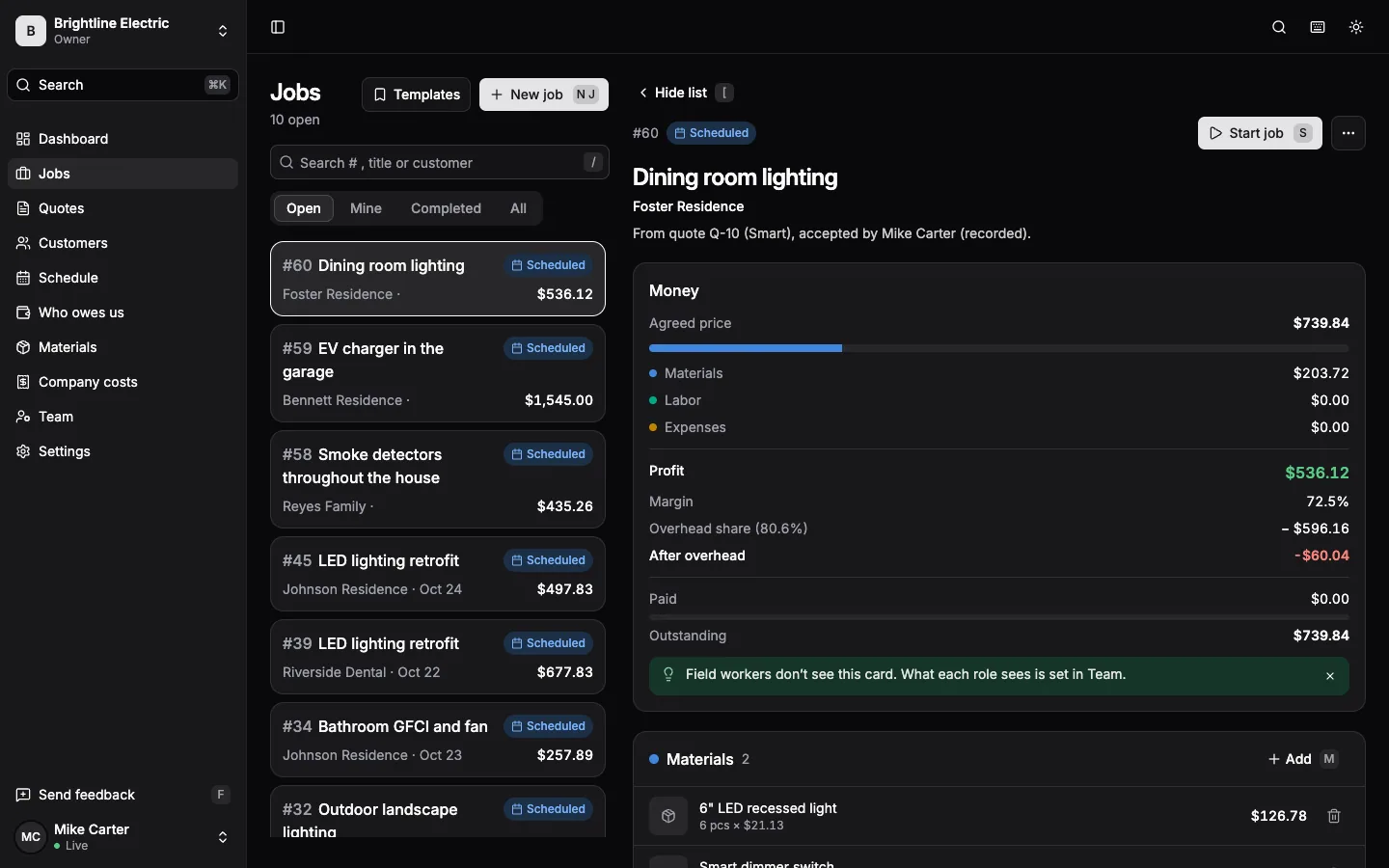
When a quote is accepted, Skuadro makes the job from it: the customer, the title, the agreed price and the materials.
Why it’s there
Section titled “Why it’s there”Retyping an accepted quote into a job is where mistakes slip in: a missed line, an old price. Making the job from the quote means the job starts with exactly what the customer agreed to.
Who sees it
Section titled “Who sees it”People who make quotes (owners, Estimator) can record a yes. The job is like any other: who sees what on it follows their role.
How to use it
Section titled “How to use it”When your customer accepts on the link, the job is made for you. When they say yes in person or on the phone:
- Open the sent quote and click They said yes: make the job on the right.
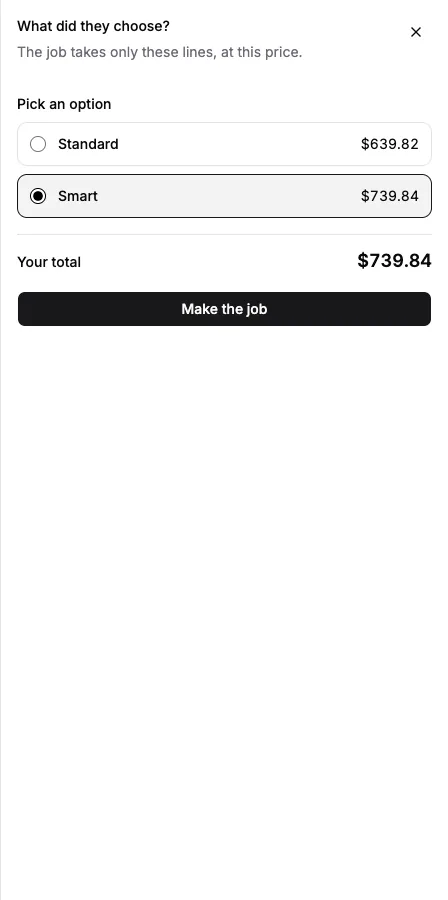
- If the quote has options or extras, a sheet asks What did they choose? Pick the option and tick the extras,
then click Make the job.

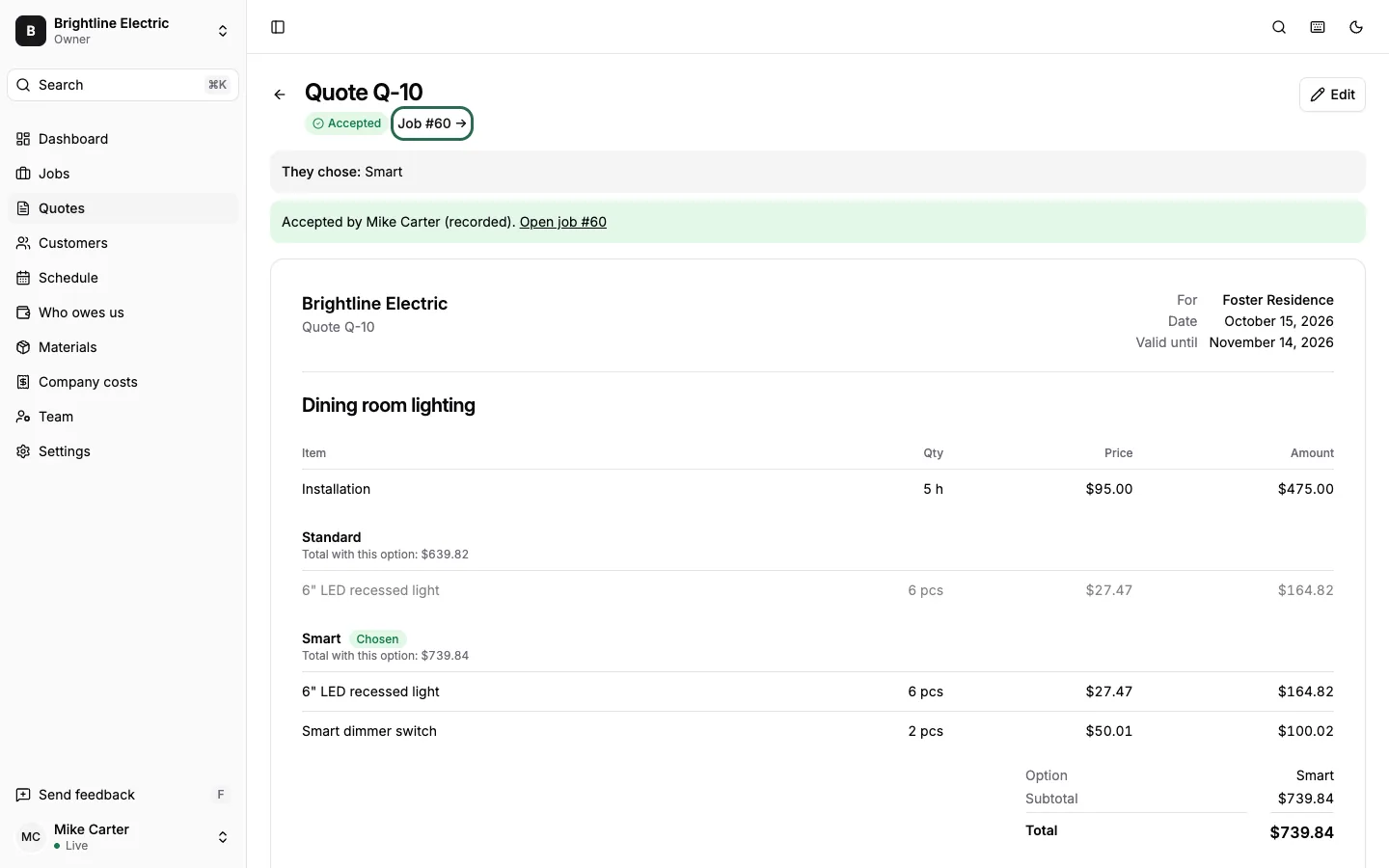
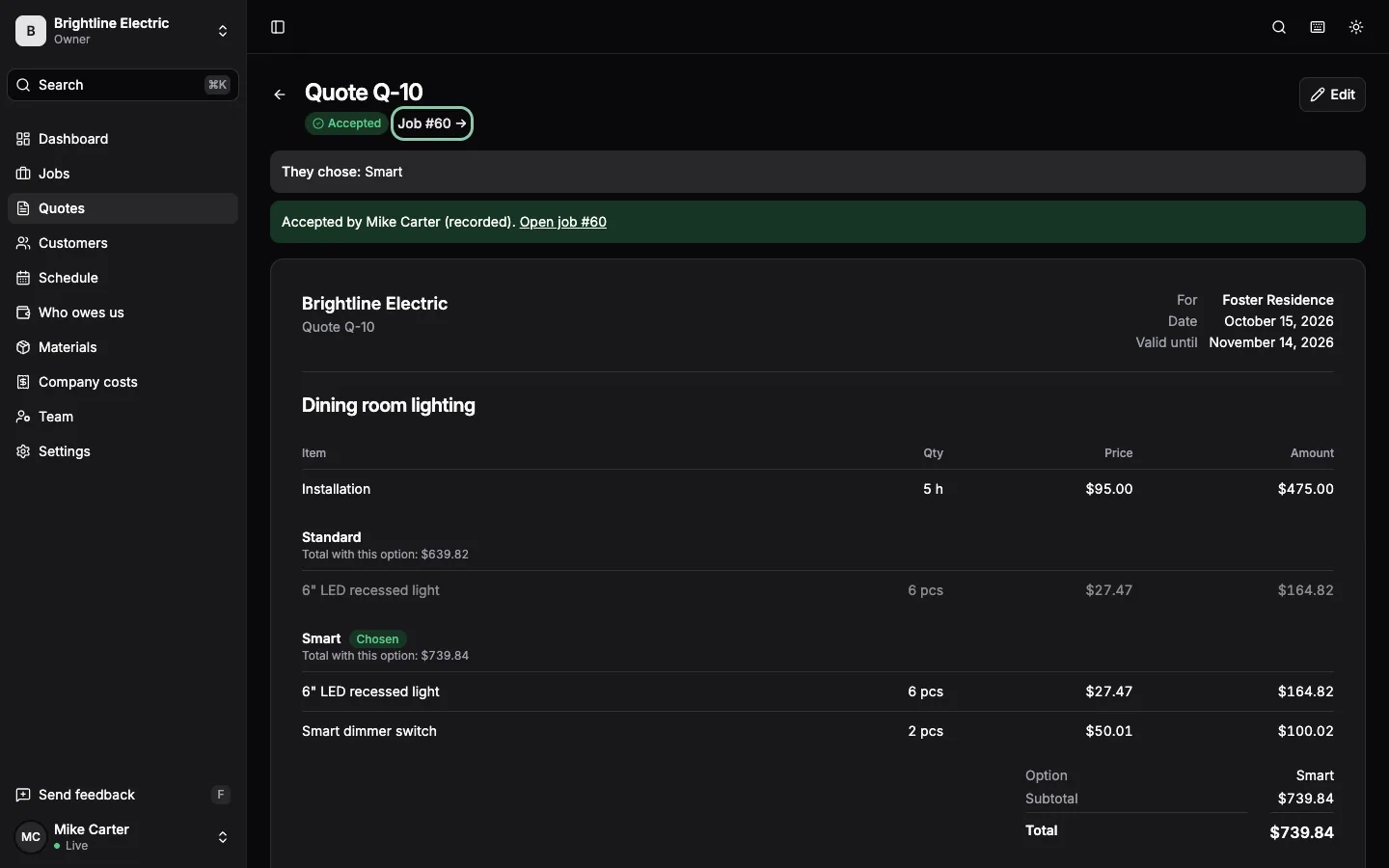
- The quote shows Accepted with a link to its job.
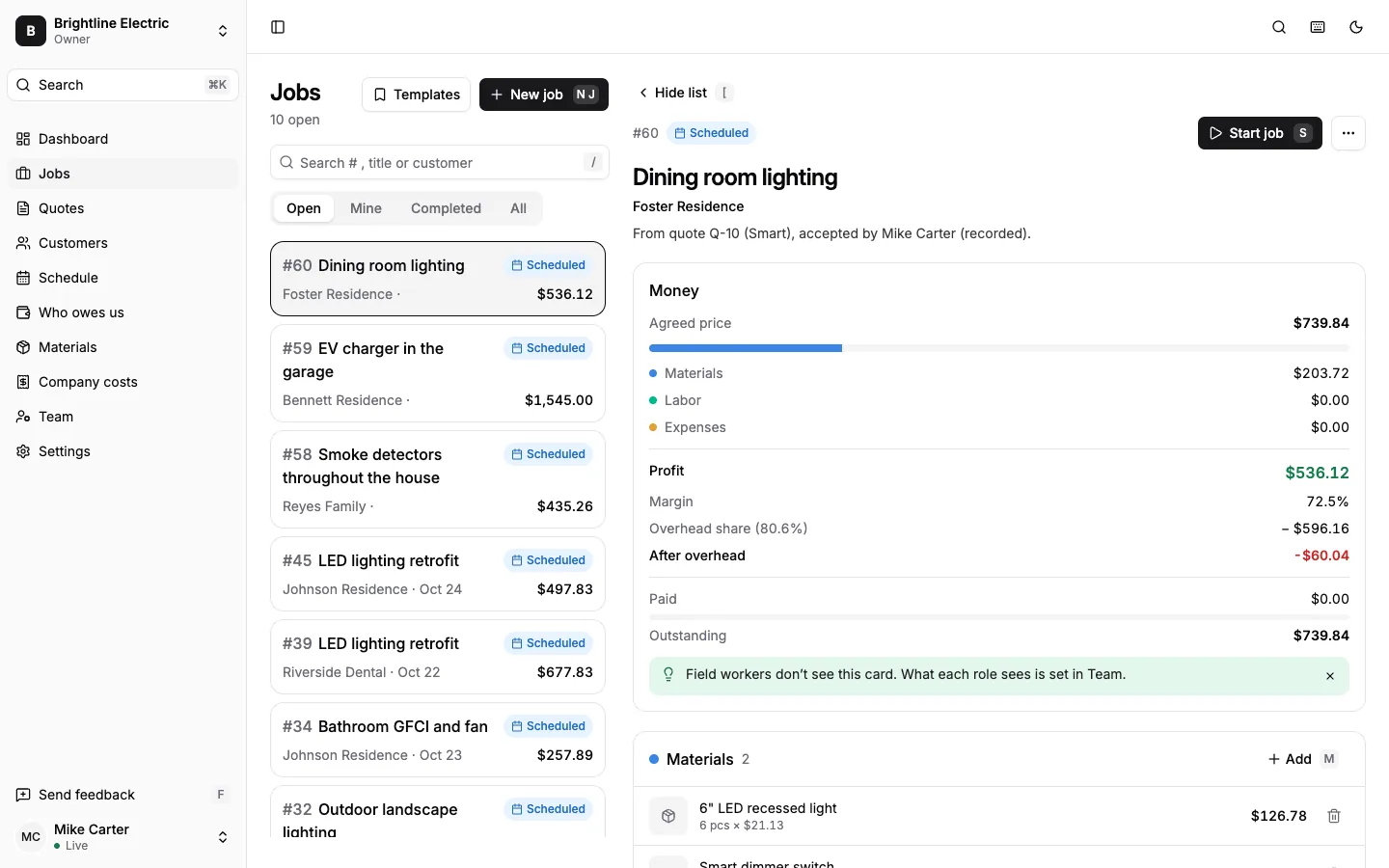
- Open the job. It has the quote’s title and customer, the agreed price, and the chosen materials. Give it a date
to put it on the schedule.
What carries over
Section titled “What carries over”- The agreed price: the chosen lines’ total, before tax.
- The materials: each chosen material line becomes one of the job’s materials, at your catalog cost when it was accepted, so the job’s profit starts from real costs.
- The taxed share, so the job’s invoices tax the same part as the quote did.
- The description says which quote it came from, the option, and who accepted it, followed by the quote’s notes.
Labor and other lines count in the agreed price, but don’t become lines on the job: the hours your crew logs on the job are its labor.
Good to know
Section titled “Good to know”- The job waits for a date. It starts as Scheduled, without a day, and waits under No date yet on the Schedule until you give it one.
- A deposit on the quote becomes the job’s first invoice. See A deposit on acceptance.
- Recorded yeses carry your name, followed by “(recorded)”.
- The job’s activity starts with “created from quote Q-…”.
- An accepted quote can’t be changed any more: it made a job.