

Overhead counted
- Who
- Owners
- Where
- Company costs (in the menu); Settings → True cost → Overhead share per job; a job → Money.
Your company costs (rent, the van, insurance, phones) don’t belong to one job, but every job has to pay for them. Each job shows its share of them and what’s left After overhead.
Why it’s there
Section titled “Why it’s there”A job can show a healthy profit and still lose you money once the shop rent and the van lease are paid. The overhead share shows whether a job really pays its way.
Who sees it
Section titled “Who sees it”- The Company costs page: owners, and people whose role lets them see and add company costs (Accountant).
- The overhead setting: owners.
- The overhead lines on a job: people who see both profit and company costs: owners and the Accountant role.
How to use it
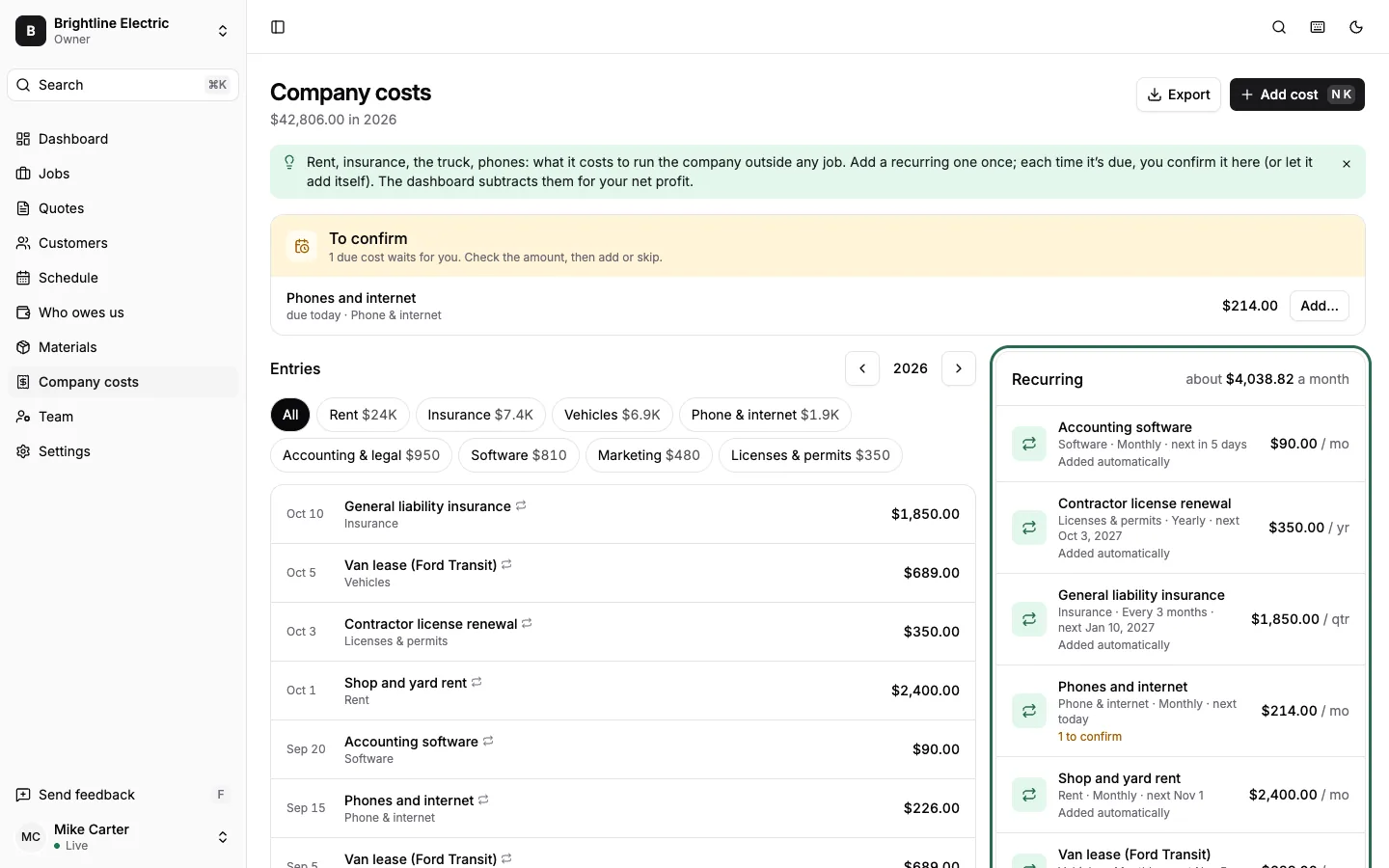
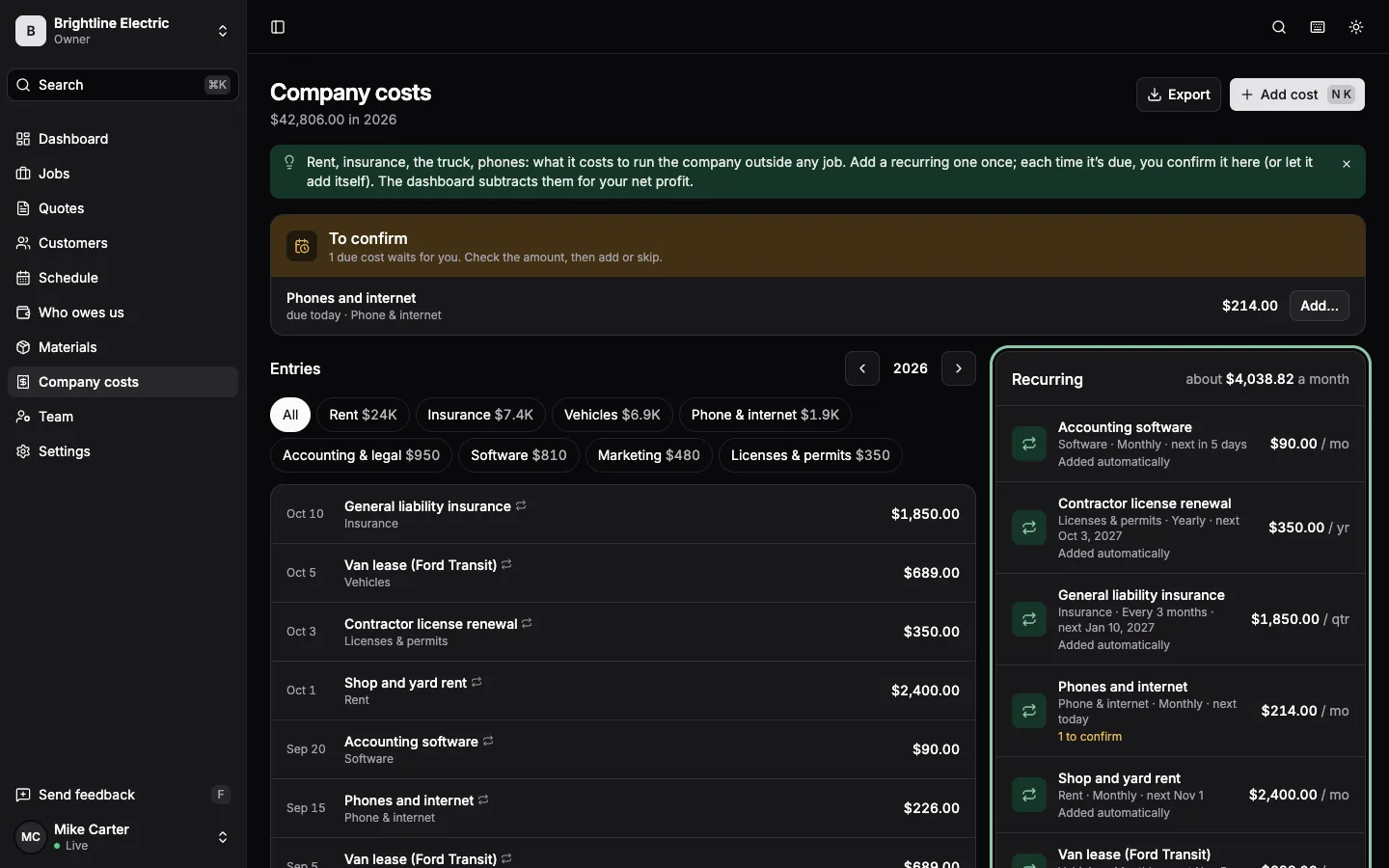
Section titled “How to use it”- Put your running costs in Company costs (in the menu): Add cost, then a name, an amount and how often it
repeats (Monthly, Quarterly, Yearly, or Once for a one-off). A recurring cost either adds itself
on each due date or waits under To confirm so you can check the amount.
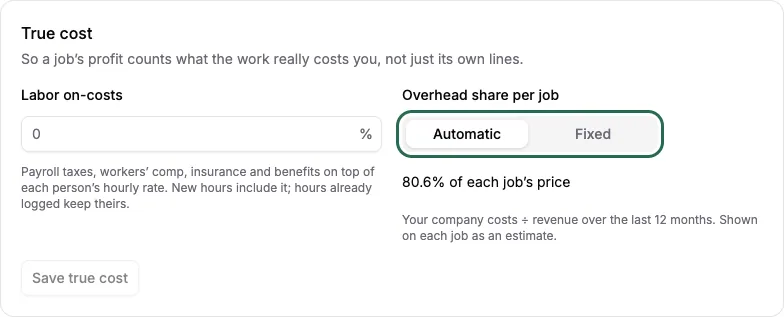
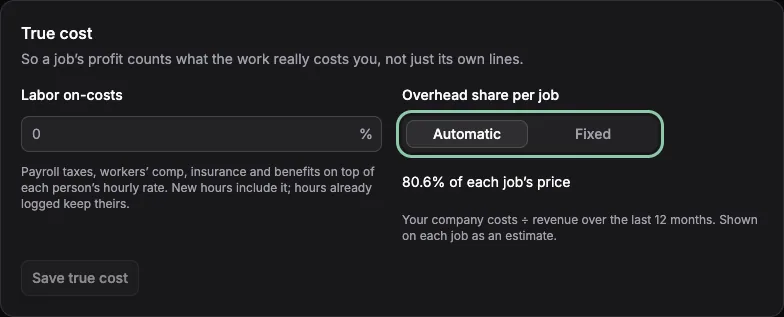
- Go to Settings → True cost. Under Overhead share per job, leave Automatic, or pick Fixed and type a
percentage of the price. Click Save true cost if you changed it.
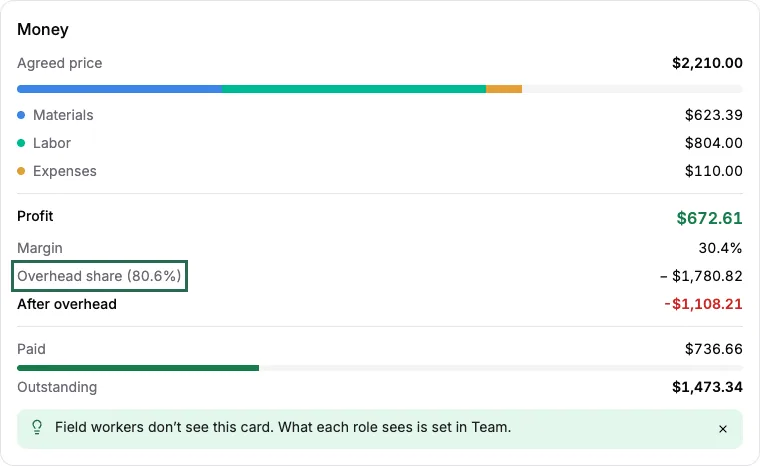
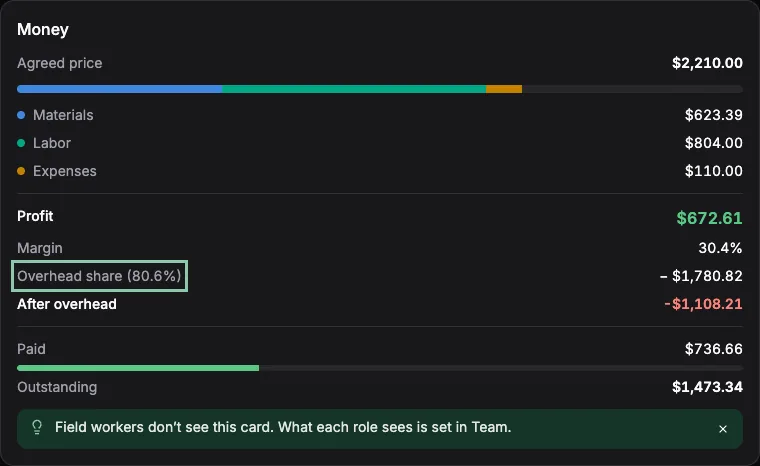
- Open a job. Under Profit and Margin, the Money card shows Overhead share (with its percentage) and
After overhead.
How it’s counted
Section titled “How it’s counted”- Automatic = your company costs ÷ your revenue, over the last 12 months. Company costs are the entries on the Company costs page in those months; revenue is the agreed prices of the jobs that count in those months (a completed job on the day it was completed, others on their scheduled day or the day they were made), cancelled jobs left out.
- Fixed = the percentage you type, the same on every job, whatever your company costs do.
- Overhead share = the job’s agreed price × that percentage, rounded to the cent.
- After overhead = profit − overhead share.
Say your company costs over the last 12 months come to $50,000 and your jobs brought in $250,000: the share is 20%. A job agreed at $2,210 then carries $442.00 of overhead, so a profit of $462.61 becomes $20.61 after overhead.
Good to know
Section titled “Good to know”- It’s an estimate, worked out each time it’s shown, so it moves as your company costs and revenue move. The automatic share is recalculated at most every 10 minutes.
- Until there are both company costs and revenue in the last 12 months, Automatic says Not enough data yet and jobs show no overhead lines.
- A recurring cost still waiting under To confirm doesn’t count yet.
- A fixed share can be between 0% and 200%.
- The dashboard doesn’t use the share: its Net profit is job profit minus the company costs of the period (your year on one screen).