

Profit on every job, live
- Who
- Owners
- Where
- A job → Money; Jobs → the Profit column.
Every job shows its profit: the agreed price minus everything put on the job so far. It changes the moment someone adds a material, logs hours or records an expense.
Why it’s there
Section titled “Why it’s there”Most small companies find out what a job earned at the end of the year, from the accountant. By then it’s too late to fix the price of the next one. Here you see it while the job is still running.
Who sees it
Section titled “Who sees it”Owners, and people whose role lets them see profit (Accountant). Others see only the parts their role allows: Office sees the costs but not the price or the profit, Estimator sees the price and the material costs. Field workers don’t see the Money card at all.
How to use it
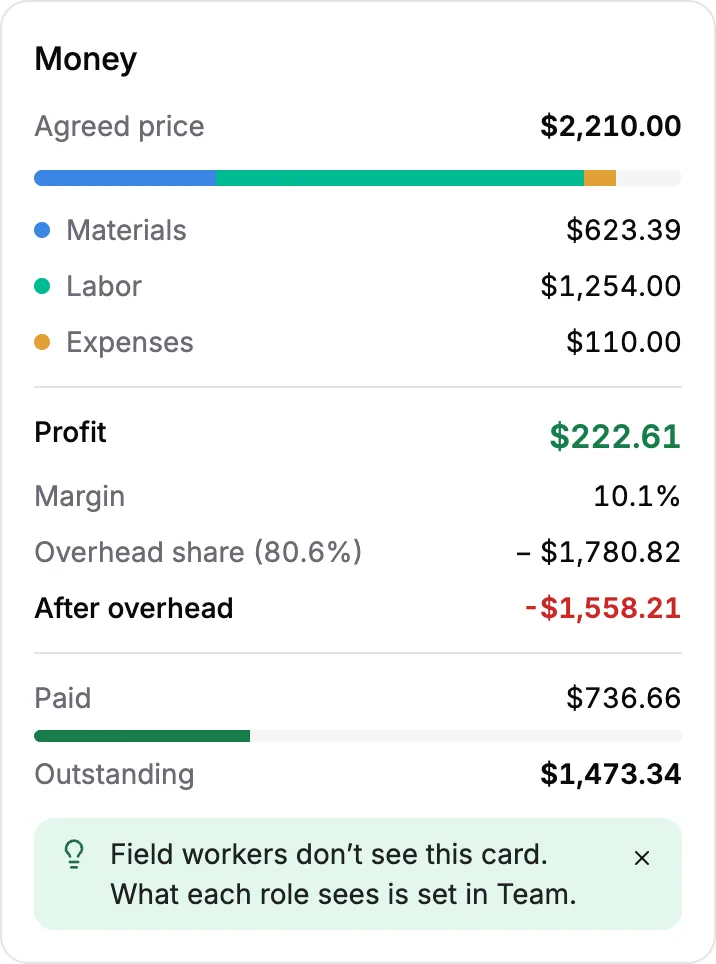
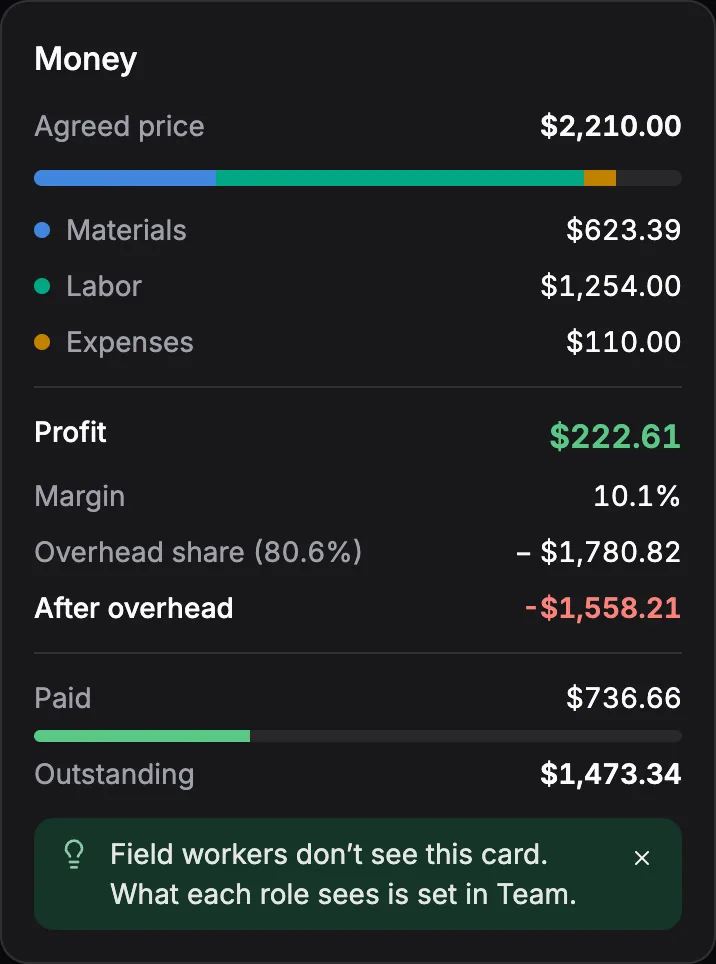
Section titled “How to use it”- Open a job. The Money card shows the Agreed price, then Materials, Labor and Expenses (with a bar
that splits the cost by kind), then Profit and Margin. On a phone it’s the first card; on a computer it sits
on the right.
- When someone adds a line on site, the numbers update on your screen without reloading, and the new line flashes.
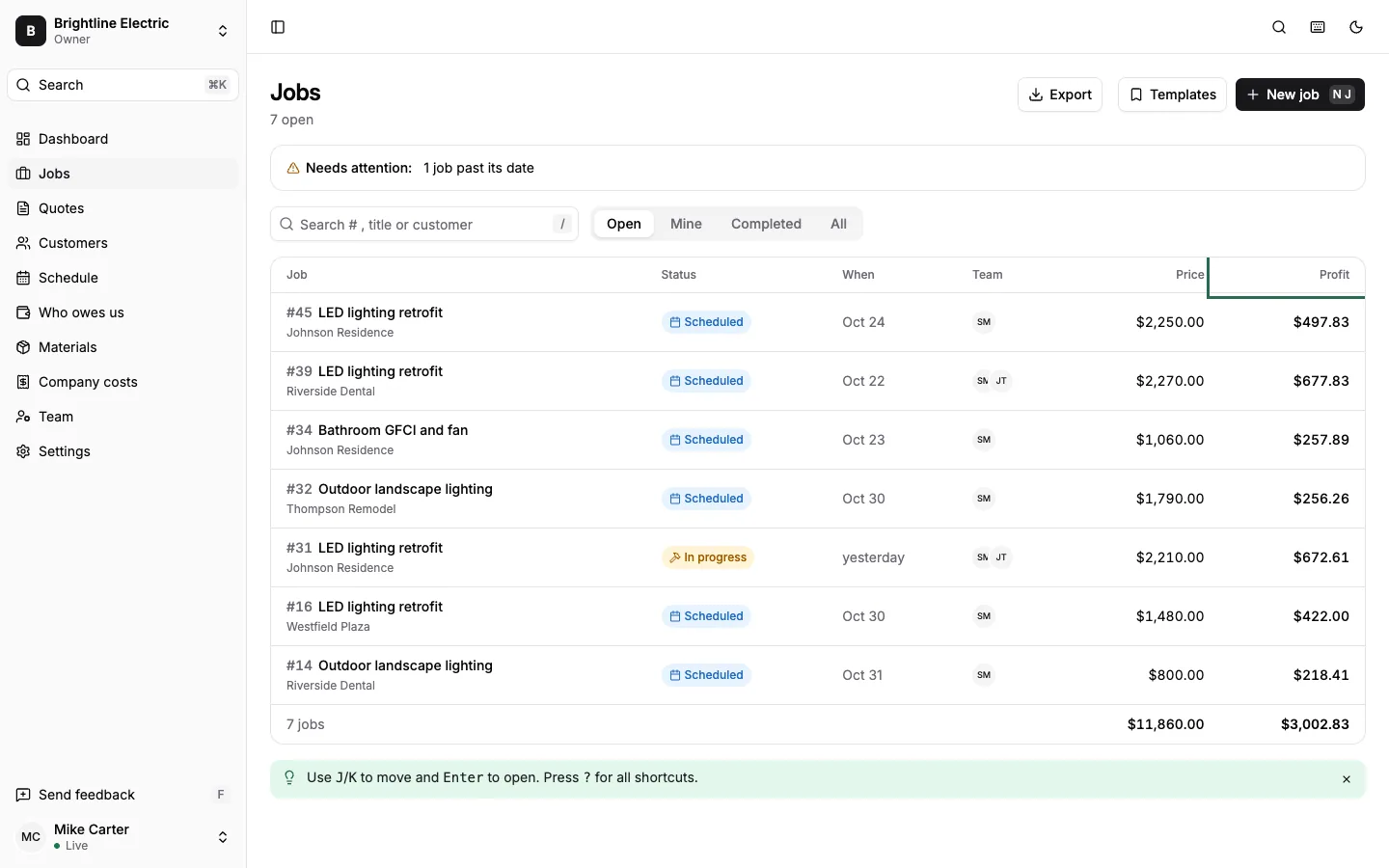
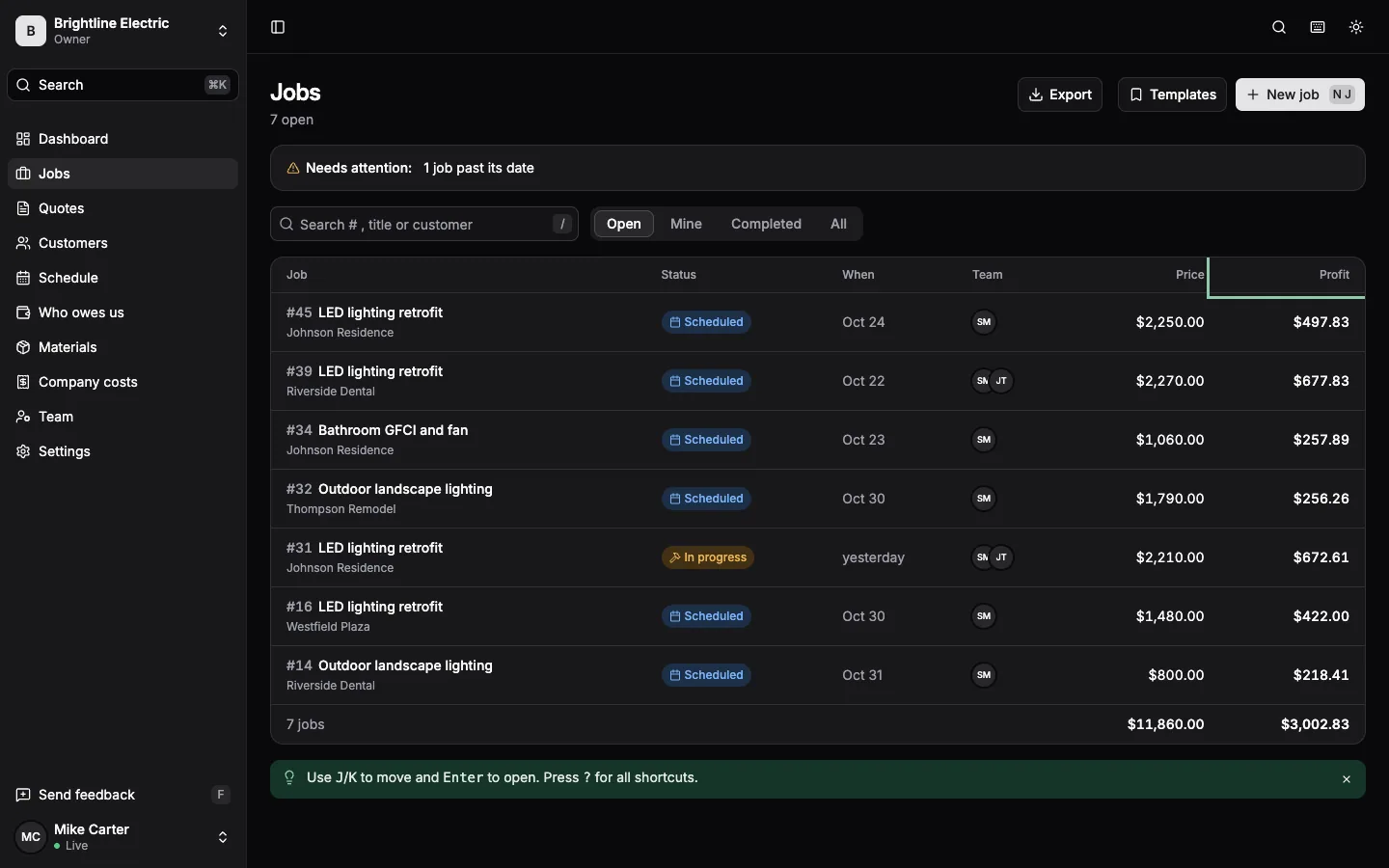
- On a computer, Jobs shows each job’s Price and Profit, with the totals of the list at the bottom. On a
phone, each job’s card shows its profit.
How it’s counted
Section titled “How it’s counted”- Profit = agreed price − (materials + labor + expenses).
- Margin = profit ÷ agreed price, rounded to one decimal. It’s left out while the job has no price.
- Materials are quantity × unit cost, labor is hours × hourly rate (or a fixed amount), each line rounded to the cent.
- The agreed price is before tax, so profit is too.
Say a job’s agreed price is $2,210 and its materials, labor and expenses add up to $1,747.39. The profit is $462.61 and the margin is $462.61 ÷ $2,210 = 20.9%.
Good to know
Section titled “Good to know”- The profit is red when the costs are higher than the price.
- Labor counts at the rate saved on each entry. To count payroll taxes and insurance too, set labor on-costs.
- Rent, vans and phones aren’t on any job. To see a job’s share of them, see overhead.
- A completed job is locked: its materials, labor and expenses can’t change, so its profit stays put. Reopen it to change them.