

A deposit on acceptance
- Who
- Owners, Your customers
- Where
- A quote → Deposit when they accept. The usual percent in Settings → Invoices.
Ask for part of the price up front. The customer sees the deposit before they accept, and accepting makes the deposit invoice for you.
Why it’s there
Section titled “Why it’s there”A deposit pays for materials and keeps a customer from walking away after you’ve ordered them. Asking for it in the quote, and invoicing it the moment they say yes, means there’s nothing awkward to send later.
Who sees it
Section titled “Who sees it”People who make quotes (owners, Estimator) set the deposit. The deposit invoice is an ordinary invoice: everyone who sees invoices sees it. Your customer sees the deposit on the quote and gets the invoice.
How to use it
Section titled “How to use it”- Once, if you like: in Settings → Invoices, set Deposit on accepted quotes (%). New quotes start with it; you can change it on each quote. You also need your Country set there, or no deposit invoice can be made.
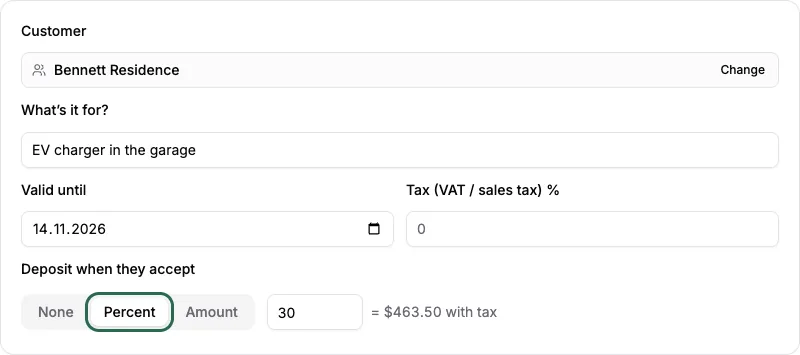
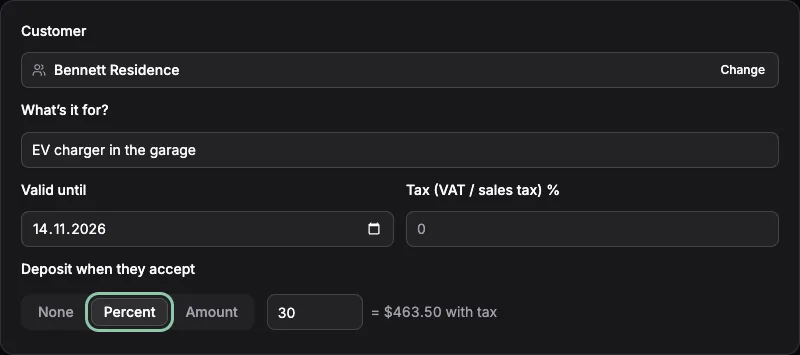
- On the quote, under Deposit when they accept, choose Percent and type the share (30 for 30%), or
Amount and type the sum. It shows what that is with tax. Click Save, then Send.
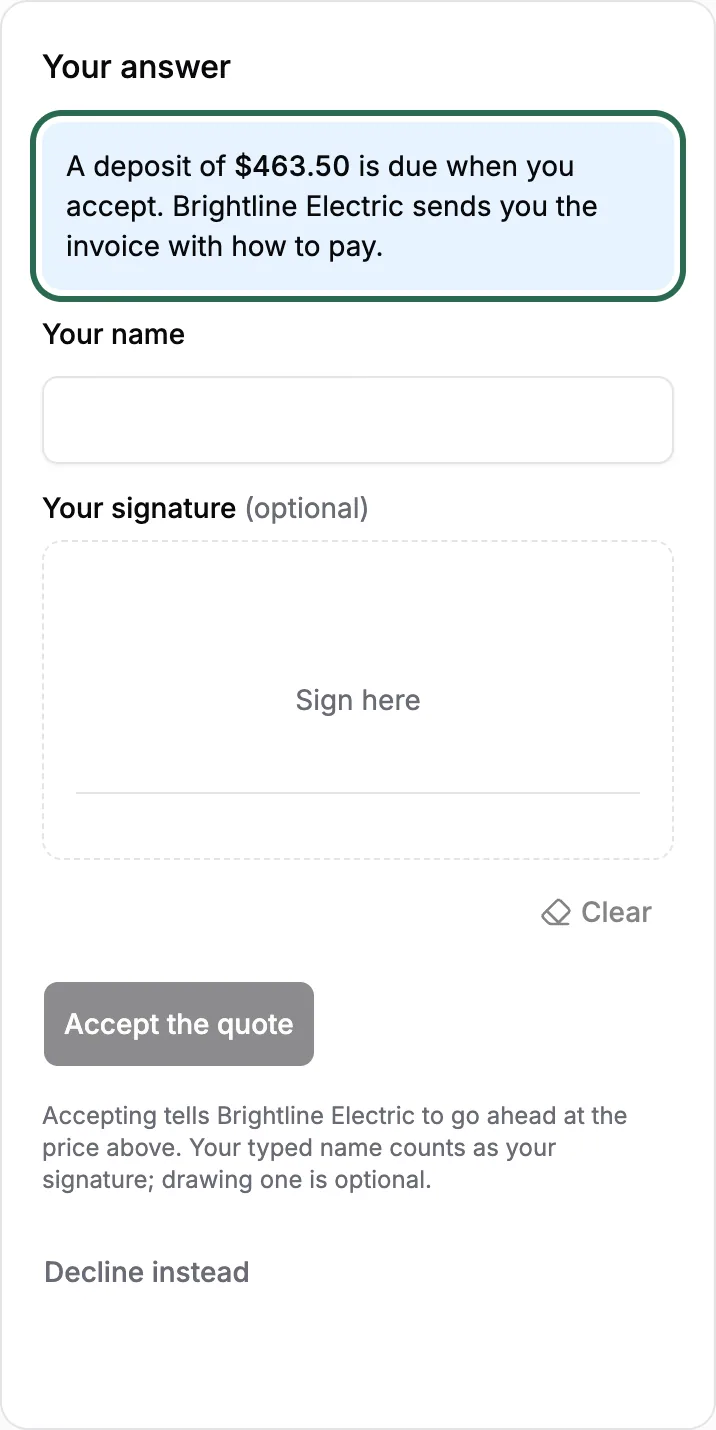
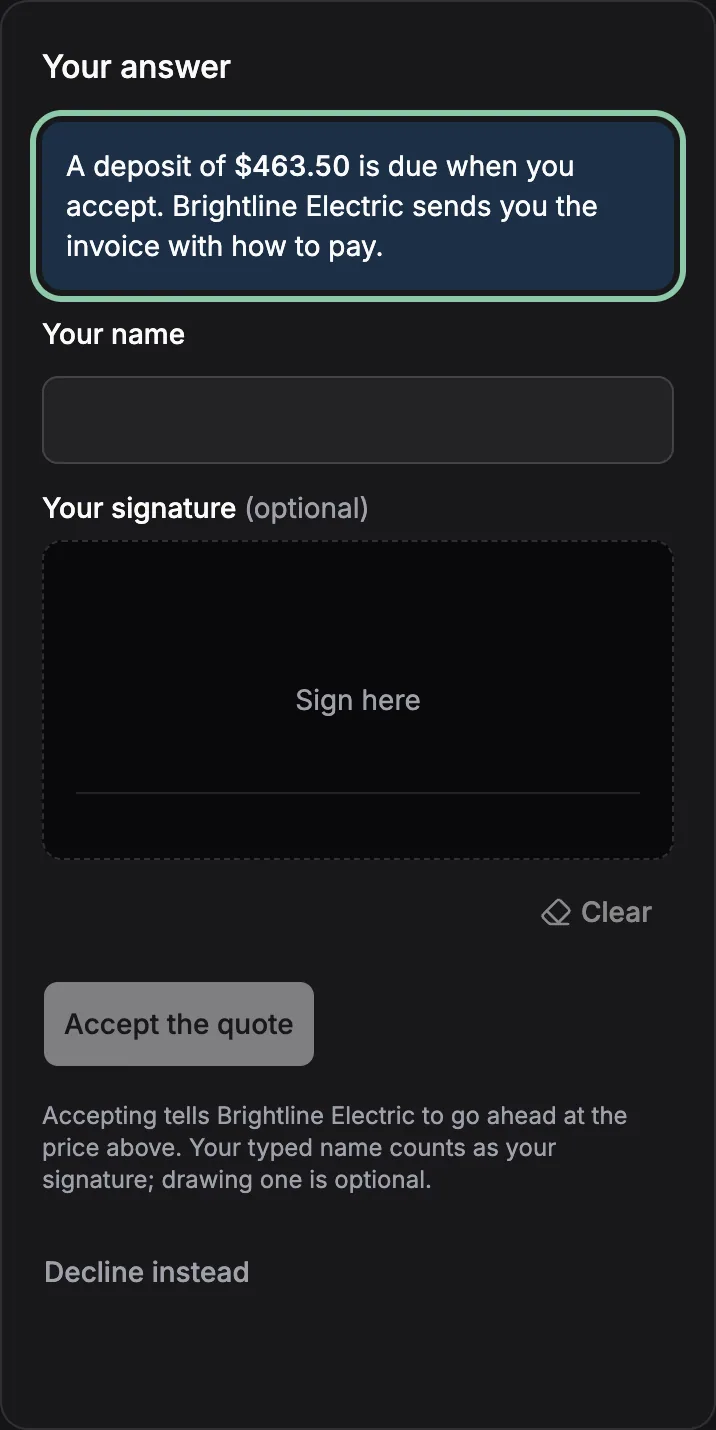
- The customer sees that a deposit is due when they accept, and how much.
- They accept, and the page shows the deposit invoice with View the invoice.
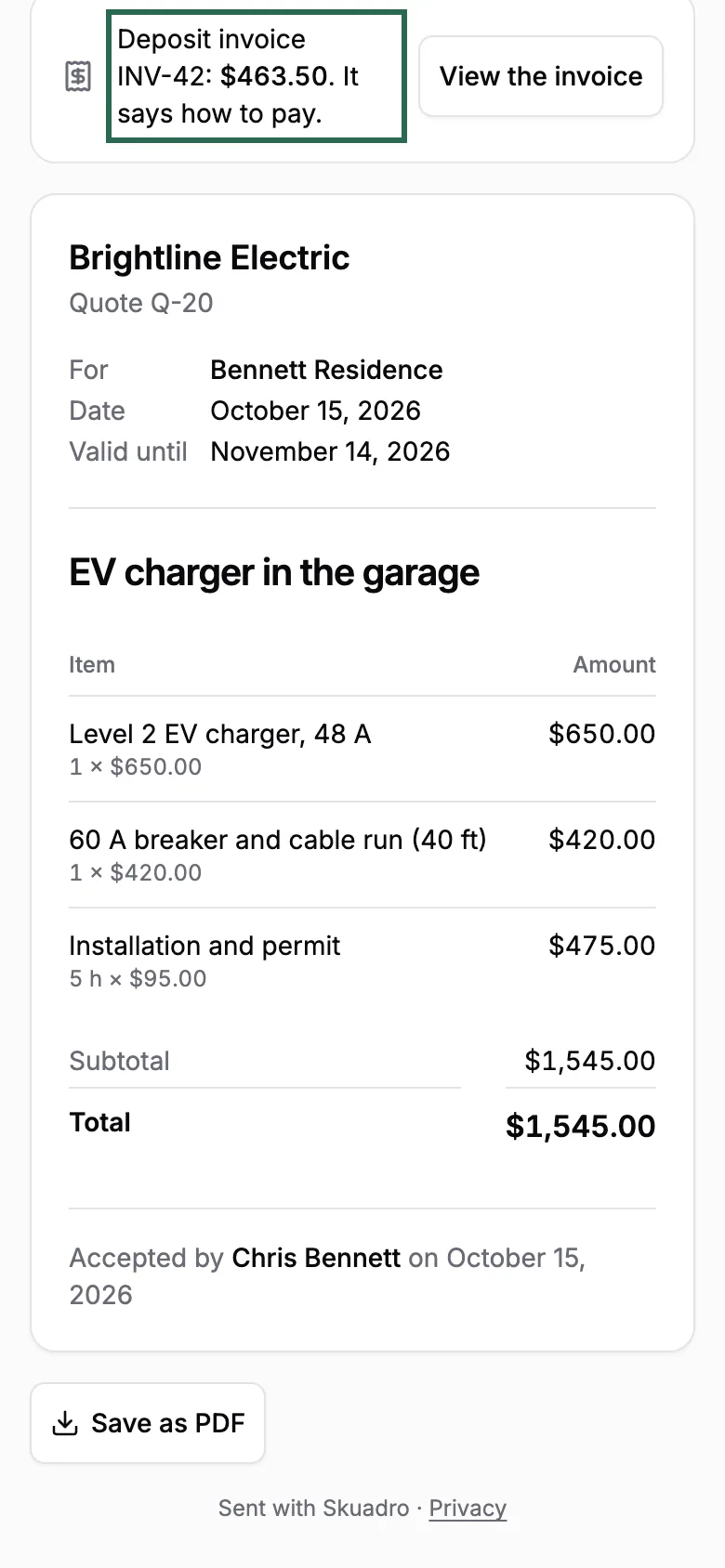
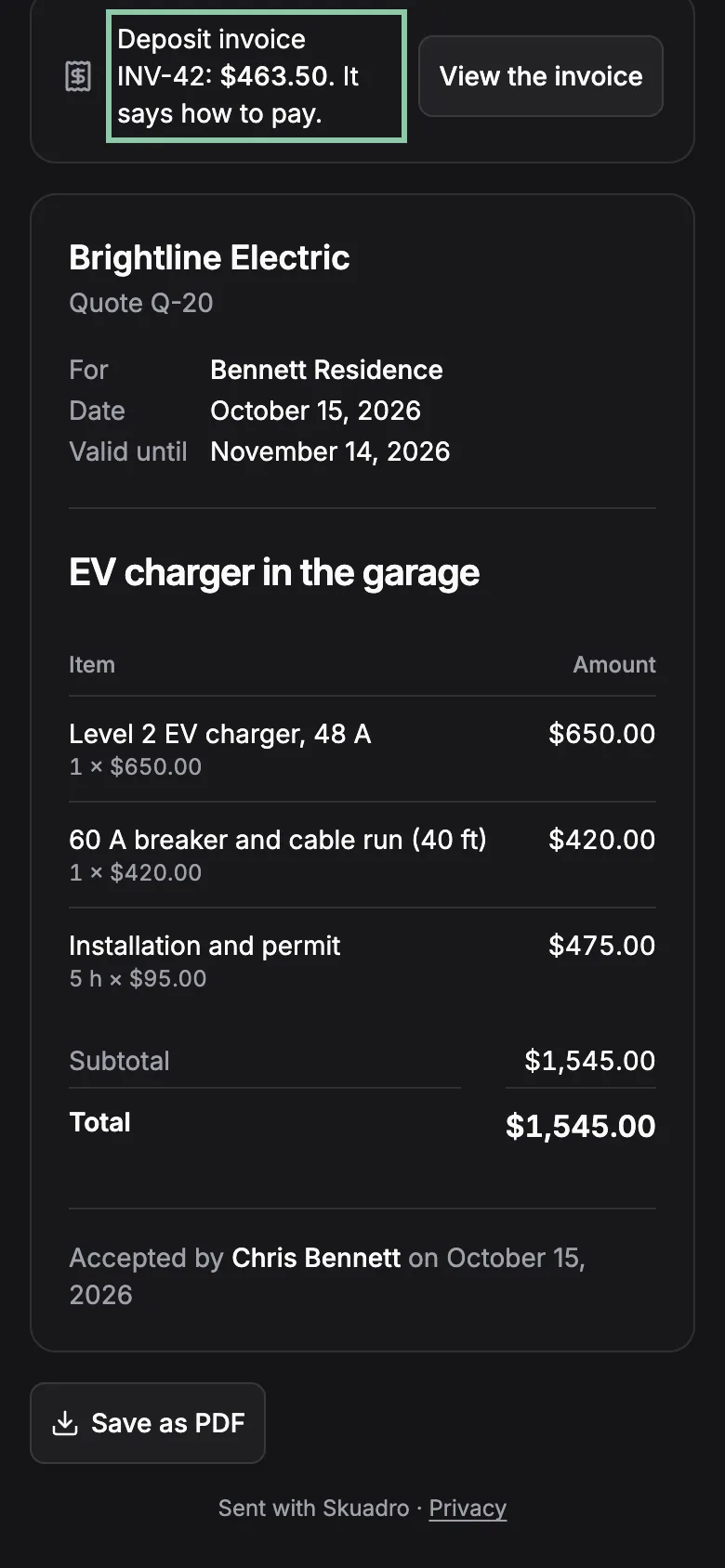
- The invoice says what it’s for and how to pay, and is due on receipt.
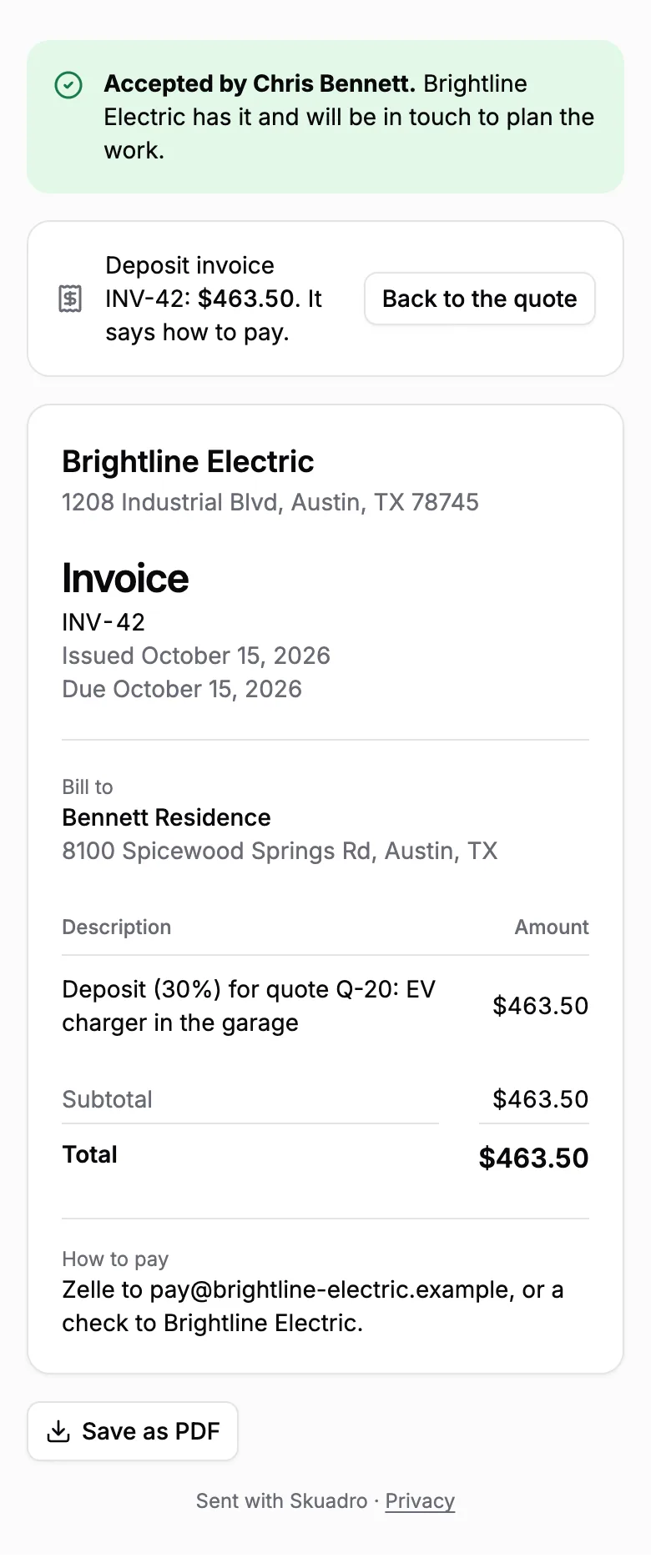
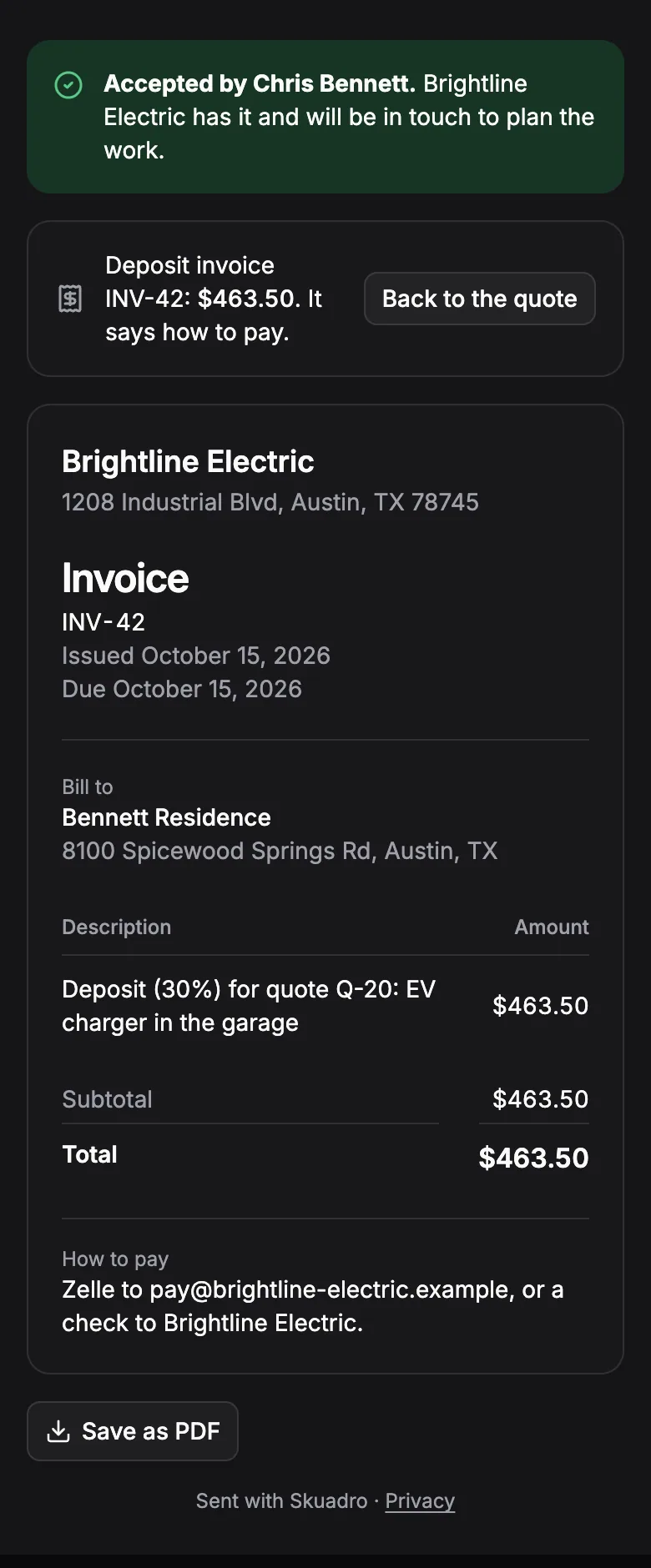
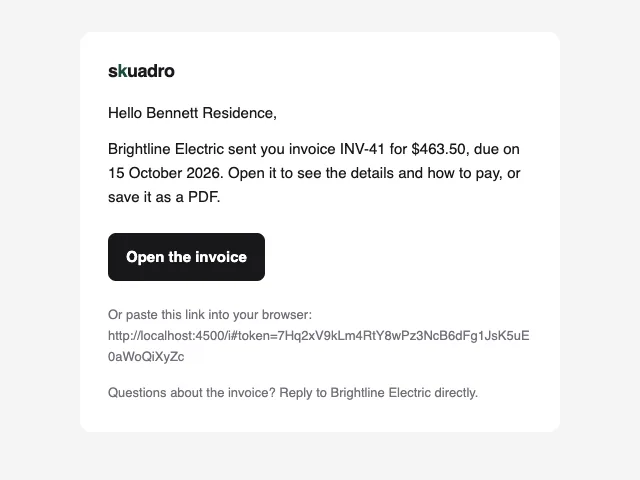
When they accepted on the link and have an email address, the deposit invoice is emailed to them too:
Good to know
Section titled “Good to know”- It’s the job’s first invoice. When you invoice the job later, Invoice this job bills the rest of the price. See Invoice in stages.
- On the price they chose. With options or extras, the deposit is worked out on what the customer picked, before tax; tax is added on the taxed share, as on the quote.
- A fixed amount is never more than the price.
- A yes in person (They said yes: make the job) makes the deposit invoice too, but doesn’t email it: send it from the invoice.
- No country set? The quote is still accepted and the job made, but without the deposit invoice; the job’s activity says so. Set your country in Settings → Invoices, then invoice the deposit from the job.
- The quote in the app links to its Deposit invoice once it’s made.