

On my way in one tap
- Who
- Owners, Office, Field workers
- Where
- A job → Customer → On my way.
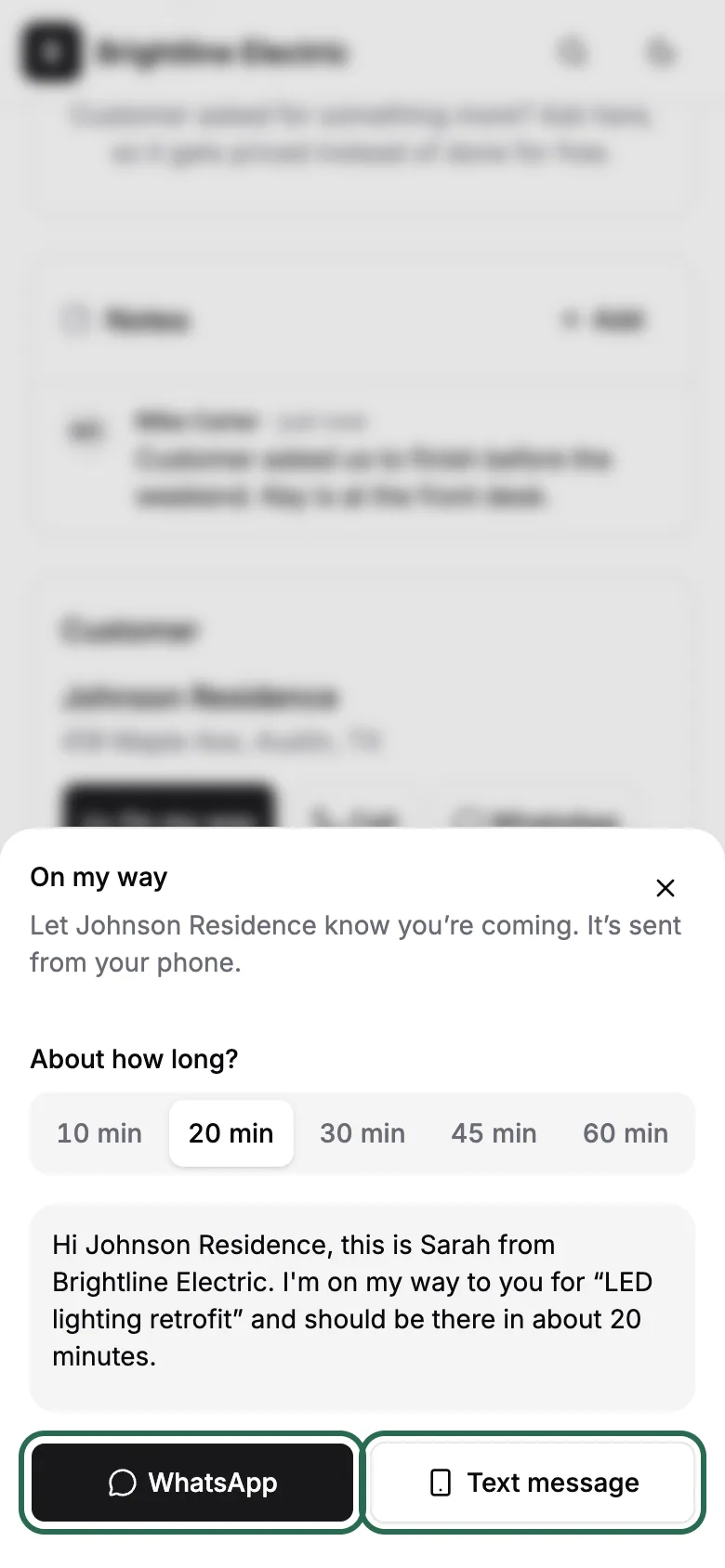
Before you set off, tap On my way on the job. Pick about how long you’ll be, and WhatsApp or your messages app opens with the message already written.
Why it’s there
Section titled “Why it’s there”Customers like to know when you’ll turn up, but typing a message in the van takes time. One tap writes it for you, and the job notes that the customer was told.
Who sees it
Section titled “Who sees it”Everyone who can see the job, while it isn’t completed or cancelled. Field workers see the jobs they’re on.
How to use it
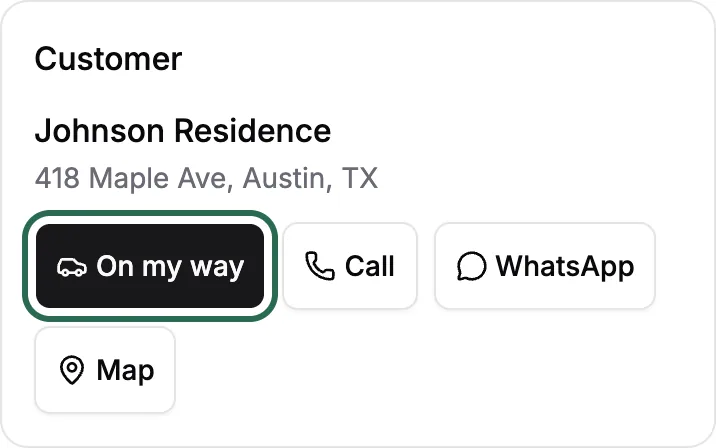
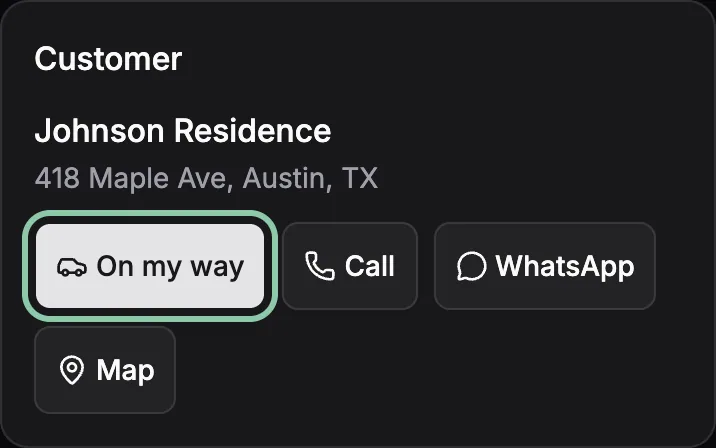
Section titled “How to use it”- Open the job. In Customer, tap On my way.
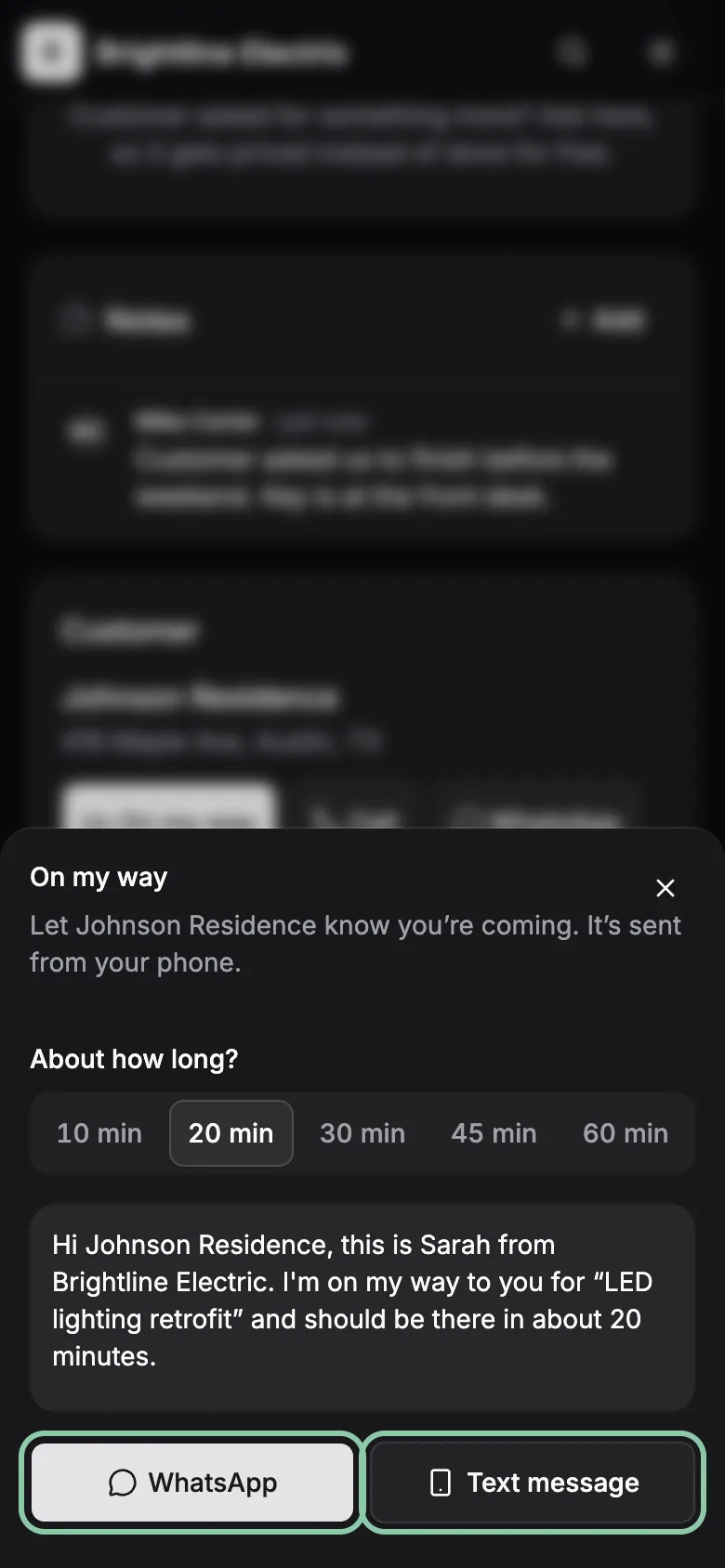
- Under About how long?, pick 10, 20, 30, 45 or 60 minutes (20 to start with). The message below updates: “Hi Johnson Residence, this is Sarah from Brightline Electric. I’m on my way to you for “LED lighting retrofit” and should be there in about 20 minutes.”
- Tap WhatsApp or Text message. The app opens with the message and the customer’s number; you press send
there.
Good to know
Section titled “Good to know”- The message goes from your own phone and number. Skuadro doesn’t send texts and doesn’t charge for them.
- When you tap WhatsApp or Text message, the job’s history notes that you told the customer you were on the way, and in how long.
- The message is in the language of your quotes and invoices, and uses your first name and the customer’s name as they are in Skuadro.
- The customer needs a phone number. Without one, the sheet says so: add it on the customer’s page.
- The customer card also has Call, WhatsApp, Map and Email for the customer’s number, address and email.