

Two-step sign-in
- Who
- Owners, Office, Field workers
- Where
- Settings → Two-step sign-in.
After your password, Skuadro asks for a 6-digit code from an authenticator app on your phone. Someone who has your password alone can’t get in.
Why it’s there
Section titled “Why it’s there”Passwords leak: reused on another site, written on a note in the van, typed on a shared computer. An owner’s account sees every price and can change what everyone sees, so it’s worth a second lock.
Who sees it
Section titled “Who sees it”Everyone, for their own account. It’s recommended for owners. You need an authenticator app on your phone, such as Google Authenticator, Microsoft Authenticator, 1Password or Authy.
How to use it
Section titled “How to use it”- Confirm your email first. Go to Settings → Two-step sign-in and click Email me a link. You only do this
once.
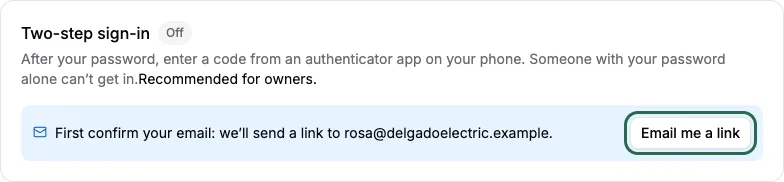
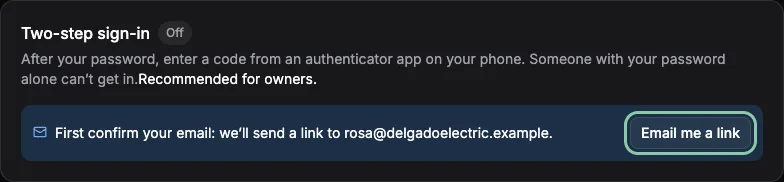
- Open the link in the email in the browser where you’re signed in to Skuadro. It says “Your email is confirmed”. Click Back to settings.
- Click Set up two-step sign-in. Scan the QR code with your authenticator app (can’t scan? type the key shown next to it),
then type the 6-digit code the app shows and click Turn on.
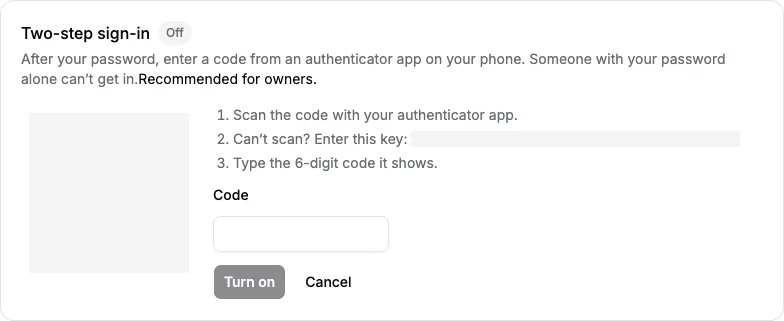
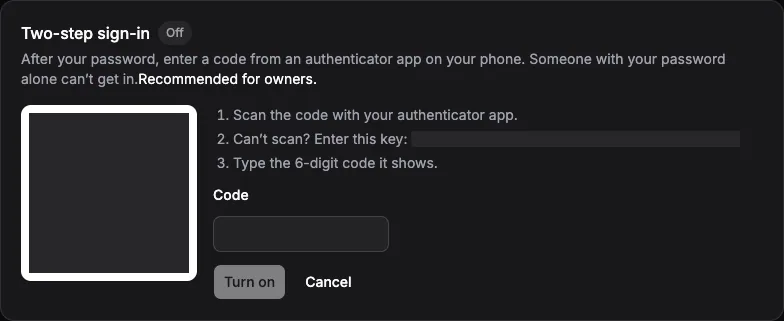
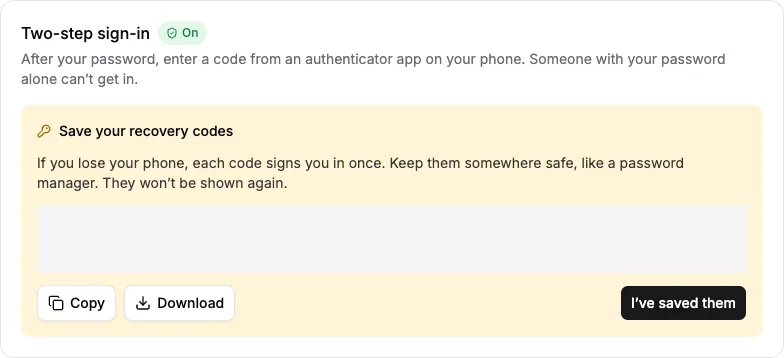
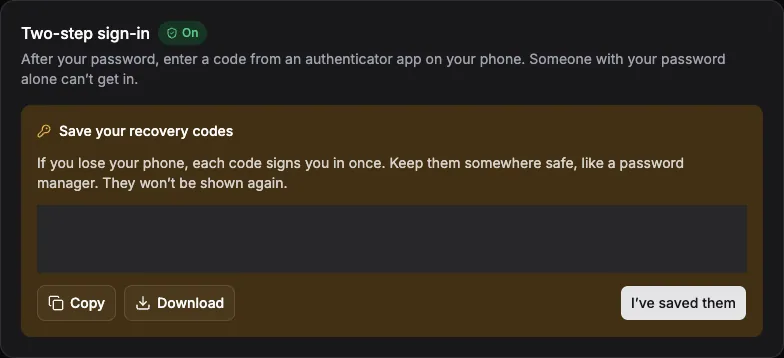
- Save your recovery codes. You get 10; each signs you in once if you lose your phone. Copy or Download
them, keep them somewhere safe (a password manager is ideal), then click I’ve saved them. They aren’t shown again.
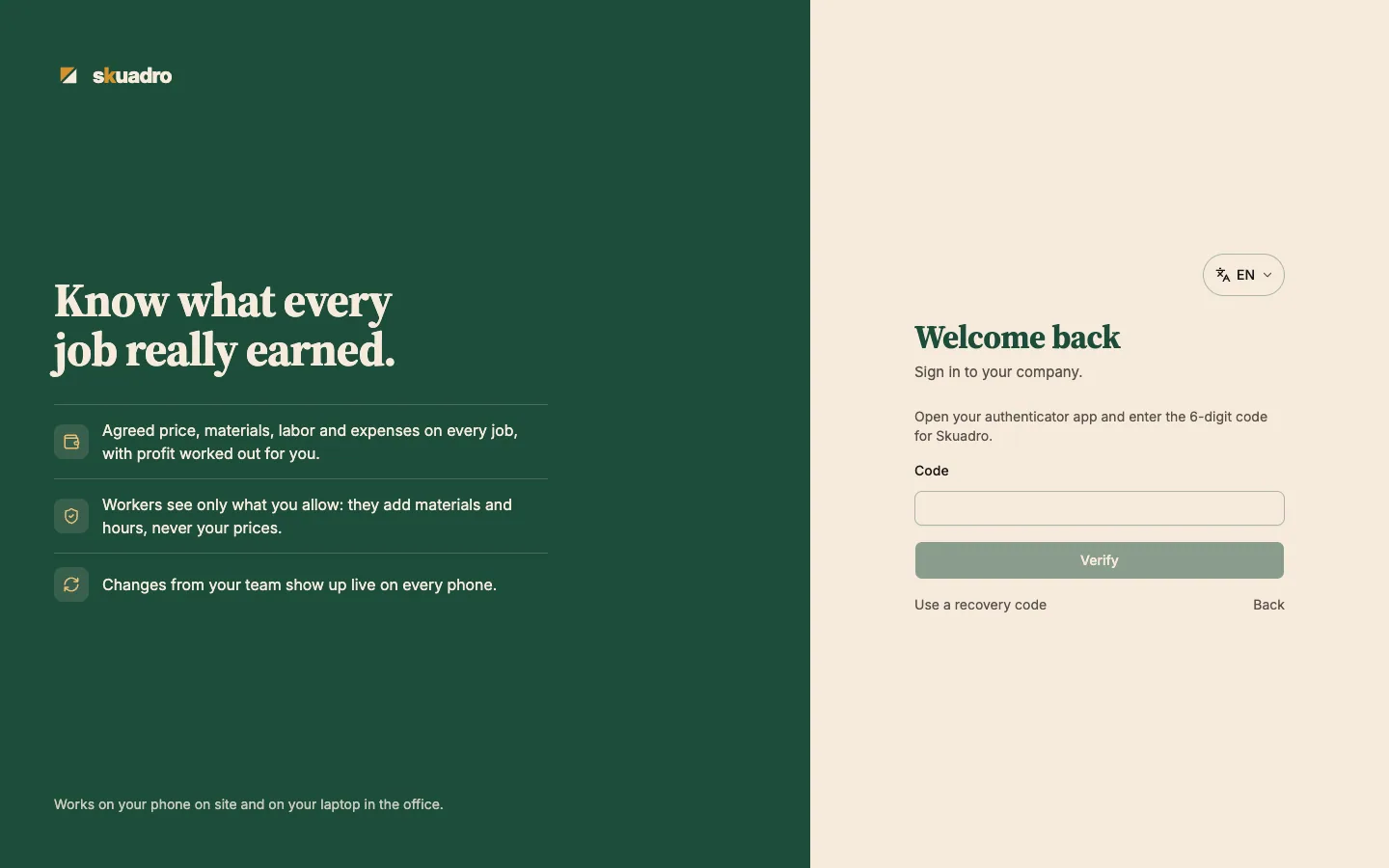
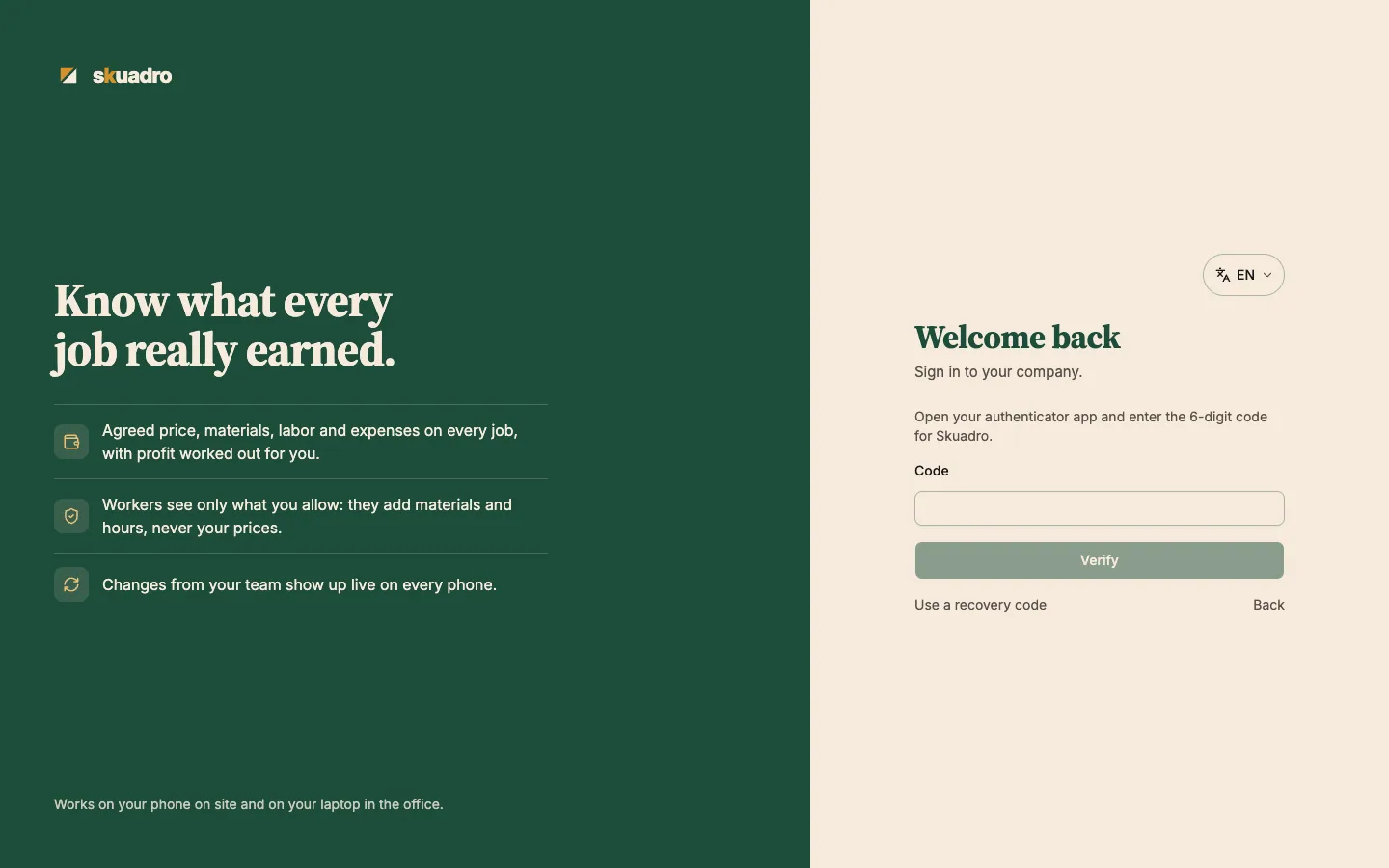
- From now on, after your email and password, Skuadro asks for the code. Open the app and type it; six digits sign
you in by themselves. No phone? Click Use a recovery code.
Good to know
Section titled “Good to know”- Turning it on signs out your other devices. They sign in again with a code.
- Sign in with Google asks for the code too when two-step sign-in is on.
- Codes change every 30 seconds. If one doesn’t work, check that the time on your phone is set automatically.
- After 5 wrong tries, the account waits 15 minutes before it can try again.
- Settings shows how many recovery codes are left. New recovery codes replaces all of them.
- Lost your phone and your codes? Write to support: they can turn two-step sign-in off for your account, and you get an email when they do. Then set it up again on the new phone.
- To turn it off: Turn off, type your password, Turn off. Your other devices are signed out.
- The email link works for 3 hours.