

A page per customer
- Who
- Owners, Office
- Where
- Customers → a customer.
Each customer has a page: how to reach them, what they’ve brought in, and every quote, change order and invoice in one list, each with what to do next.
Why it’s there
Section titled “Why it’s there”When a customer calls, you want the whole story in front of you: what they owe, what they haven’t answered, what’s waiting on you. Not five screens.
Who sees it
Section titled “Who sees it”Everyone whose role lets them see customers. The money on it follows each person’s role:
- Revenue: people who see prices. Profit: people who see profit (owners, Accountant). Still owed: people who see payments.
- Quotes and invoices: people who see prices. Paid, unpaid and overdue need payments too; without them an invoice shows as Issued.
- Change orders: everyone who sees the job, with amounts only for people who see prices.
How to use it
Section titled “How to use it”- Open Customers and pick one. At the top: call, WhatsApp, email and map buttons, and Statement link (people
who see payments). Then the tiles: Jobs (and how many are open), Revenue, Profit and Still owed.
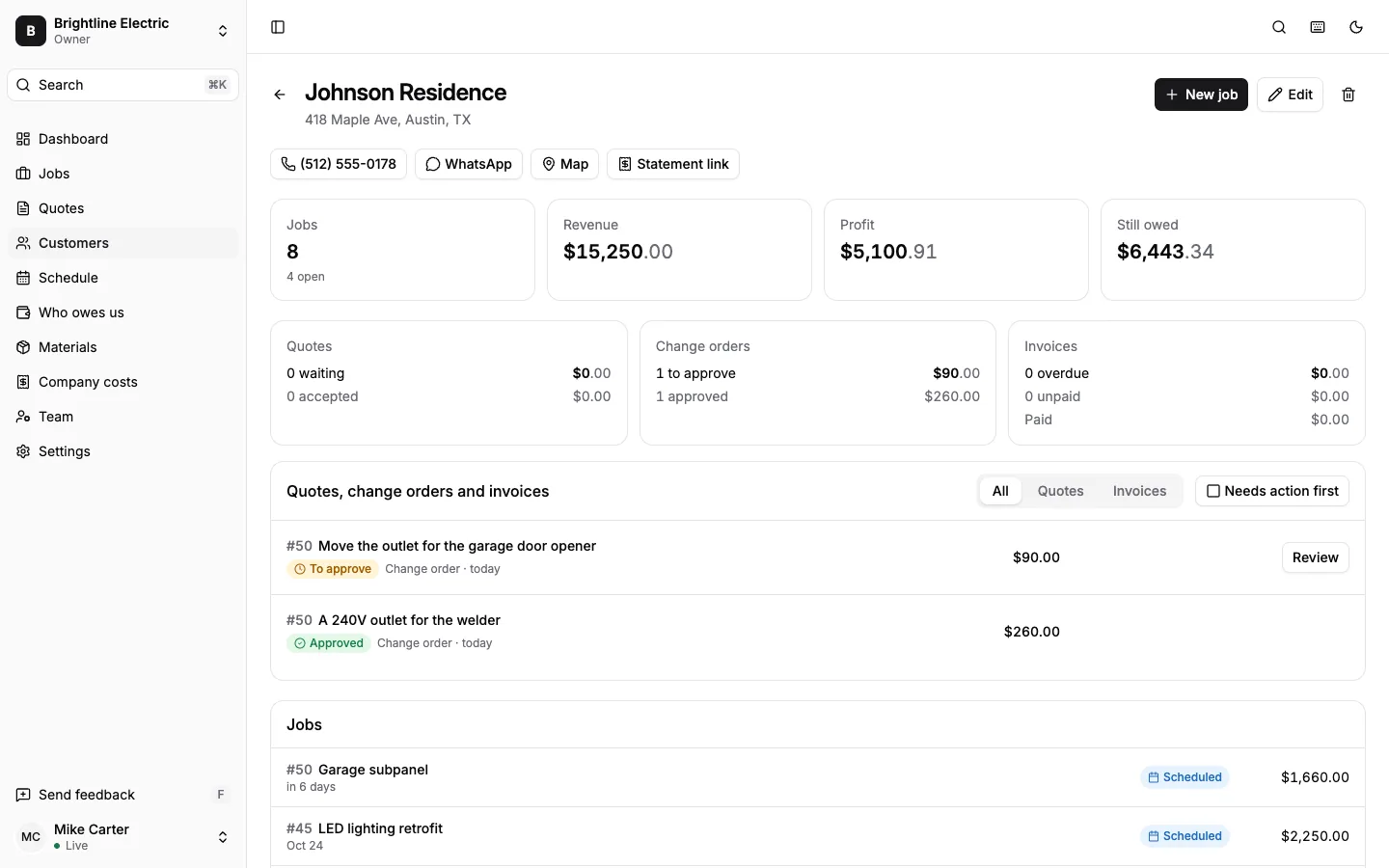
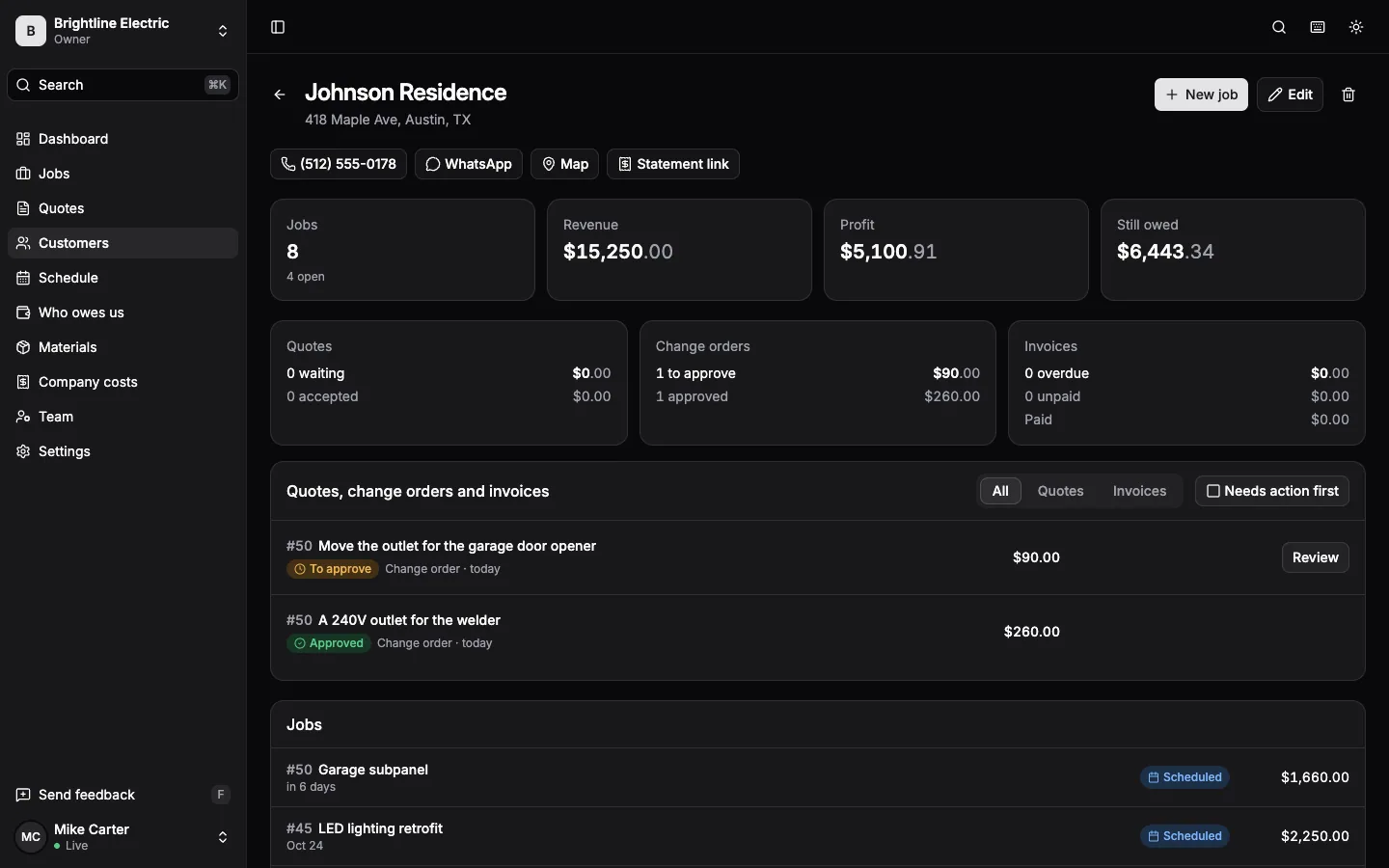
- Three boxes sum up the paperwork: Quotes (waiting, accepted), Change orders (to approve, approved) and Invoices (overdue, unpaid, paid).
- Quotes, change orders and invoices lists every one, newest first: its state, how long it has waited, whether the
customer has opened it, its amount, and the next step in the row:
- Send a draft quote, or an invoice not sent yet.
- Send reminder for a sent invoice that isn’t paid.
- Record payment on an unpaid invoice.
- Review a change order waiting for a decision (on its job).
- Open a quote waiting for an answer.
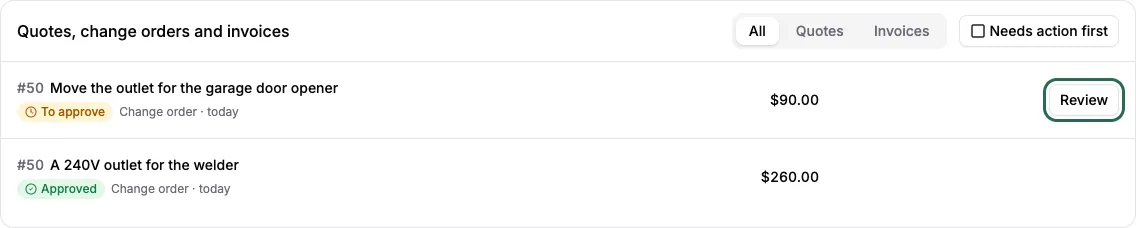
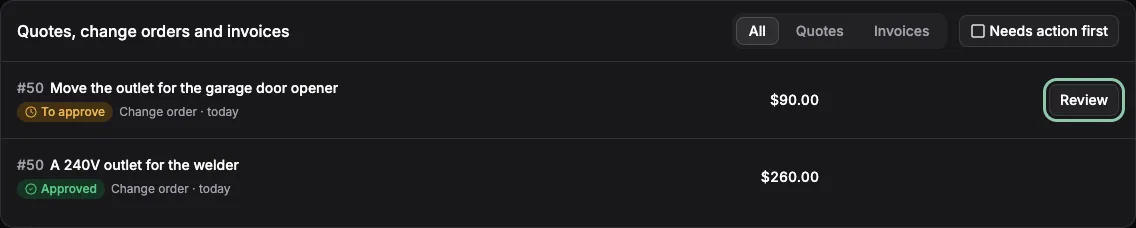
- All, Quotes or Invoices narrows the list. Needs action first puts on top what waits on you: overdue invoices, change orders to decide, drafts and unsent invoices, and quotes unanswered for over a week.
- Below, Jobs lists all their jobs, newest first, with status and price.
How it’s counted
Section titled “How it’s counted”- The tiles count all their jobs except cancelled ones. Revenue is the agreed prices; Profit is revenue minus the jobs’ materials, labor and expenses; Still owed is the agreed prices minus payments, open jobs included.
- The Invoices box: overdue and unpaid are what’s still due on them; paid is what’s been paid on them.
Good to know
Section titled “Good to know”- Send, Send reminder and Review show to people who set prices (owners, Estimator); Record payment to people who record payments (owners, Accountant).
- Send and Send reminder email the customer if they have an email address; otherwise the link is copied for you to send.
- The page shows the first 25 jobs; Show all opens the rest.
- Statement link gives the customer one page with everything they owe (how).