

Lines the customer doesn't see
- Who
- Owners, Your customers
- Where
- A quote → Hidden on a line.
Mark a line Hidden and it still counts in the price, but the customer doesn’t see it as a line on the quote.
Why it’s there
Section titled “Why it’s there”Some costs are real but look petty on a quote: wire nuts and tape, a disposal fee, fuel. Pricing them in keeps your margin honest; hiding them keeps the quote clean and avoids haggling over $12 items.
Who sees it
Section titled “Who sees it”People who make quotes (owners, Estimator) see every line and choose which are hidden. The customer never sees a hidden line, not even in the page’s data.
How to use it
Section titled “How to use it”- Open the quote. Under the line, click Hidden. The line shows a crossed-out eye in front of its kind, and still
counts in the totals. Click Save.
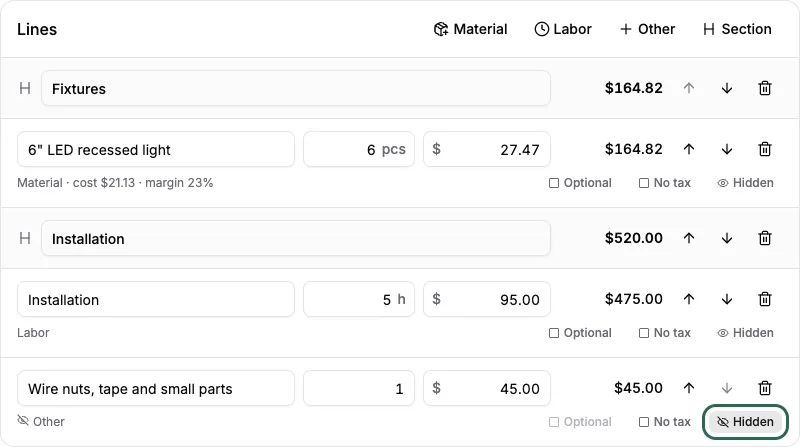
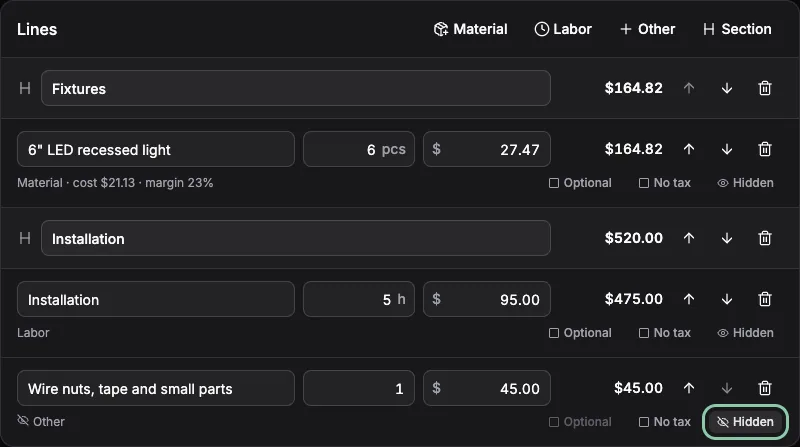
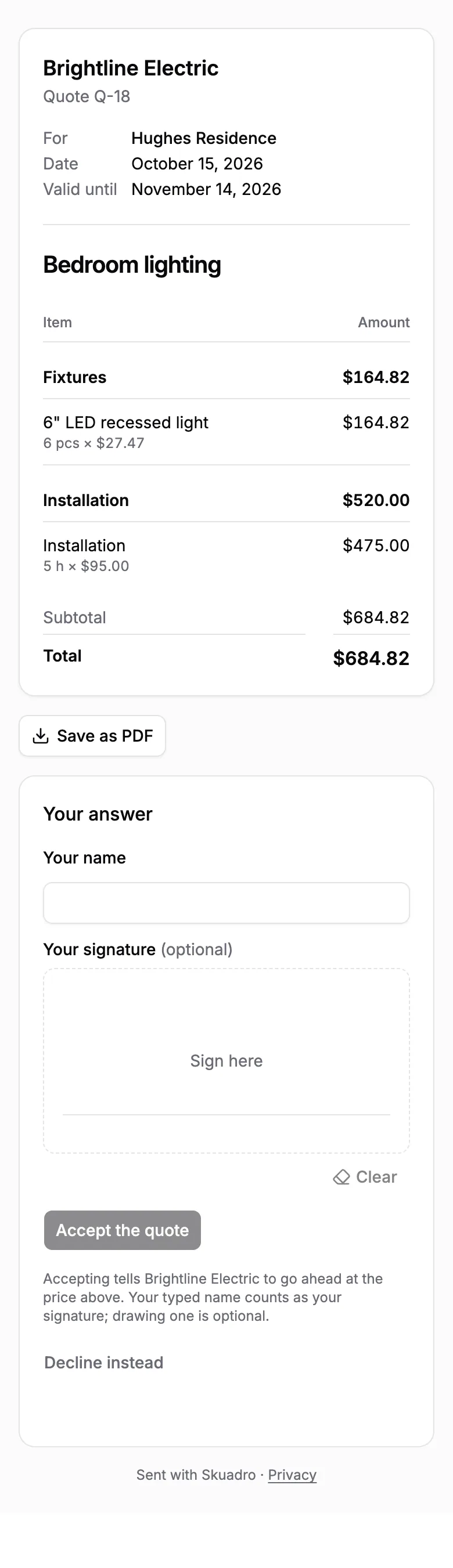
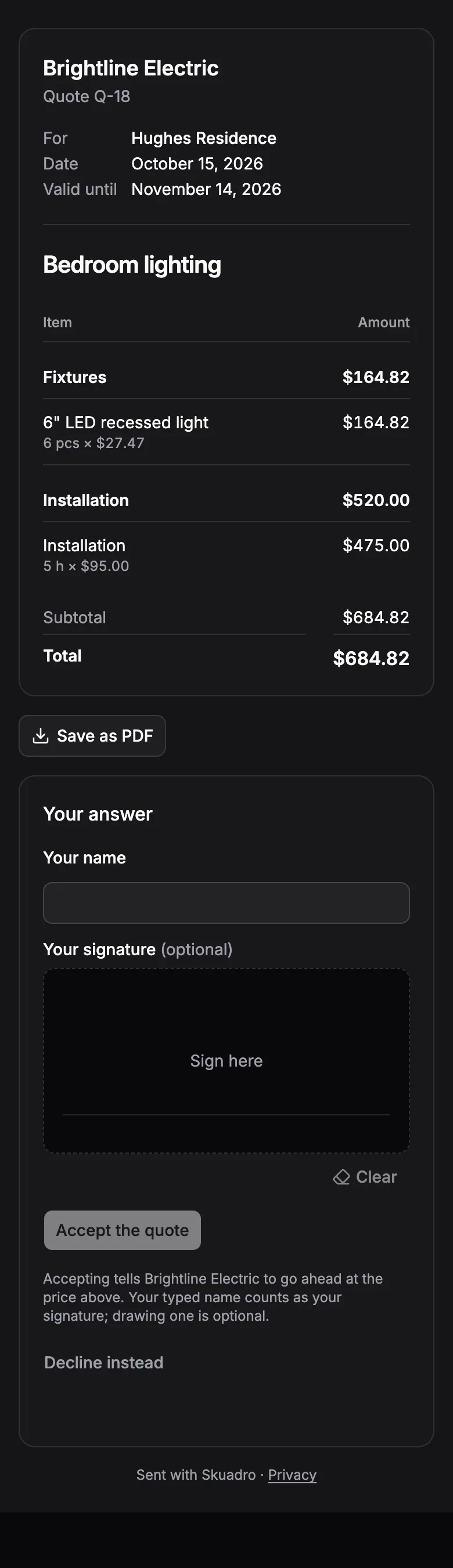
- The customer sees the other lines. The hidden line’s amount is in its section’s total and in the quote’s total.
Good to know
Section titled “Good to know”- Put hidden lines under a section. The section’s total includes them, so what the customer reads adds up. Without sections, the lines shown add up to less than the subtotal.
- Tax still applies to a hidden line unless you also click No tax.
- A hidden line can’t be optional: the customer can’t tick what they can’t see.
- Preview and Save as PDF leave it out too, as the customer would see them.
- When the quote is accepted, a hidden material line still becomes one of the job’s materials, like any other.