

Accepted with a signature
- Who
- Owners, Your customers
- Where
- The quote link your customer opens; the quote in Quotes.
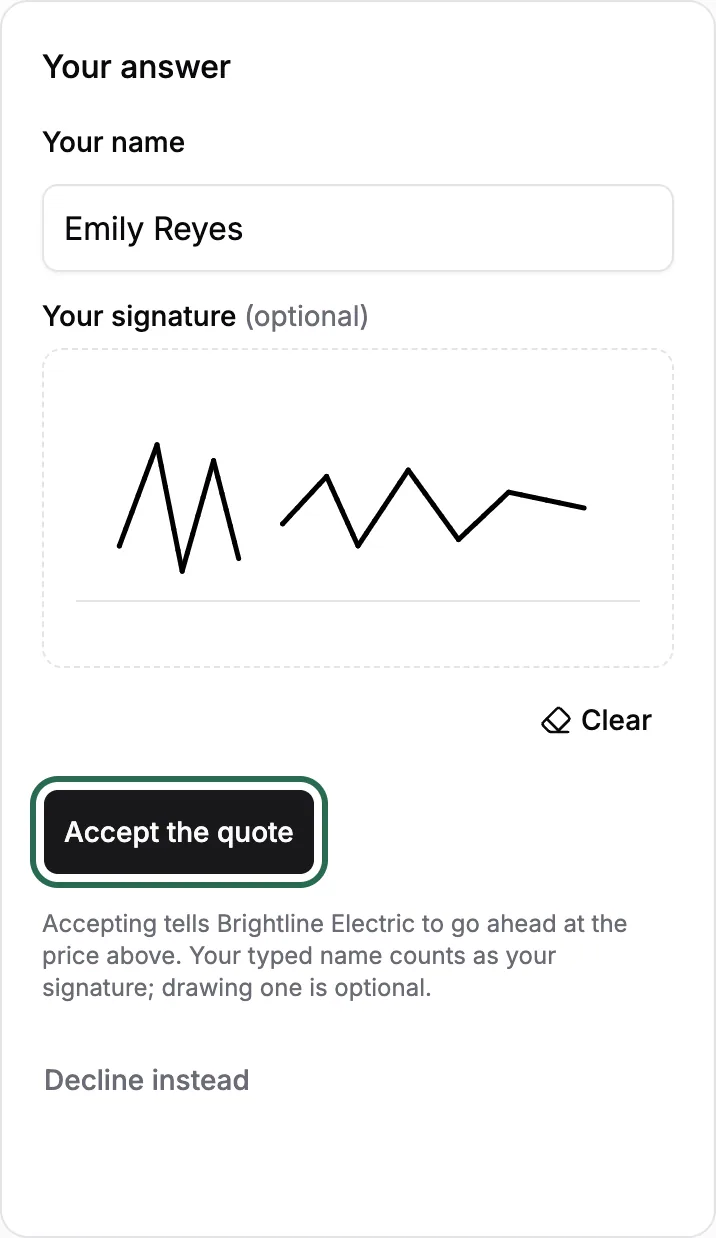
On the quote link, your customer types their name, signs with a finger if they like, and accepts. Or they decline, with a reason if they want to give one.
Why it’s there
Section titled “Why it’s there”“Yes, go ahead” by text message is easy to forget and hard to prove. A name and a signature on the exact quote they read settles what was agreed, and you hear about it the moment it happens.
Who sees it
Section titled “Who sees it”Your customer answers on the link, without an account. Everyone who sees quotes (owners, Estimator, Accountant) sees the answer and the signature.
How to use it
Section titled “How to use it”- Send the quote (see Quote from your price list). Your customer opens the link.
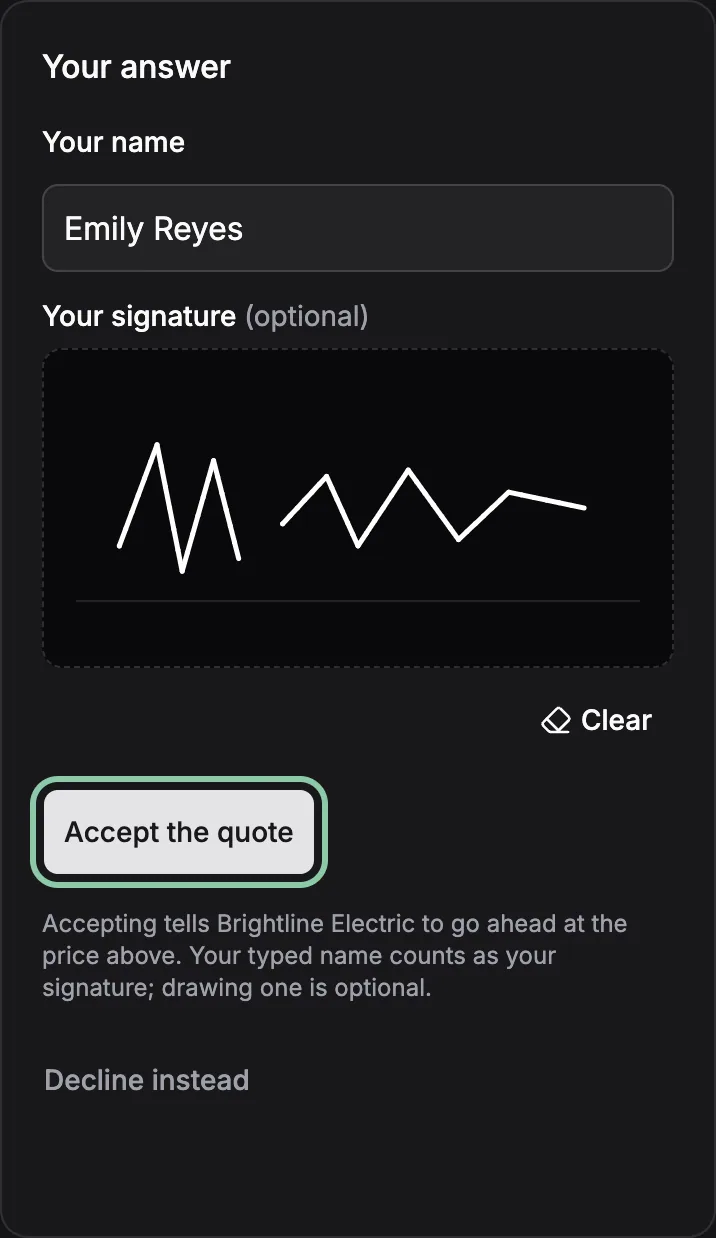
- They answer. Under Your answer, they type Your name, sign in the box if they like (Clear starts
again), and tap Accept the quote. Their typed name counts as their signature; drawing one is optional.
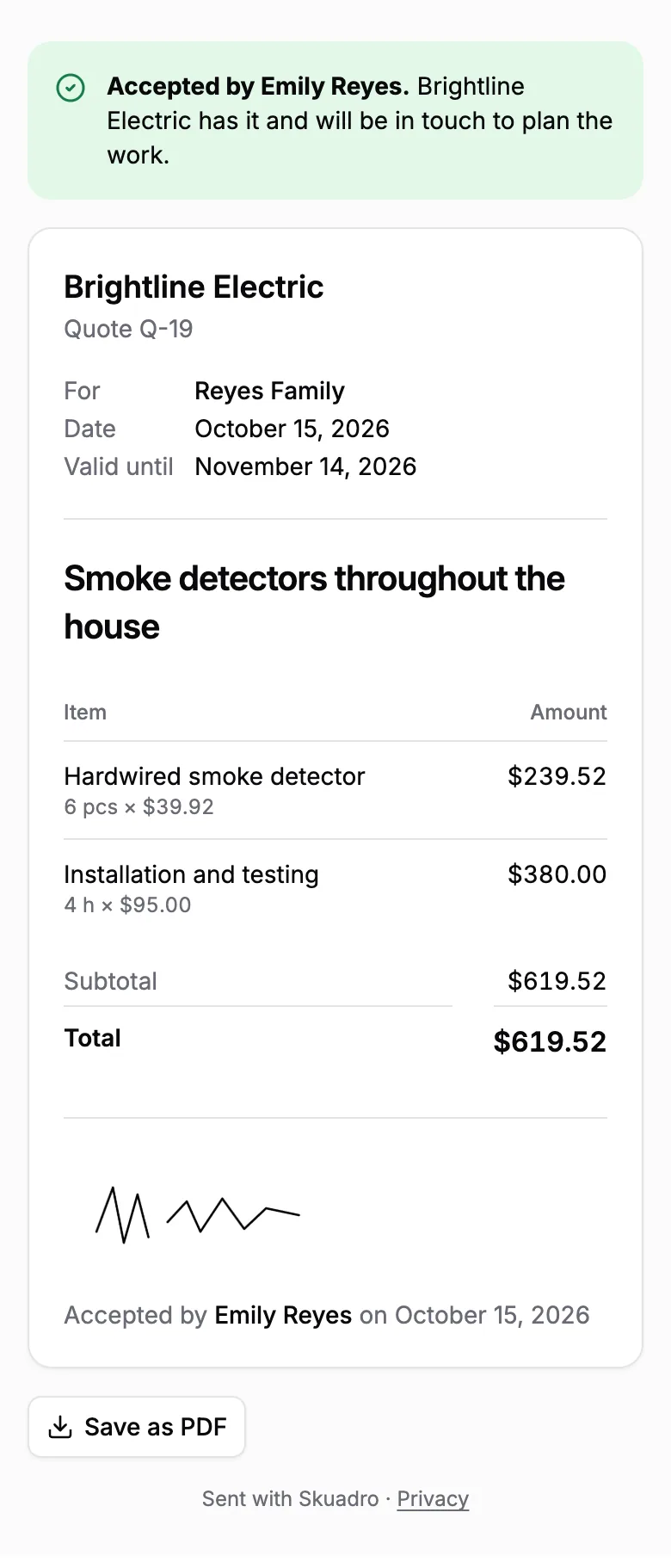
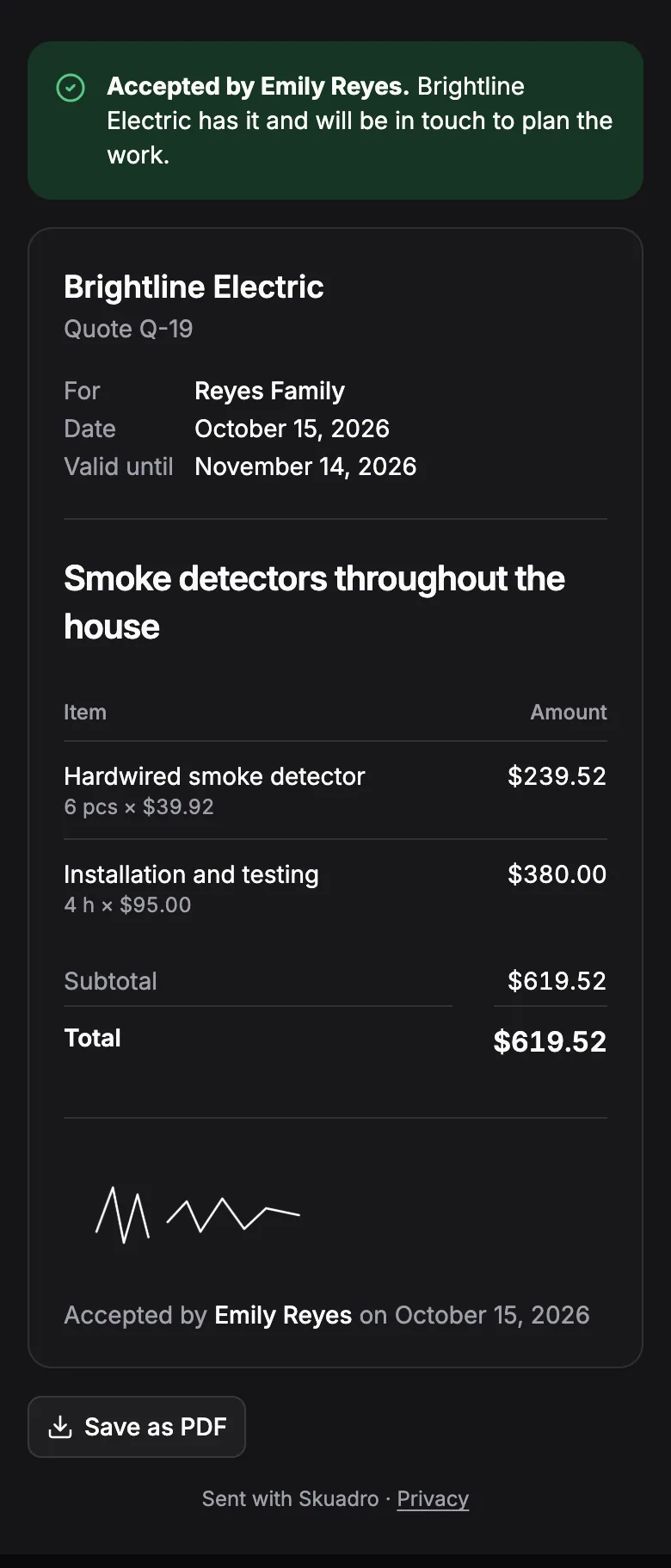
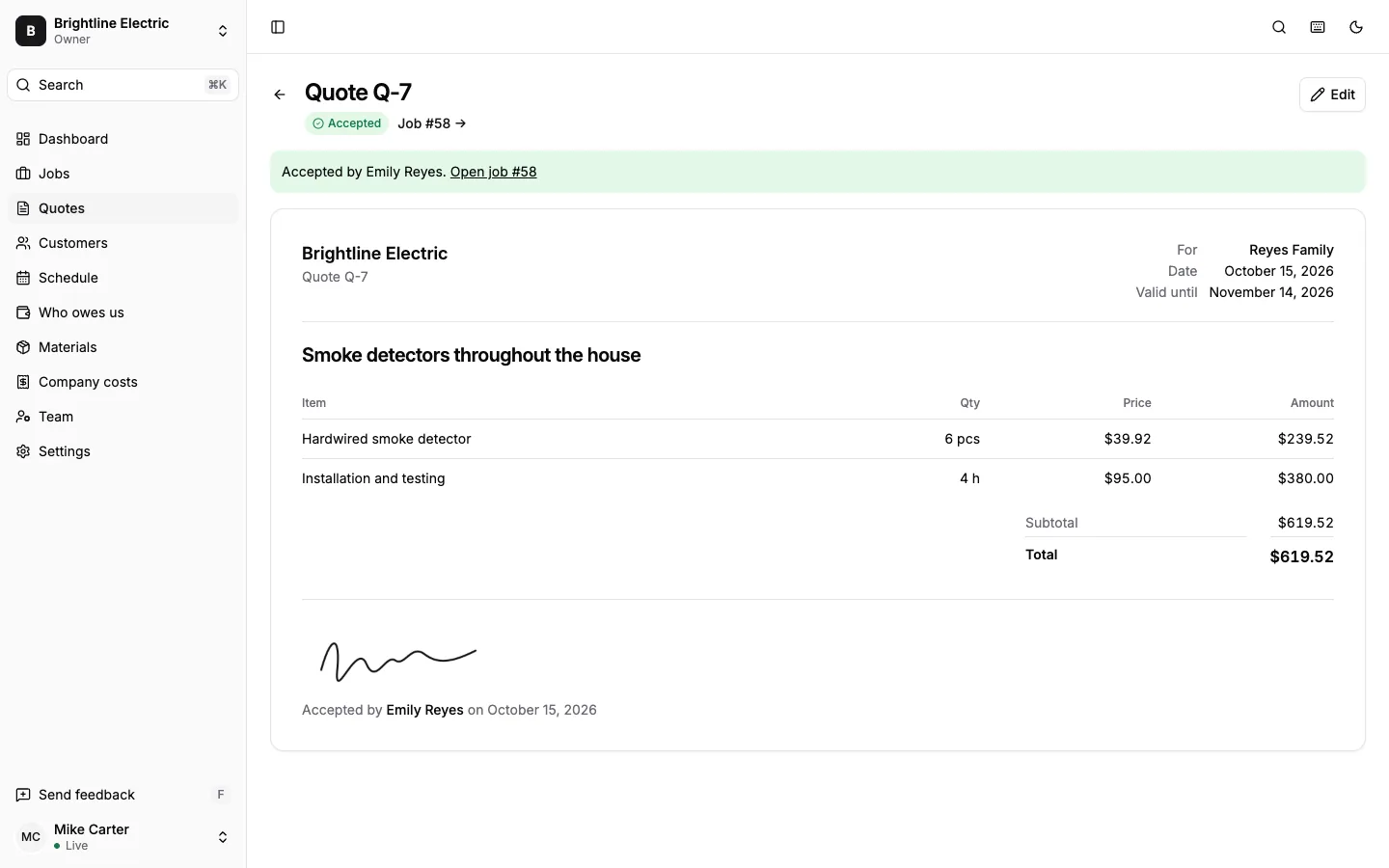
- They see it’s done: “Accepted by” their name, and that you’ll be in touch to plan the work. The quote now ends
with their signature and the date.
- You know at once. Owners get a notification (if they turned notifications on), the quote shows Accepted,
and the job is made. Open the quote to see who signed and when: Accepted by their name, with Open job, sits
above the quote.
Declining
Section titled “Declining”Instead of accepting, the customer can tap Decline instead, write Anything they should know? if they like, and tap Decline the quote. The quote shows Declined, and owners get a notification. Open the quote to read their reason: it’s above the quote, under Why they declined.
Good to know
Section titled “Good to know”- Accepting makes the job. See The quote becomes the job.
- They sign what they saw. If you change the quote while they have it open, their answer is refused and the page shows the new version: they check it and accept again.
- After Valid until, the quote can’t be accepted any more; the customer is asked to get a new one from you.
- Once answered, it’s final. The customer can’t change their answer on the link; the quote can’t be edited.
- A yes in person or on the phone? Click They said yes: make the job on the quote. It’s recorded with your name.
- The customer can open the link again later to see the accepted quote with their signature, or save it as a PDF.