

A real person answers
- Who
- Owners, Office, Field workers
- Where
- Settings → Help → Contact support.
Ask a question from inside Skuadro. It goes to the people who build it, and one of them answers you by email. There’s no bot and no ticket number.
Why it’s there
Section titled “Why it’s there”When something doesn’t make sense in the middle of a job, you want an answer from someone who knows the app, not a help center to search.
Who sees it
Section titled “Who sees it”Everyone signed in can write. Only you and the Skuadro team see your messages; your colleagues and your boss don’t.
How to use it
Section titled “How to use it”- Open Settings (on a phone it’s under More) and go to Help. Click Contact support.
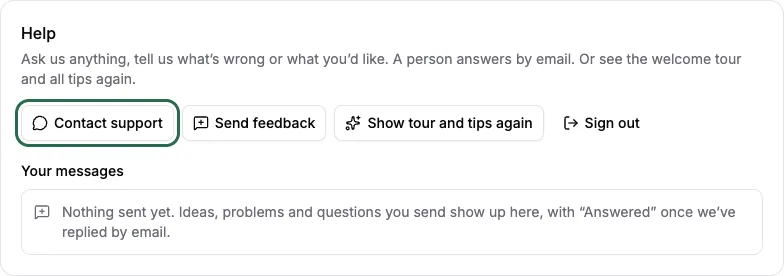
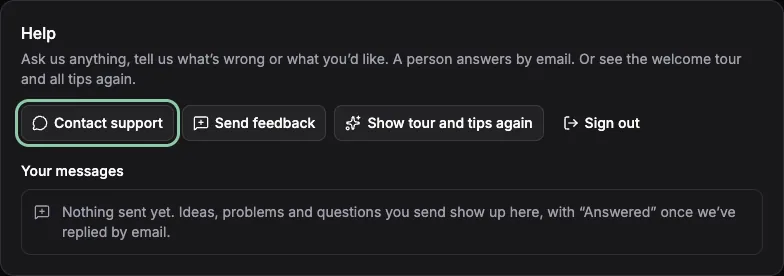
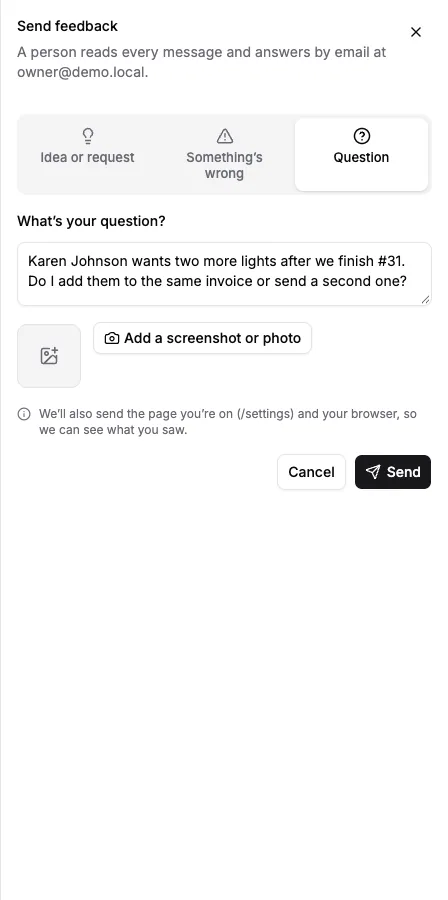
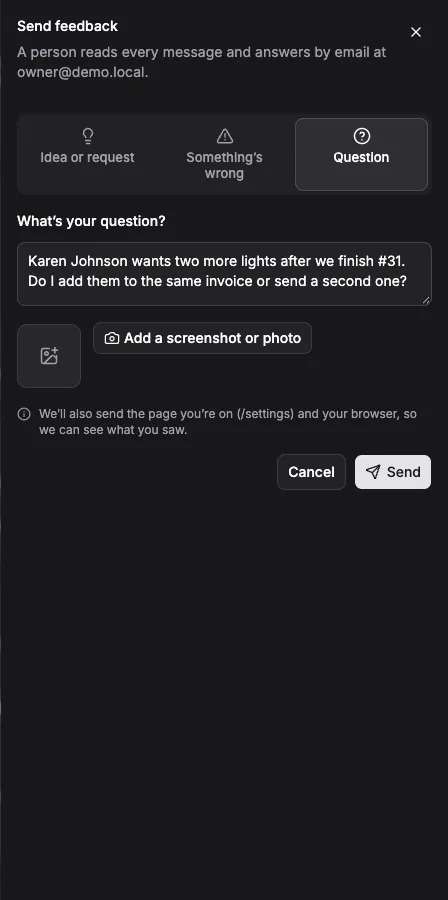
- Question is already picked. Type your question under What’s your question?. If a picture helps, click
Add a screenshot or photo. Then click Send.
- A message says Sent. We’ll answer by email, usually within a working day. The answer comes to the email you sign in with.
Good to know
Section titled “Good to know”- With your message we see the page you were on and your browser, so we can see what you saw. The form says so before you send.
- Under Help → Your messages you see your last five messages, each marked Sent, or Answered once we’ve replied.
- If sending fails, what you wrote stays in the form: send again, or close it and come back to it (until you reload the page).
- The same form takes ideas and problems: see feedback from anywhere.