

Import from Excel or CSV
- Who
- Owners, Office
- Where
- Customers → Import; Materials → Import.
Moving from spreadsheets or another app? Import your customer list and your materials from an Excel or CSV file instead of typing them in again.
Why it’s there
Section titled “Why it’s there”A customer list built up over years shouldn’t take an evening to copy over. And nothing should be overwritten by accident: you see what will happen before anything is saved.
Who sees it
Section titled “Who sees it”Owners, and people whose role lets them add customers (for customers) or edit the catalog (for materials). Office has both.
How to use it
Section titled “How to use it”-
Save your list as Excel (.xlsx) or CSV. The first row names the columns, in any order:
- Customers: Name (needed), Phone, Email, Address, Notes.
- Materials: Name (needed), Unit, Cost, Category, SKU.
Common other names work too, like Customer, Client or Mobile, and Item, Product or Price. Other columns are left out. Not sure? Click Download a template in the import panel.
-
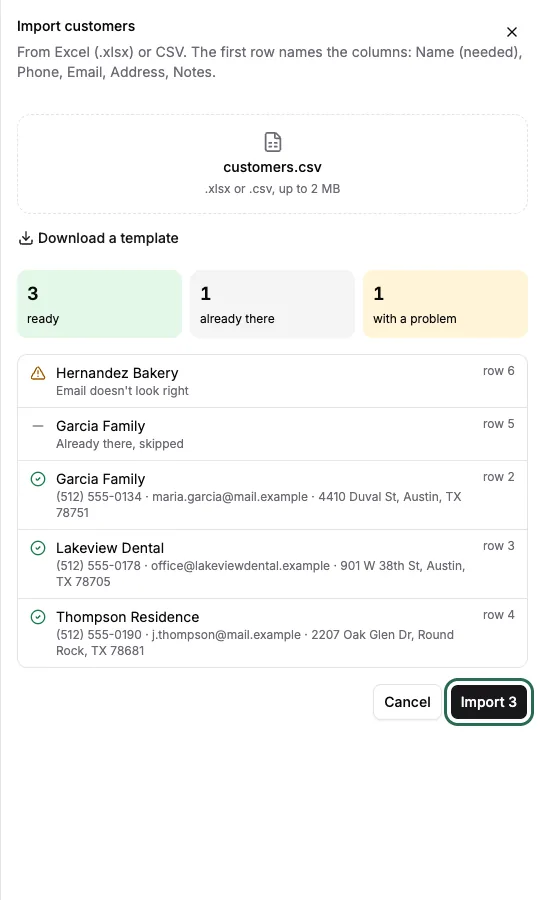
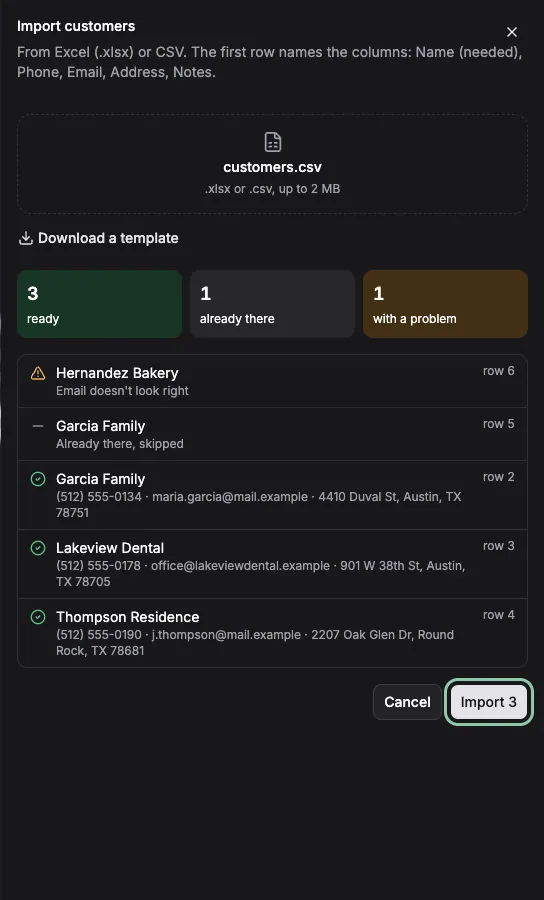
Open Customers (or Materials) and click Import, then Choose a file. Skuadro reads it and shows how many rows are ready, already there and with a problem, and each row with its row number, problems first. Nothing is saved yet.
-
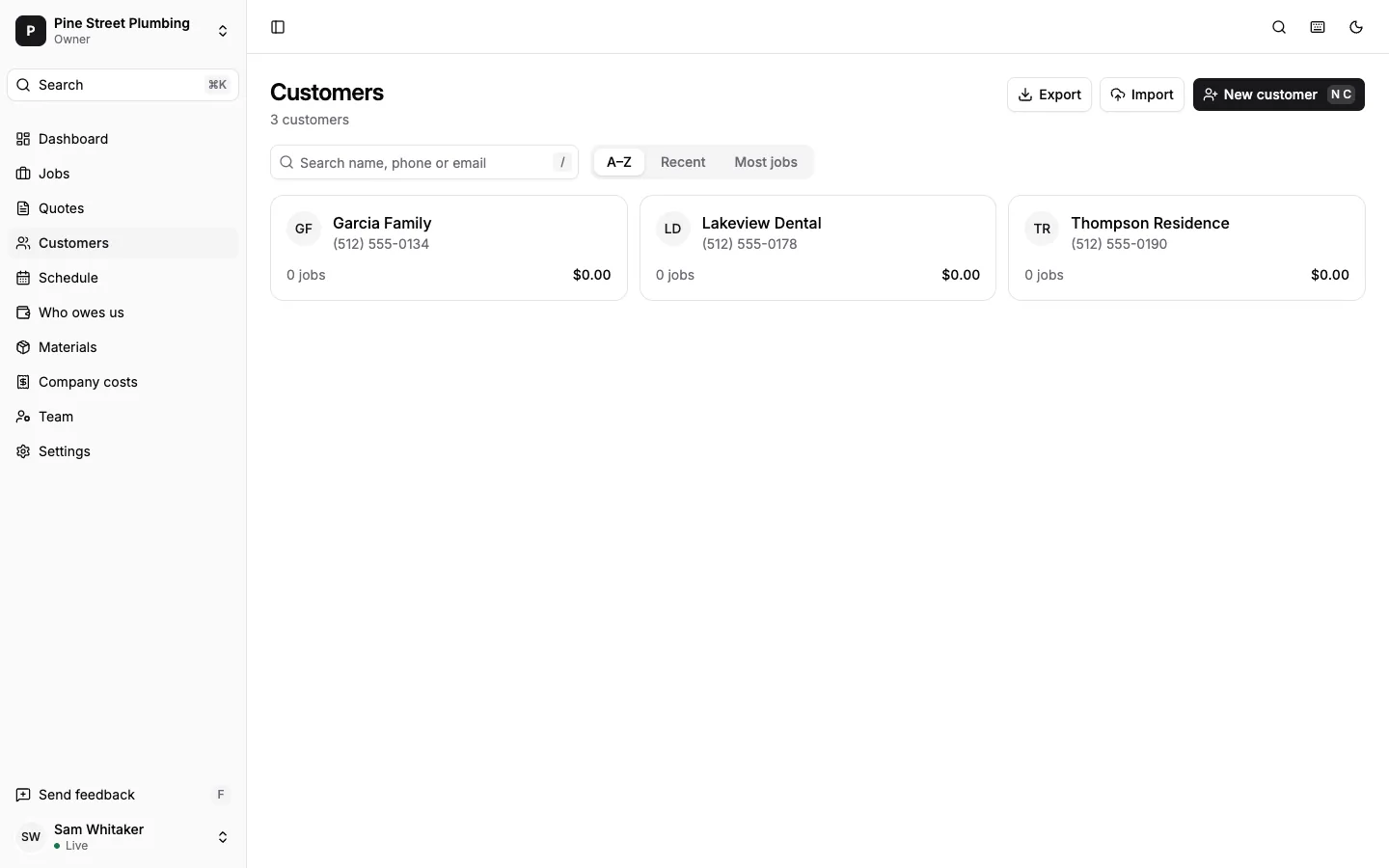
Fix the file and choose it again if you like, or click Import 3 (the number of ready rows). The rows with a problem and the ones already there are left out.
Good to know
Section titled “Good to know”- Nothing is overwritten. A name that’s already in Skuadro, or repeated in the file, is skipped (“Already there, skipped”).
- A row is left out when it has no name, a name over 200 characters, an email without “@” (customers), or a cost that isn’t a number (materials).
- Costs can be written 12.50, 12,50 or 1,234.50. A material without a unit gets “pcs”.
- Up to 2 MB and 5,000 rows per file. The preview lists the first 200 rows, problems first; the counts cover them all.
- Only the first sheet of an Excel file is read.
- There’s no undo for a whole import, so check the preview first.