

A schedule you drag
- Who
- Owners, Office, Field workers
- Where
- Schedule.
Schedule shows who works where this week: a row per person, a column per day. Drag a job to another day or another person, and the people on it see the change straight away.
Why it’s there
Section titled “Why it’s there”Plans change every day: a job runs over, someone is off sick, a customer moves the visit. Moving the job on screen is quicker than phoning everyone, and nobody works from yesterday’s plan.
Who sees it
Section titled “Who sees it”- Everyone sees the schedule with the jobs they can see. A field worker sees their own row and the jobs they’re on.
- Planning (dragging, the calendar button, Plan) needs permission to edit jobs: owners, and the Office, Foreman and Estimator roles.
How to use it
Section titled “How to use it”- Open Schedule. On a computer you see the week: a row per person, an Unassigned row, and No date yet with
the open jobs that have no day.
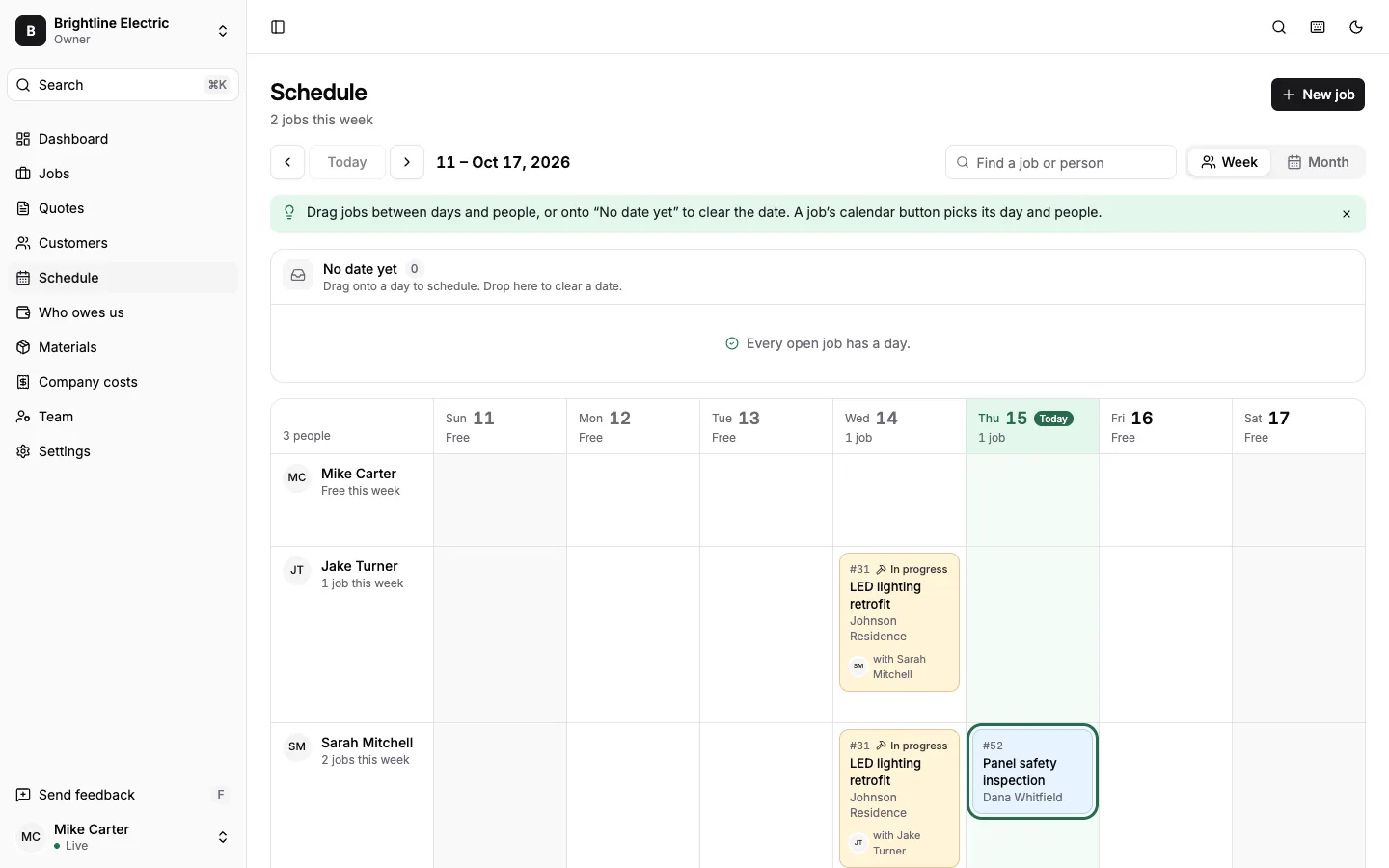
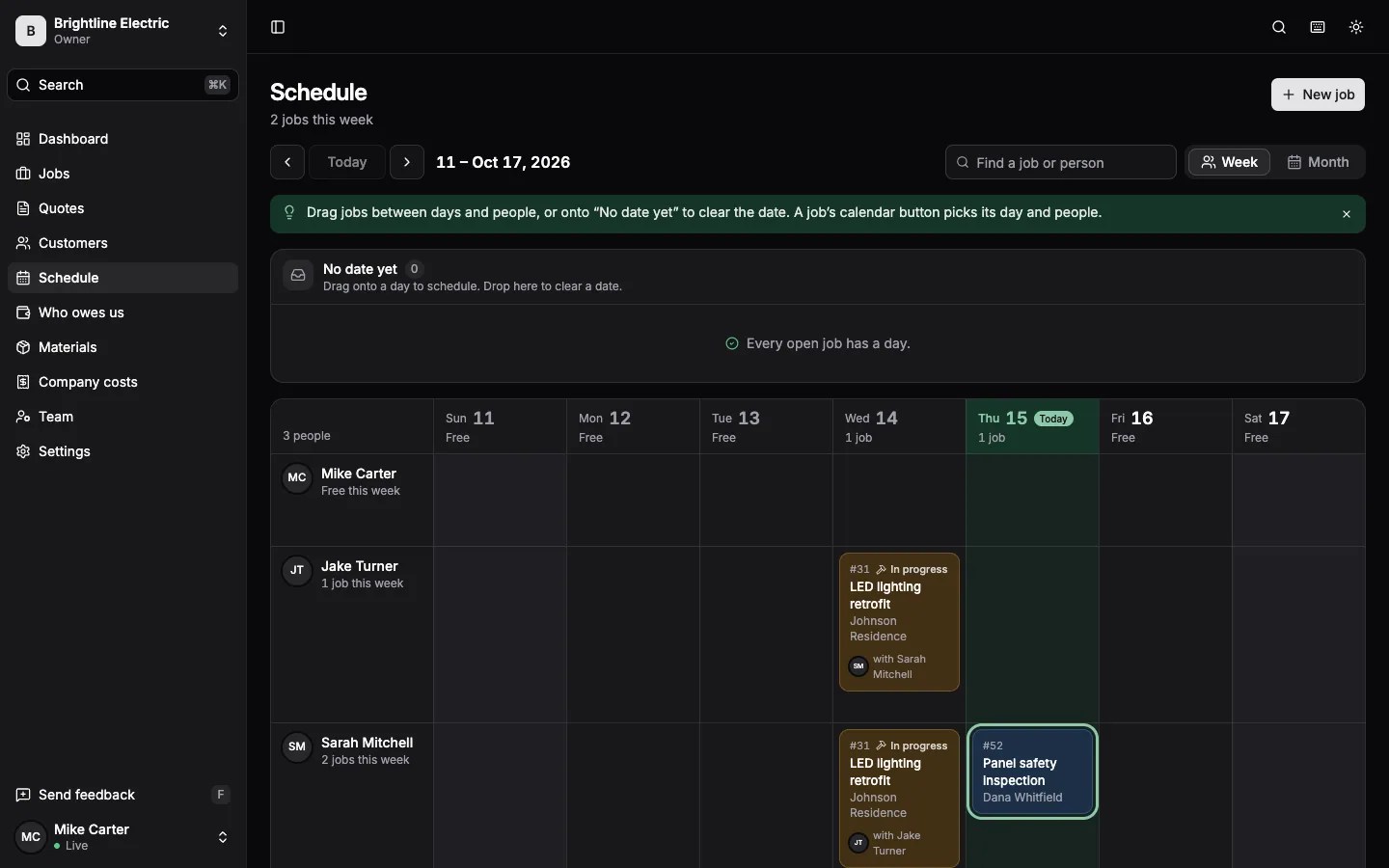
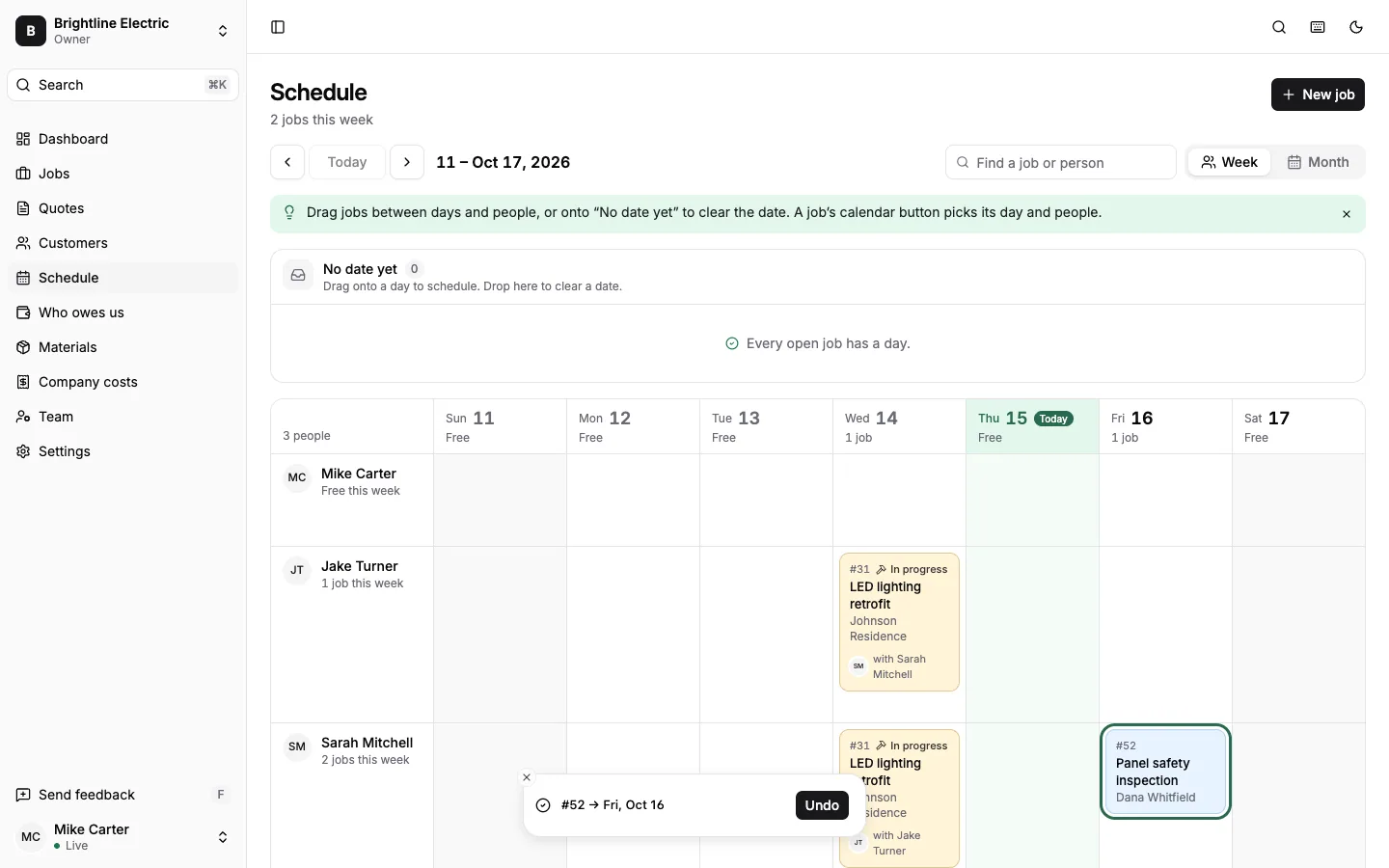
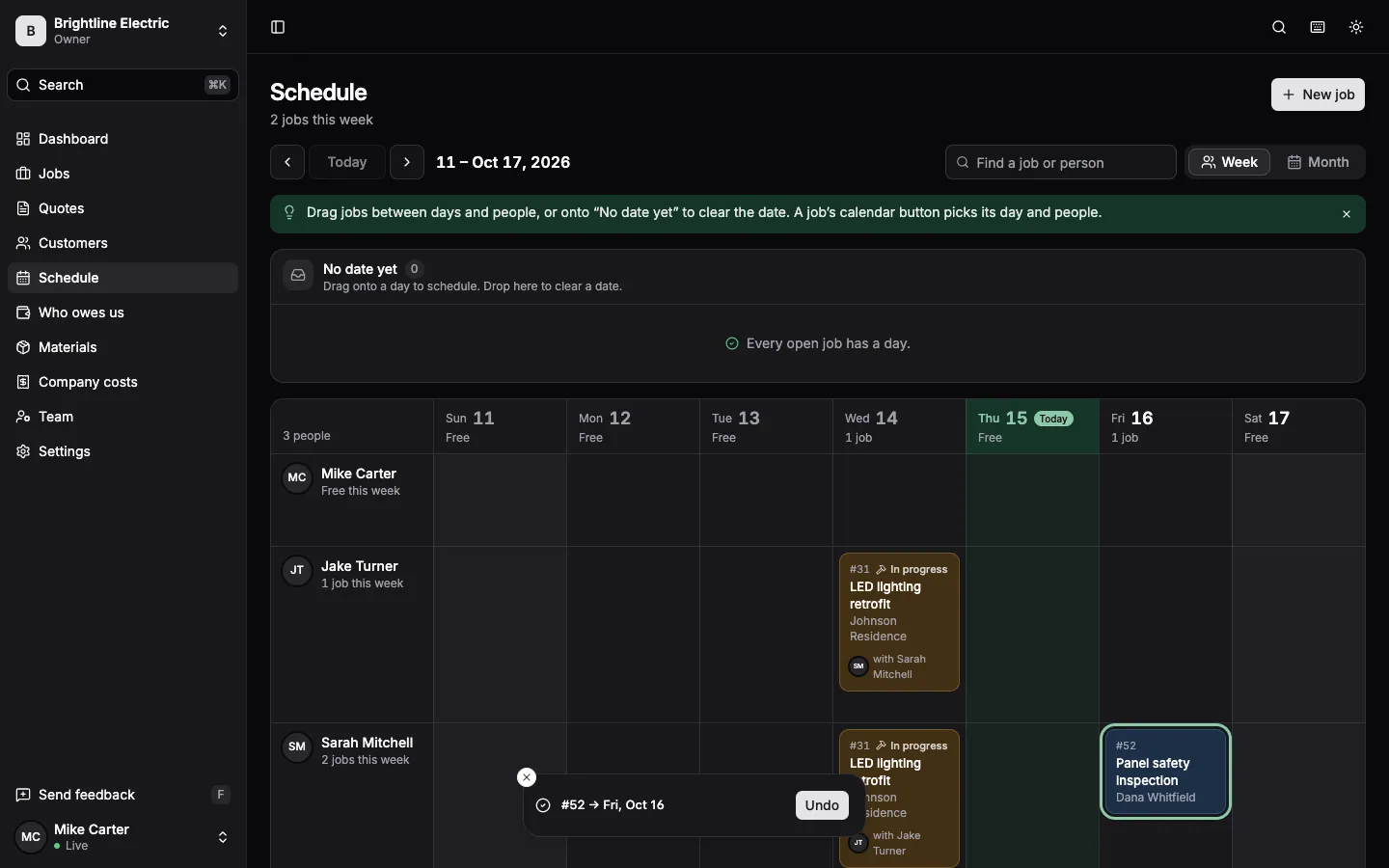
- Drag the job to another day, or to another person’s row. A message says where it went, with Undo.
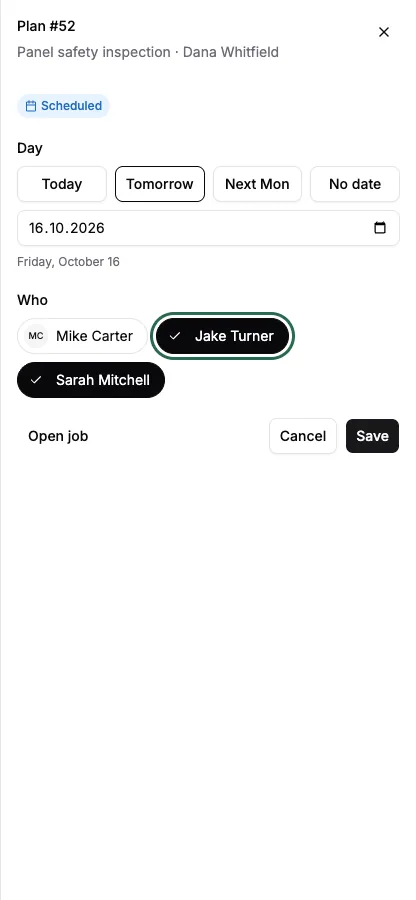
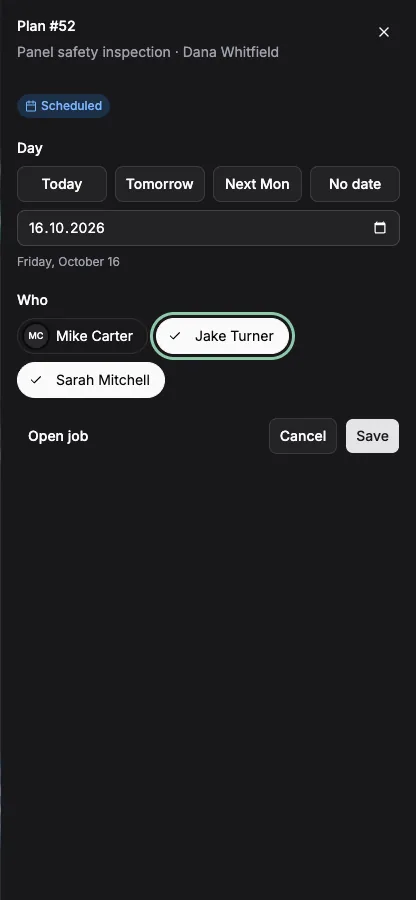
- To pick the day and the people in one go, use the calendar button on the card (it shows when you point at it). Tap
Today, Tomorrow, Next Mon or a date, tap people to add or take them off, then Save.
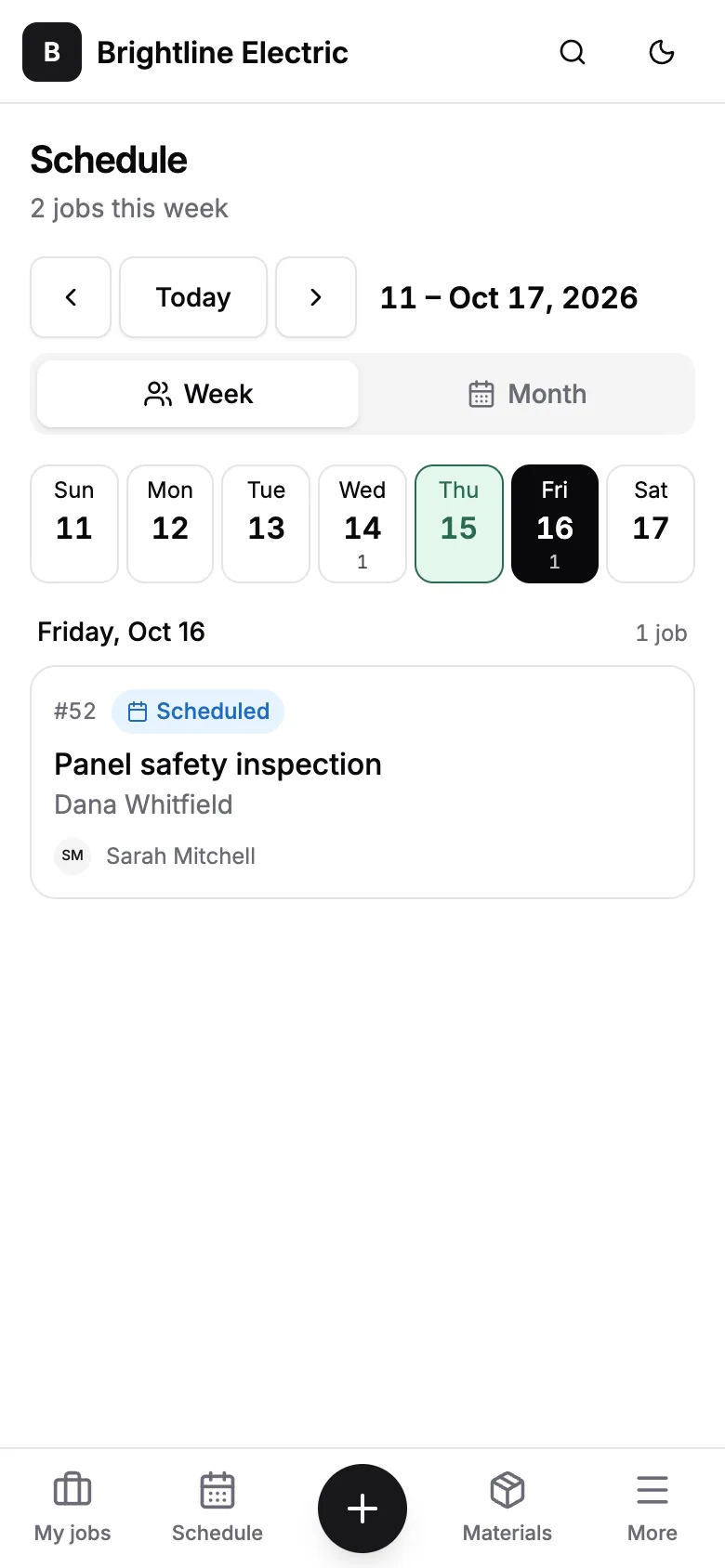
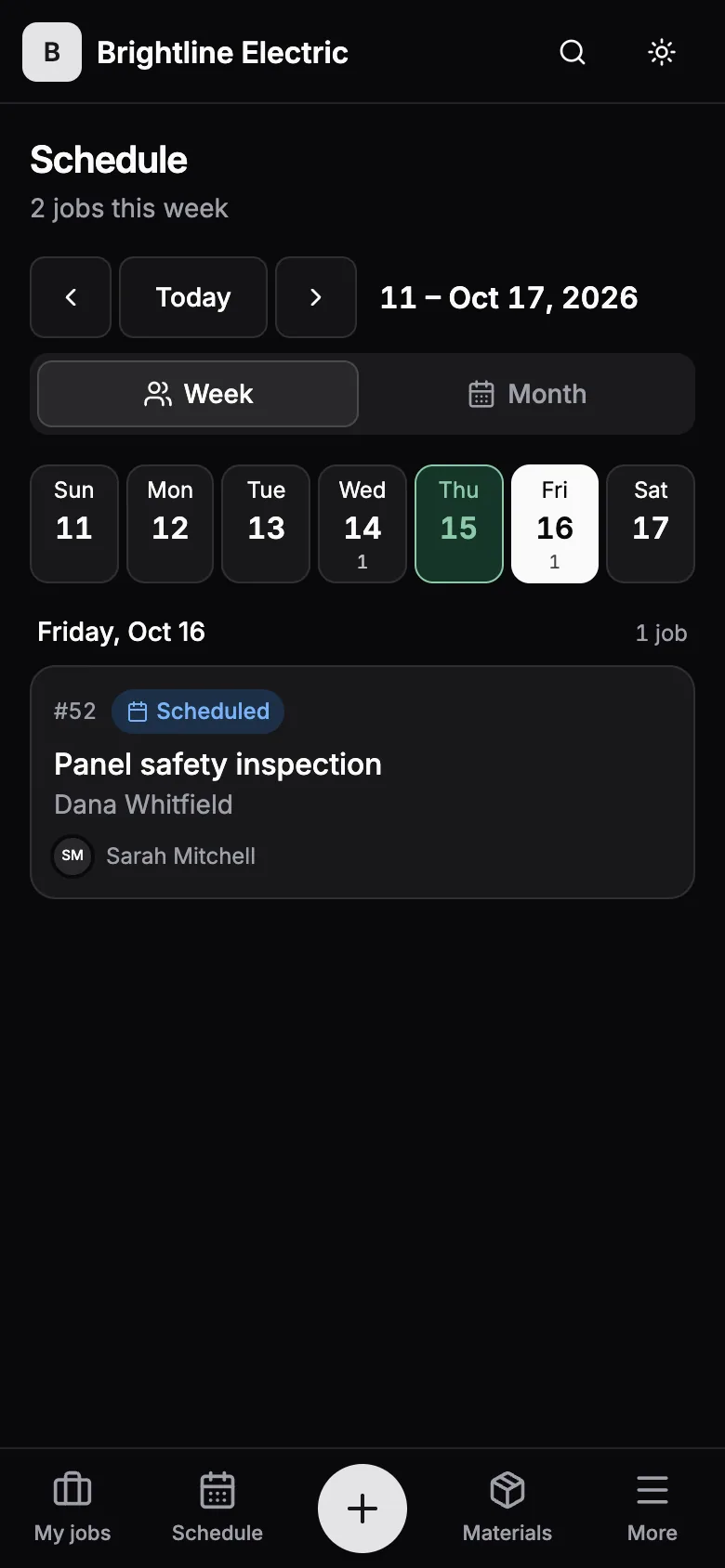
- On a phone, the schedule is a week strip: tap a day to see its jobs, or swipe the list sideways for the next day.
People who can plan get a Plan button on each job. Each person’s phone shows the change as soon as it’s saved.
Good to know
Section titled “Good to know”- Drop on No date yet to take the date off a job (its arrival time goes too). Moving a job to another day keeps its time.
- Drop on Unassigned to take that person off the job. A job with two people shows in both rows.
- A draft job that gets a day becomes Scheduled. Completed and cancelled jobs can’t be moved.
- The Month view shows every job on its day; drag to another day (the people stay), or click a day’s number to open that week. The + in a cell starts a new job for that day and person.
- People who are added to a job get a notification (which ones).
- If someone else changed the job a moment before, the move is refused with “Someone changed this job just now” and the schedule is brought up to date.
- Days and weeks are your company’s (Settings → Company → Time zone). Weeks start on Sunday in countries that start them on Sunday, such as the US, and on Monday elsewhere.
- No date yet shows the newest 50 open jobs without a day; find the others in Jobs.
- Keys on a computer:
[and]for the previous and next week or month,tfor today,wandmfor week and month,/to find a job or person.