

See when they opened it
- Who
- Owners
- Where
- Quotes, and a sent quote or invoice.
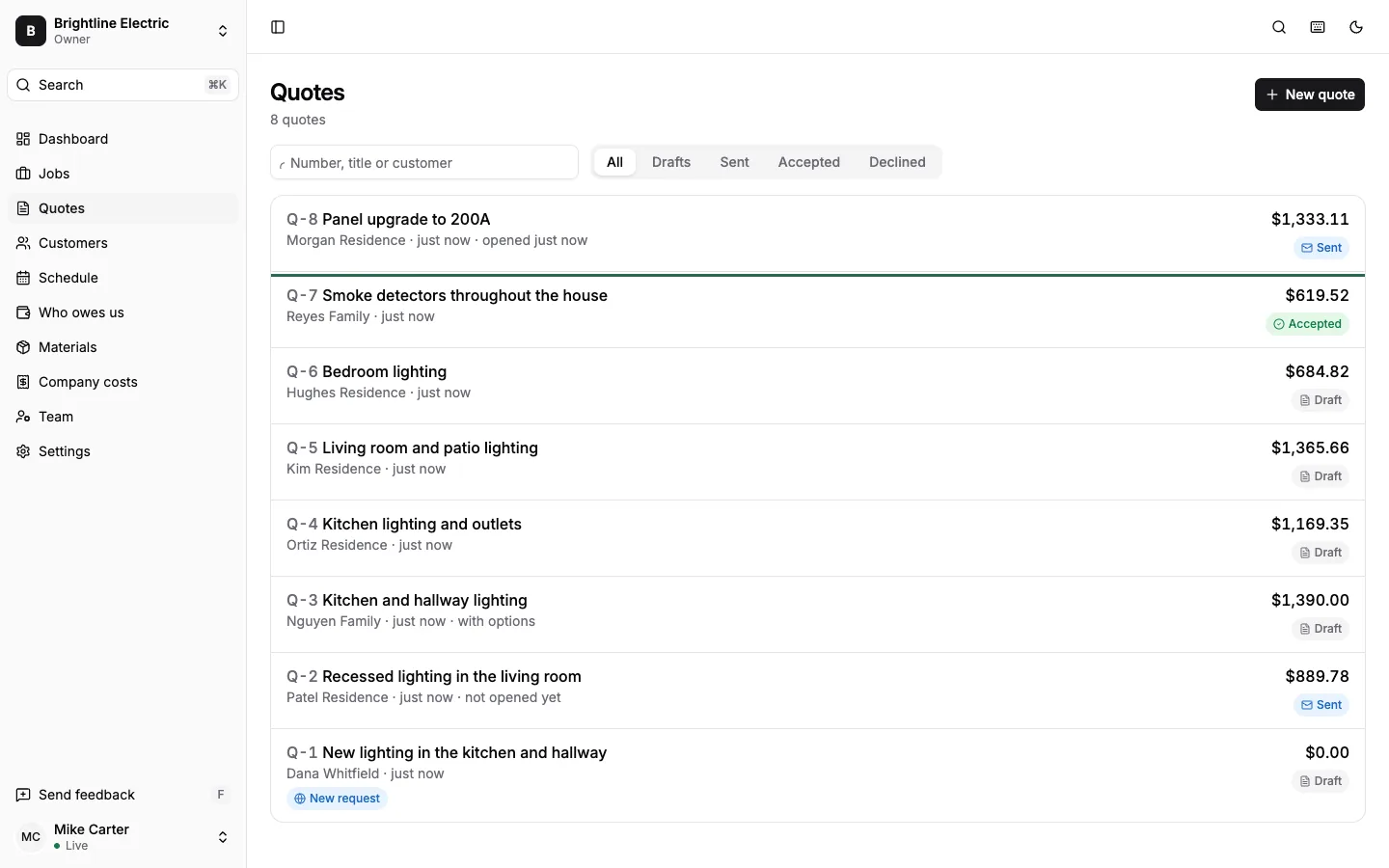
Every quote and invoice you send says whether your customer has opened the link, and when they last did.
Why it’s there
Section titled “Why it’s there”Before you call to follow up, it helps to know if they’ve even looked. “Not opened yet” means the email may be in spam; “Opened yesterday” means they’re thinking about it.
Who sees it
Section titled “Who sees it”Everyone who sees quotes and invoices: owners, and people whose role lets them see prices (Estimator, Accountant).
How to use it
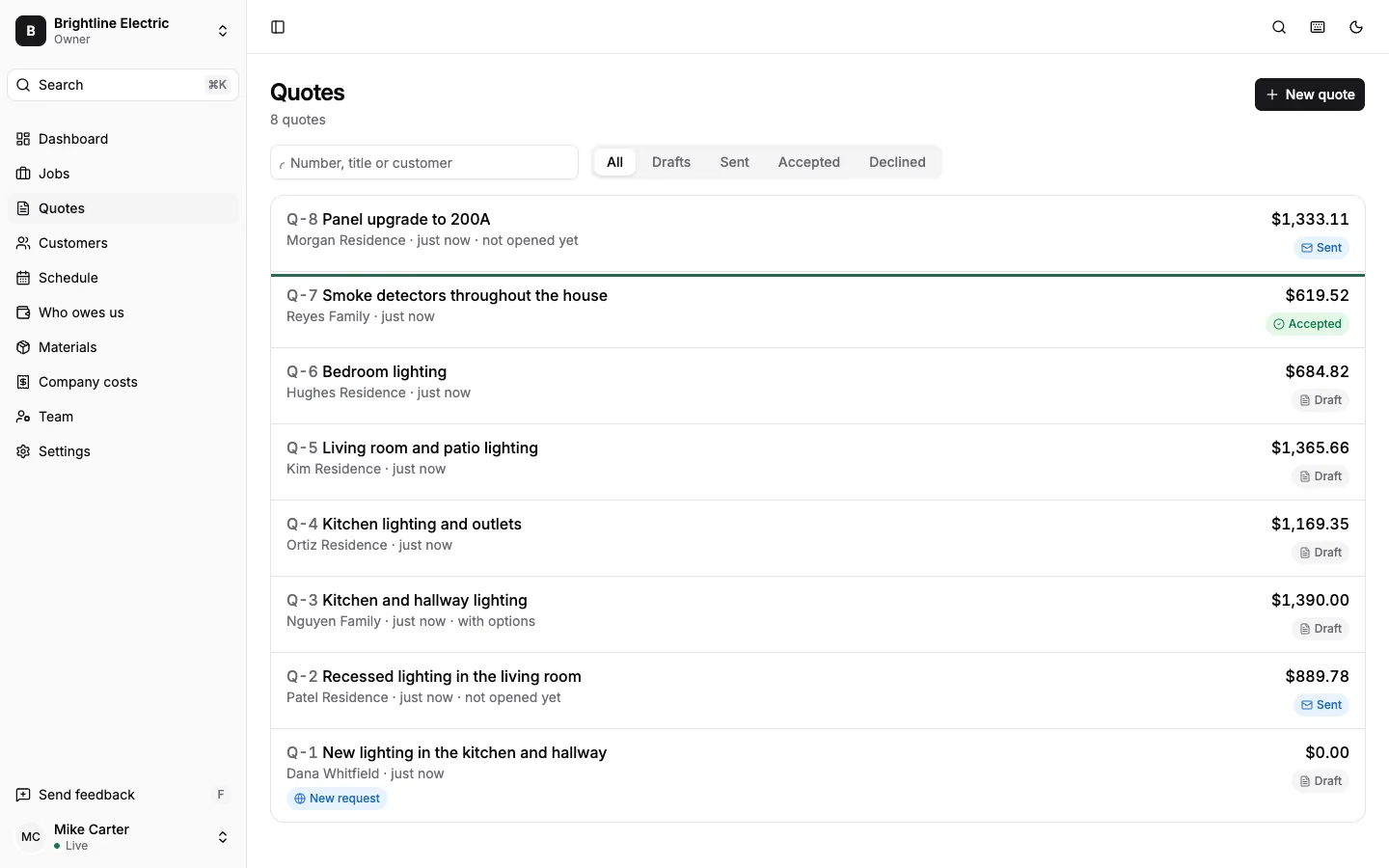
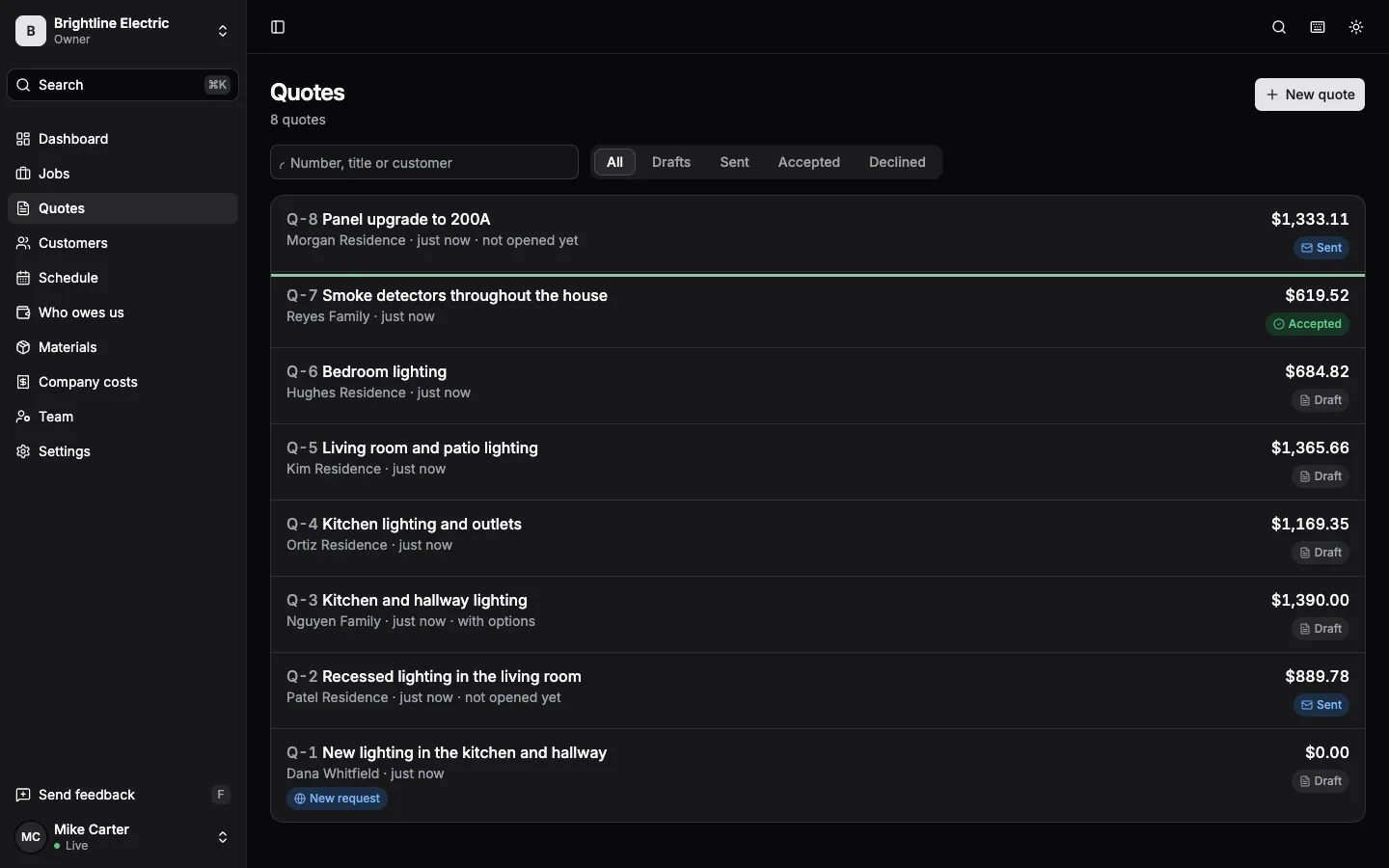
Section titled “How to use it”- Send the quote (see Quote from your price list). In Quotes, a sent quote says
not opened yet after the customer’s name.
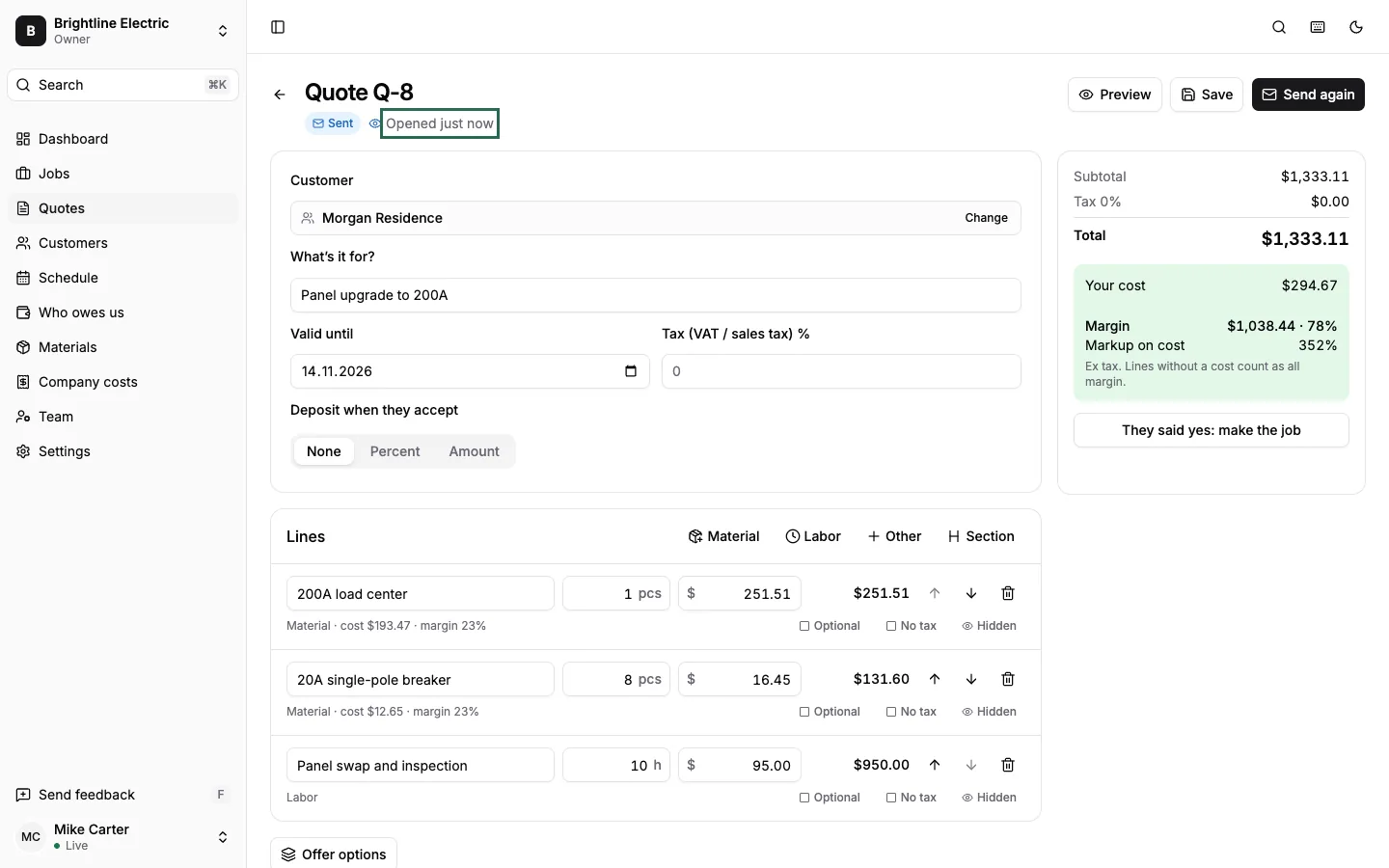
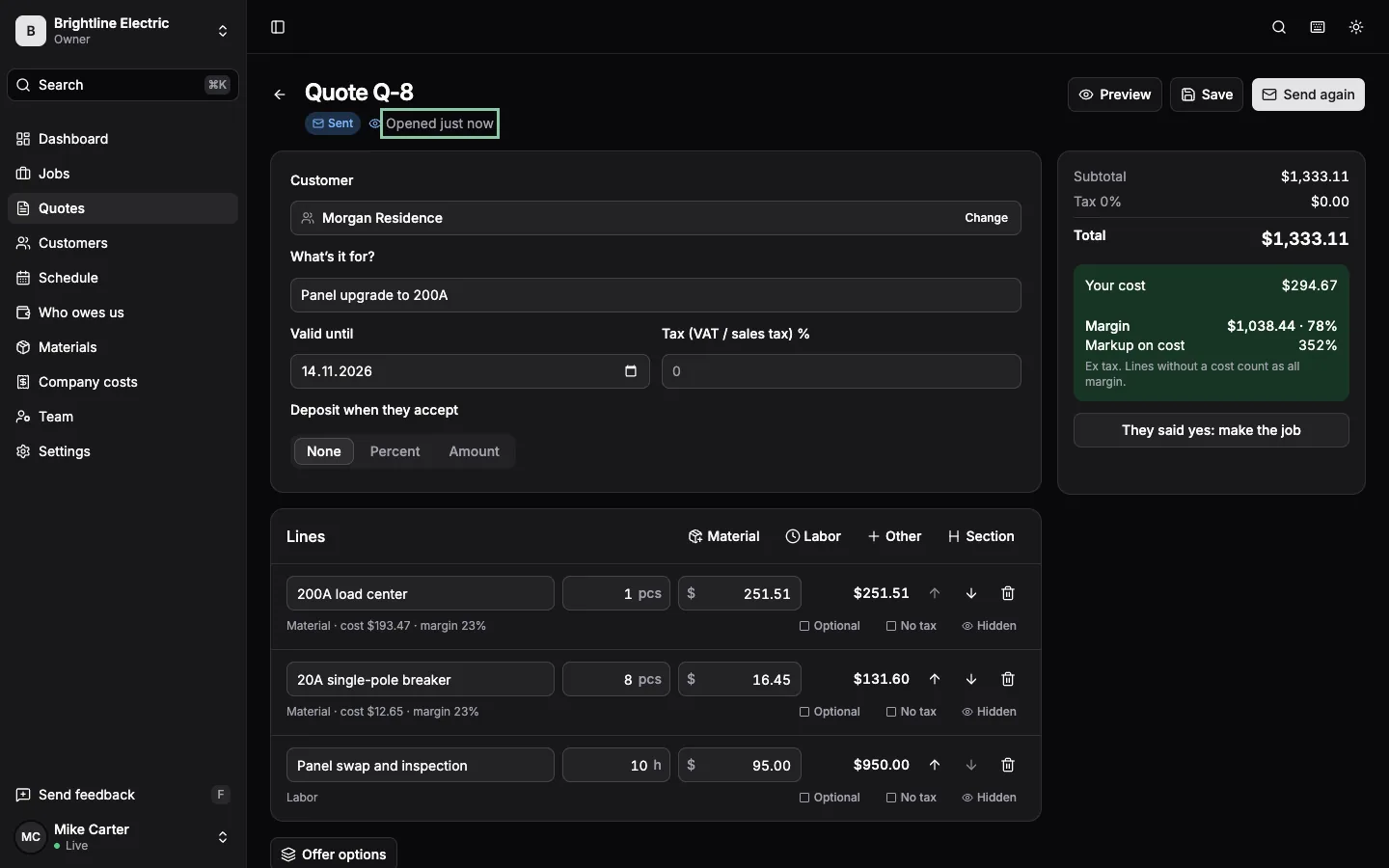
- When the customer opens the link, the quote says Opened and how long ago, next to its status. Point at it
to see the exact day and time.
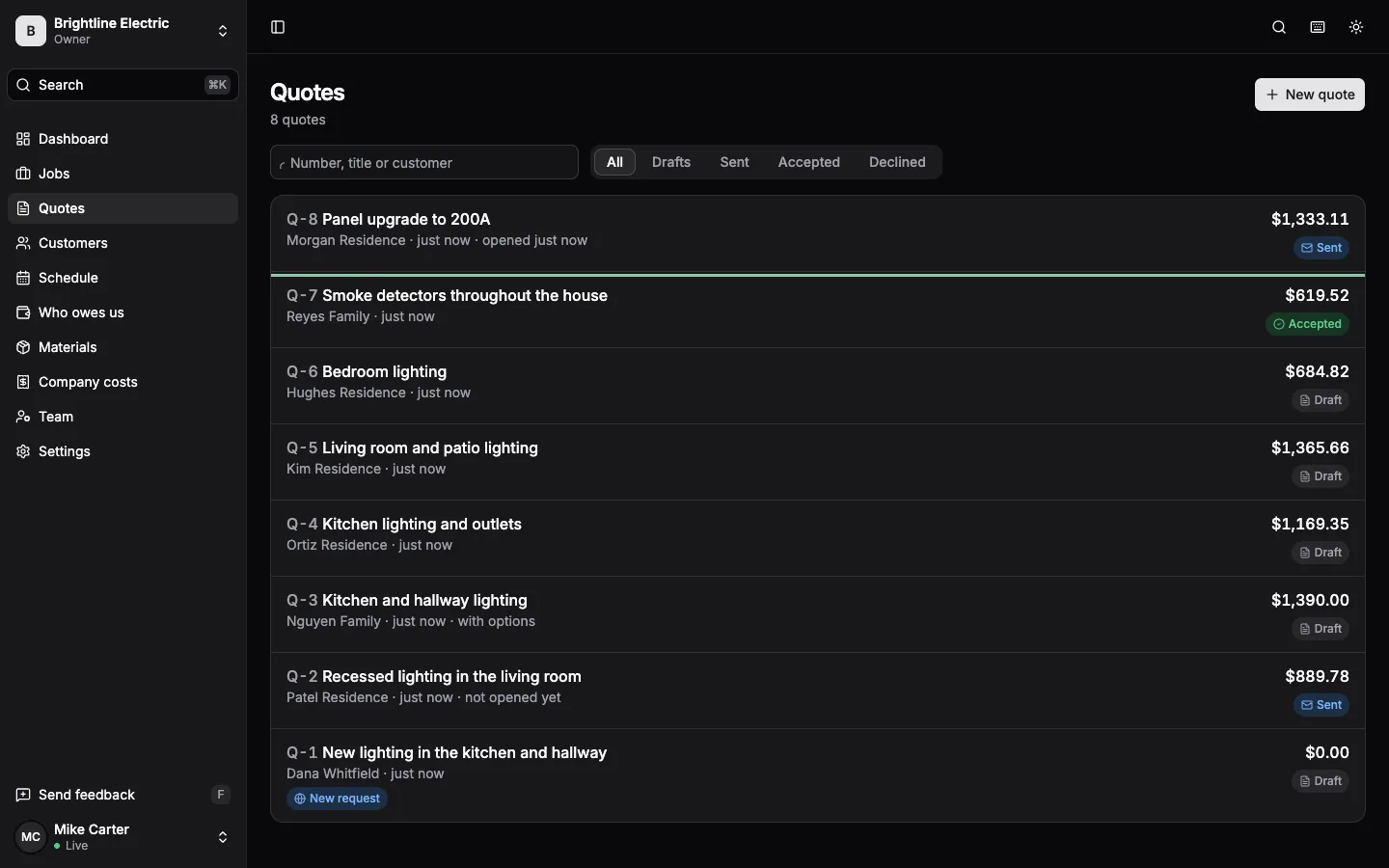
- The list says it too, so you can see at a glance who to call.
Good to know
Section titled “Good to know”- It’s the last time they opened it. A refresh within a minute doesn’t count again.
- You opening the link doesn’t count. When someone signed in to your company opens it (to check what the customer sees), it stays “Not opened yet”.
- Invoices too. A sent invoice says Opened or Not opened yet next to its status until it’s paid, and the job’s Invoices card adds “opened” and when. A customer’s page shows the same for the quotes and invoices waiting on them.
- Links from follow-up and reminder emails count as opening it.
- Once a quote is answered, or an invoice paid or voided, it no longer says.