

Your enquiry page
- Who
- Owners, Your customers
- Where
- Settings → Online enquiry form. Requests arrive in Quotes.
Your own page where people say who they are and what they need. Each request arrives as a customer and a draft quote.
Why it’s there
Section titled “Why it’s there”Requests come in by phone, text, email and DMs, and some get lost. One link you can put everywhere collects them in one place, with the name, the contact details and the job already written down, ready to price.
Who sees it
Section titled “Who sees it”- Owners turn the form on and off and get its link.
- Requests arrive as draft quotes, so everyone who sees quotes sees them: owners, and people whose role lets them see prices (Estimator, Accountant).
- Your visitors open the page without an account.
How to use it
Section titled “How to use it”- Turn it on. Go to Settings → Online enquiry form and switch it on. Your link appears, with Copy,
Open the form, Copy a button for your website and New link.
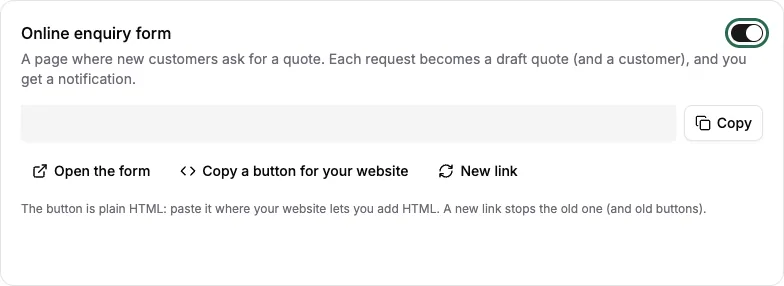
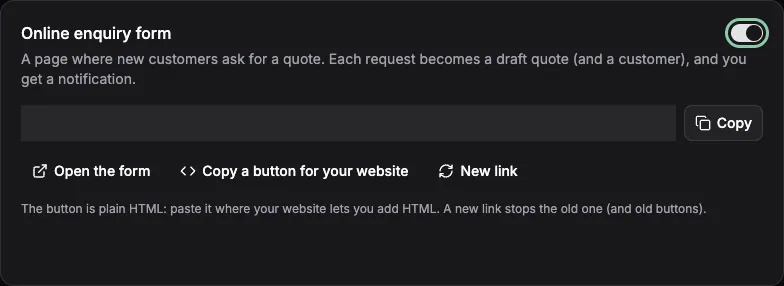
- Share the link. Paste it in your Google profile, your Instagram bio or your email signature. On your own website, Copy a button for your website gives you a ready-made “Request a quote” button in plain HTML.
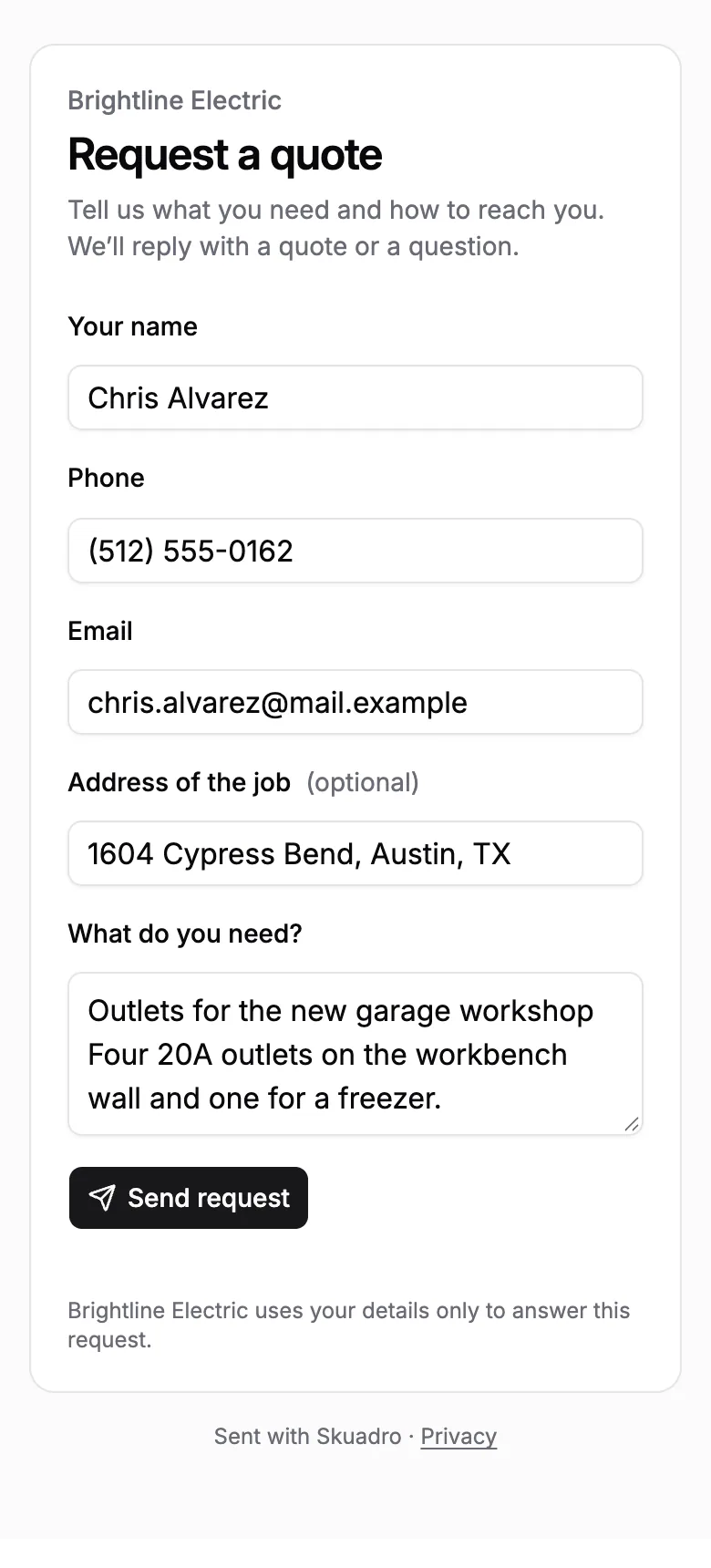
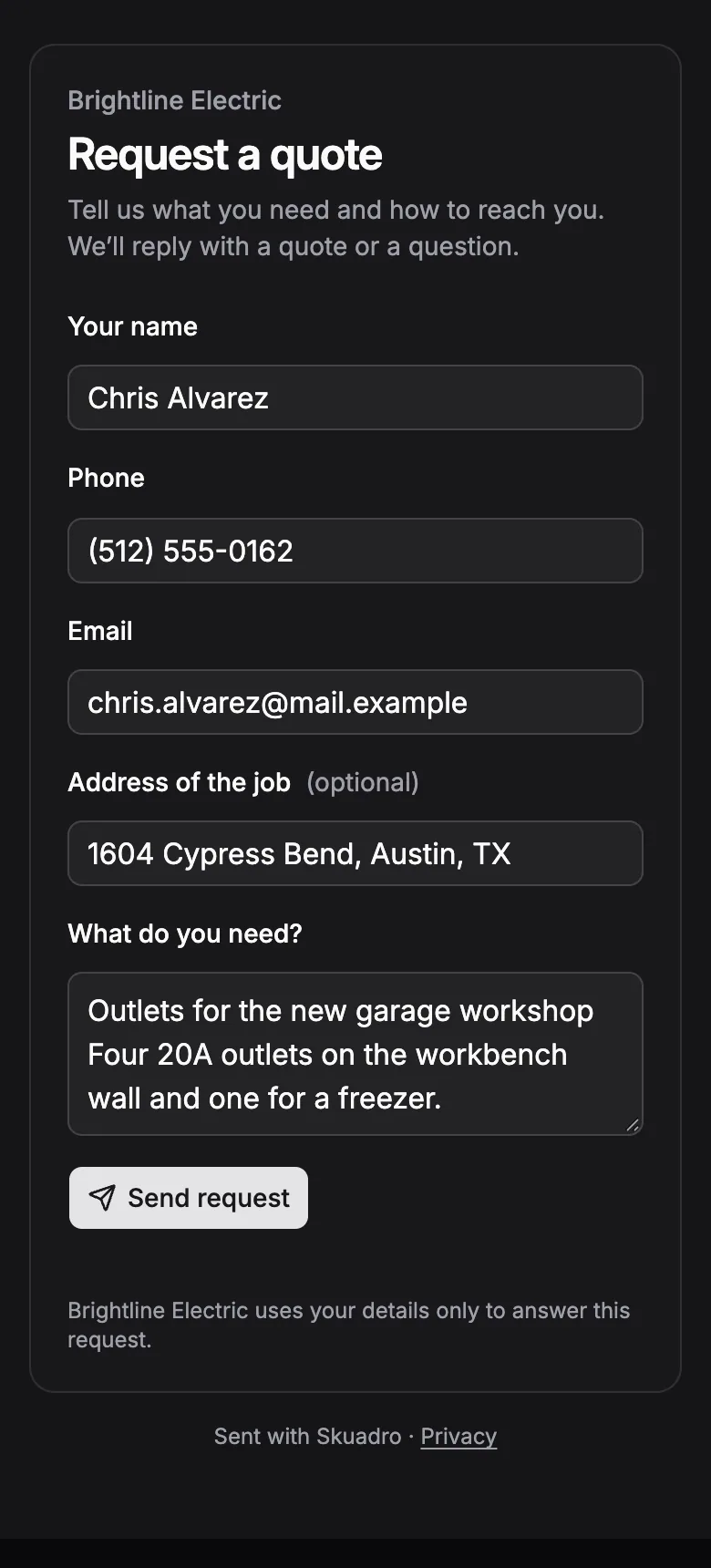
- Your visitor fills it in: Your name, Phone and/or Email, the Address of the job if they like, and
What do you need? Then they tap Send request.
- They see that it arrived.
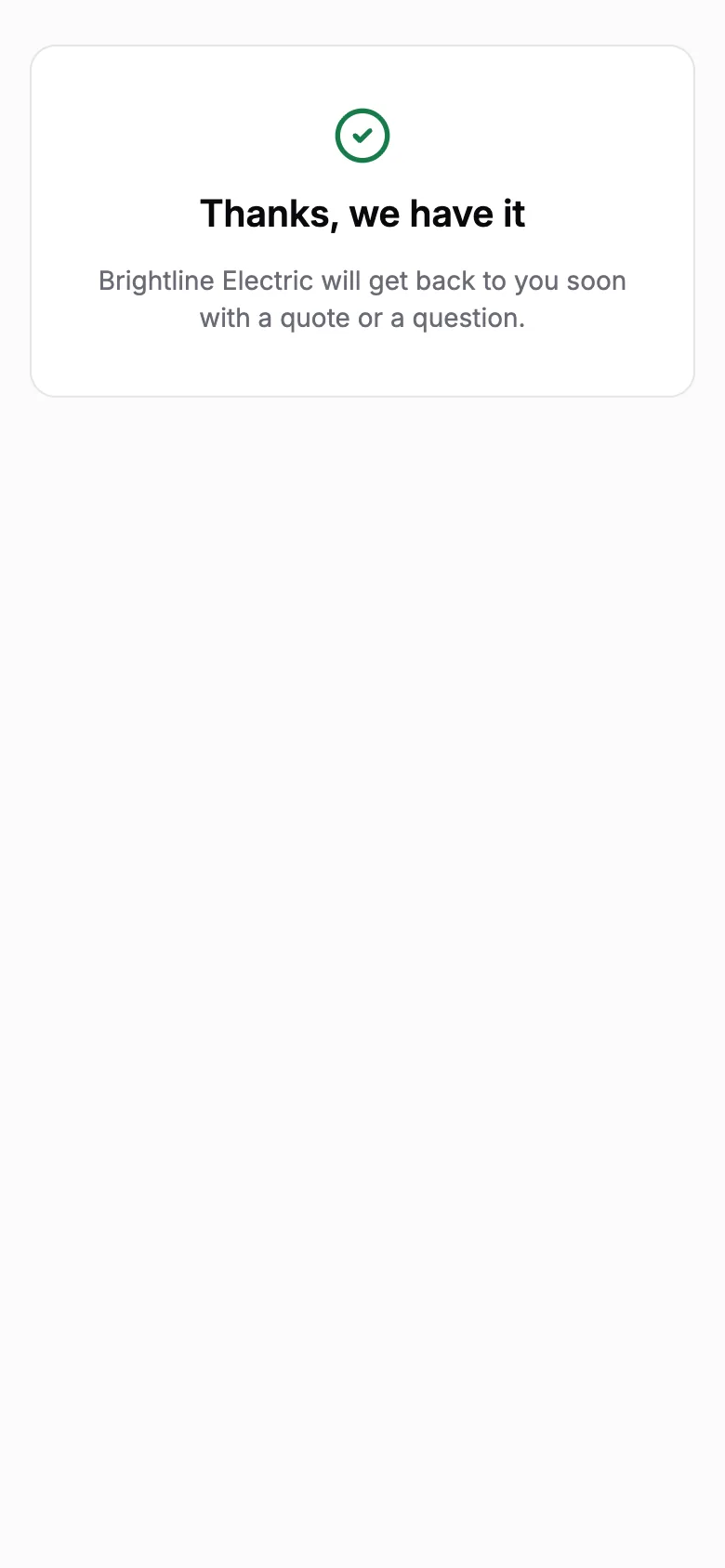
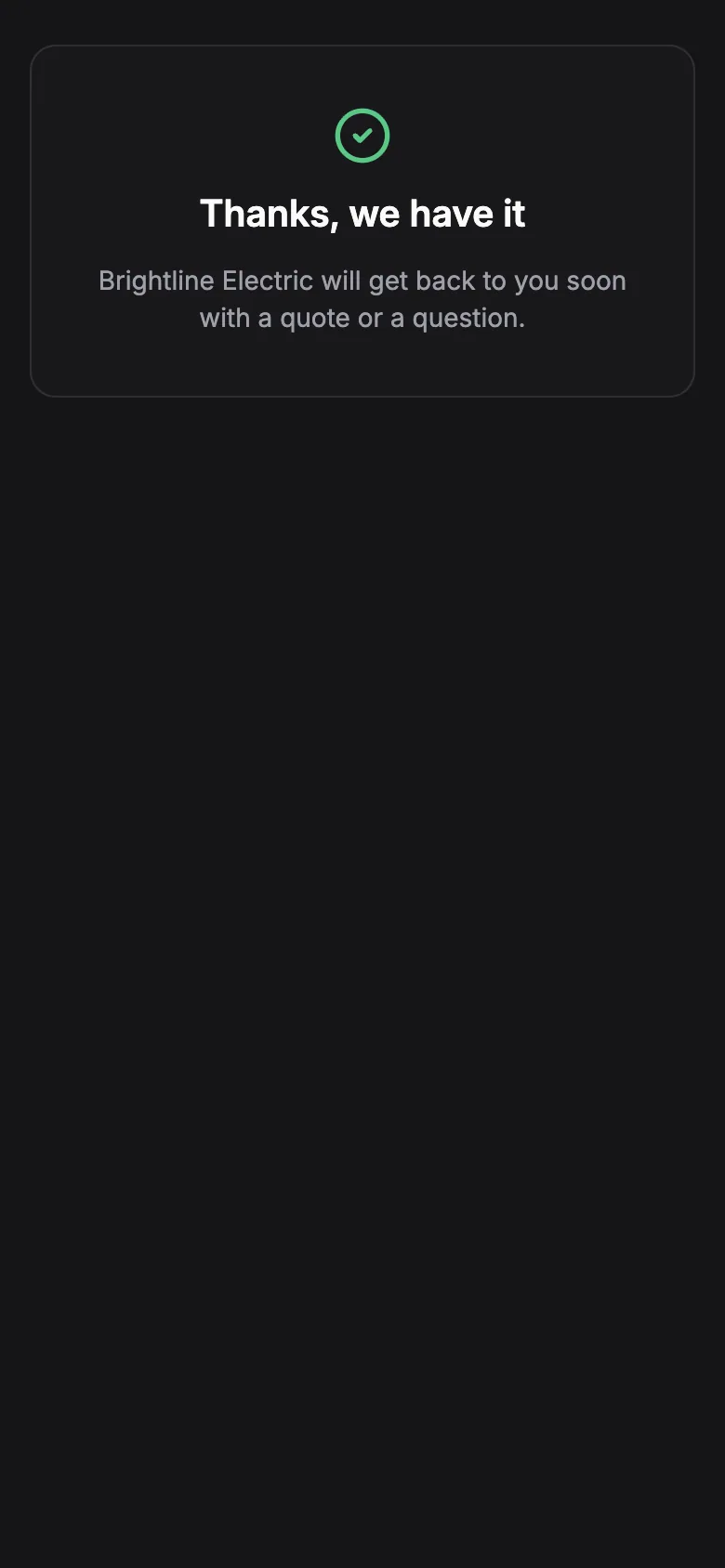
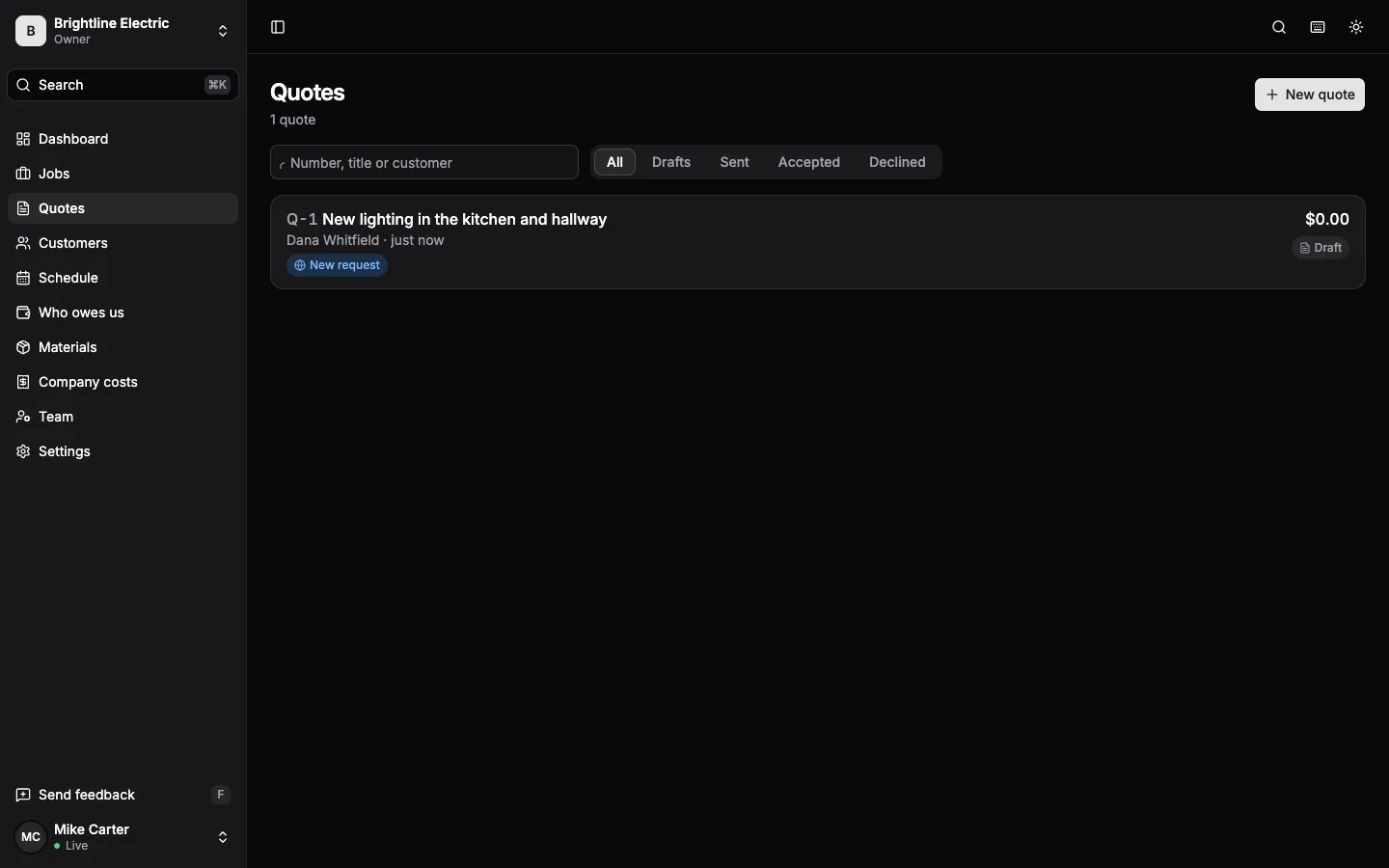
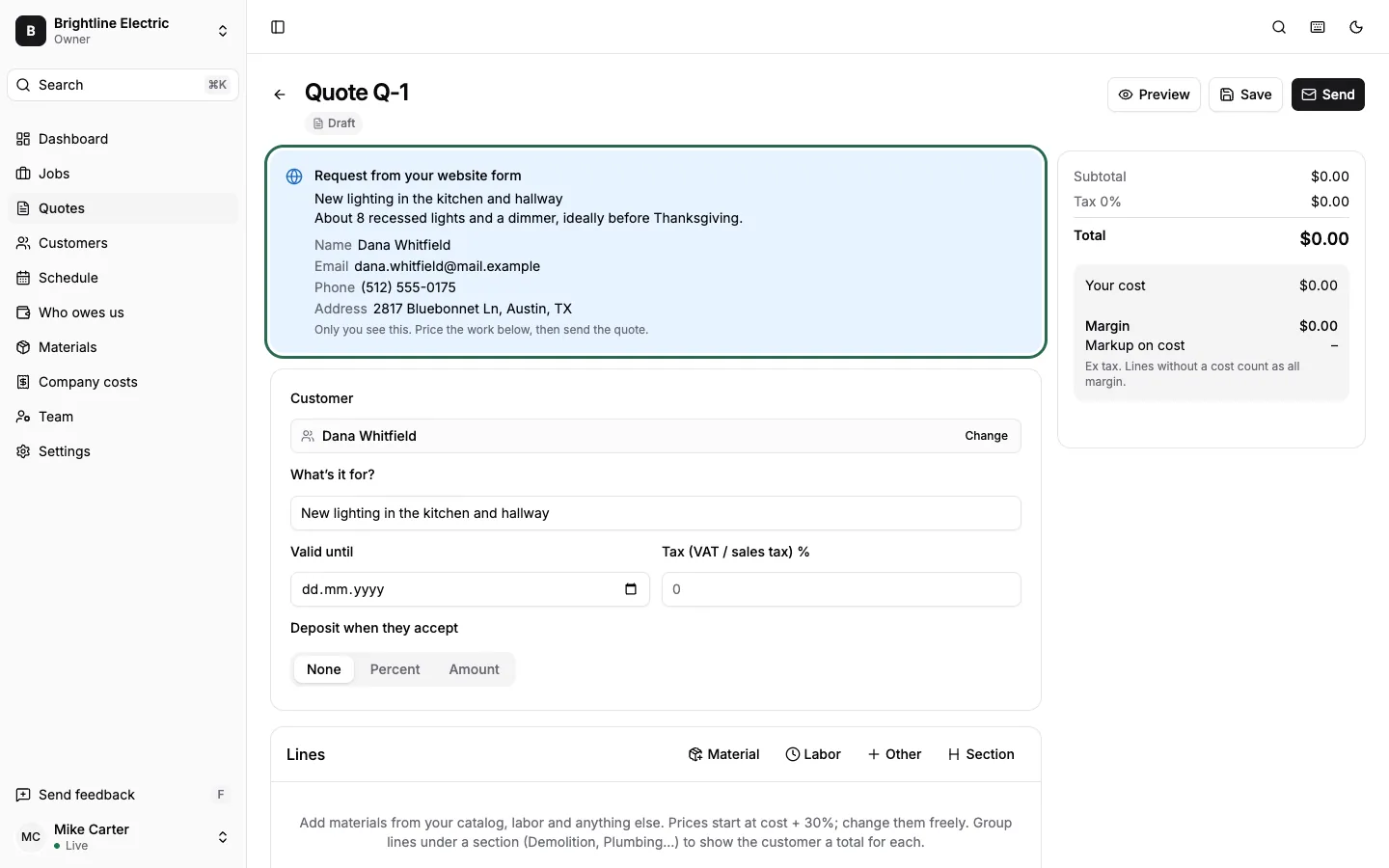
- The request is in Quotes as a draft, marked New request, titled with the first line of what they wrote.
Owners also get a notification on their phone, if they turned notifications on.
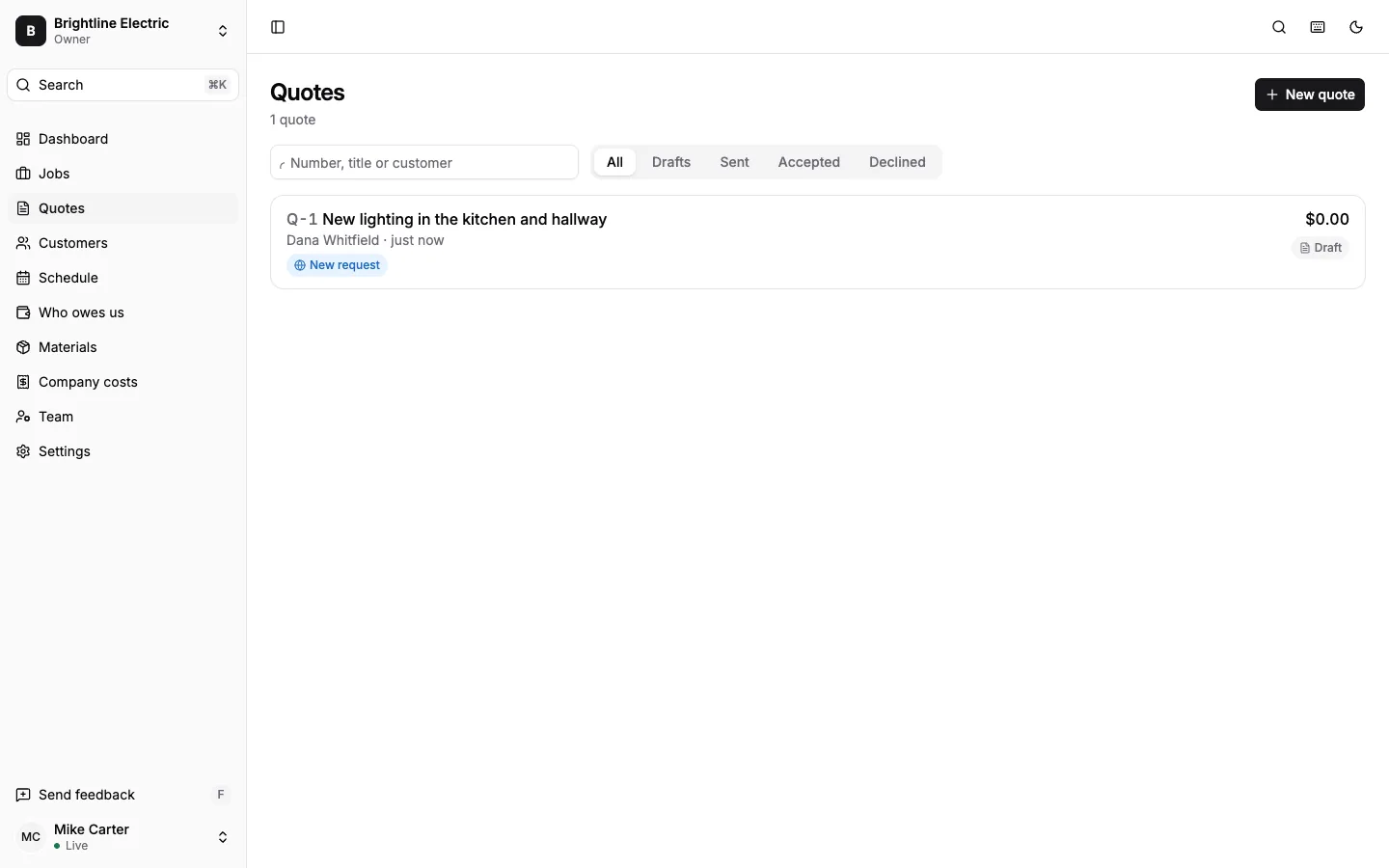
- Open it. The top of the quote shows Request from your website form: what they wrote and how to reach them.
Only you see this. Price the work below it and send the quote. See Quote from your price list.
Good to know
Section titled “Good to know”- New or known customer. A request becomes a new customer, unless the email or the full phone number matches one you already have. A customer you already have is never changed by the form: the details they typed stay on the request, and Add the missing ones to the customer adds only what the customer lacks, once you’ve checked them.
- They must give a phone number or an email, so you can reach them.
- New link makes a new address; the old link (and old website buttons) stop working. Switching the form off closes the page: visitors see “This form isn’t open”.
- Spam: the form has a hidden field that only robots fill in, it must be open a few seconds before it can be sent, and each address can send only a few requests in ten minutes. A form left open for more than a day asks to be reloaded.
- If you add your privacy notice in Settings → Quotes and invoices, the page links to it.