

Repeating jobs
- Who
- Owners, Office
- Where
- A job → ⋯ → Repeat this job…; Jobs → Templates → Repeating.
Make a job repeat for its customer every few weeks or months. Two weeks before each date, the next job appears on the schedule by itself, with the same title, price, materials and team.
Why it’s there
Section titled “Why it’s there”Maintenance contracts and service visits pay well, but only if nobody forgets them. A repeating job remembers for you and puts each visit where the team plans its weeks.
Who sees it
Section titled “Who sees it”People who can create jobs set it up and manage it: owners, and the Office and Estimator roles. The jobs it makes are ordinary jobs, seen by whoever sees them.
How to use it
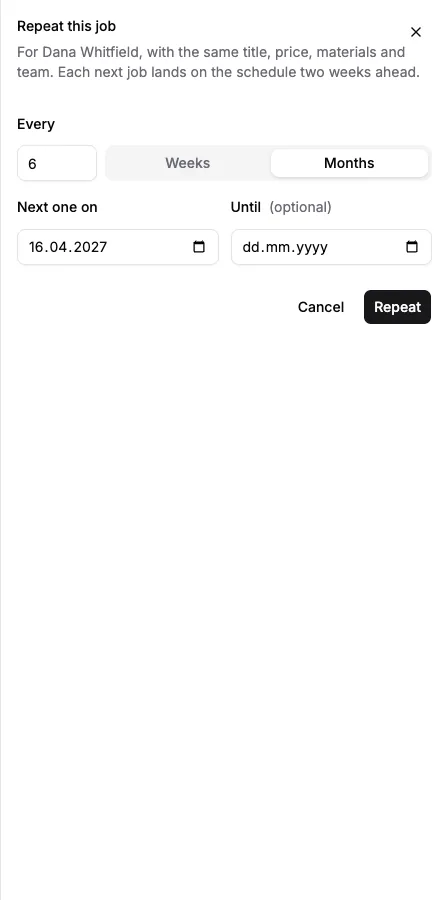
Section titled “How to use it”- Open the job, click ⋯ and Repeat this job…. Set Every (a number) and Weeks or Months, then
Next one on: the date of the next visit. Until is optional. Click Repeat.

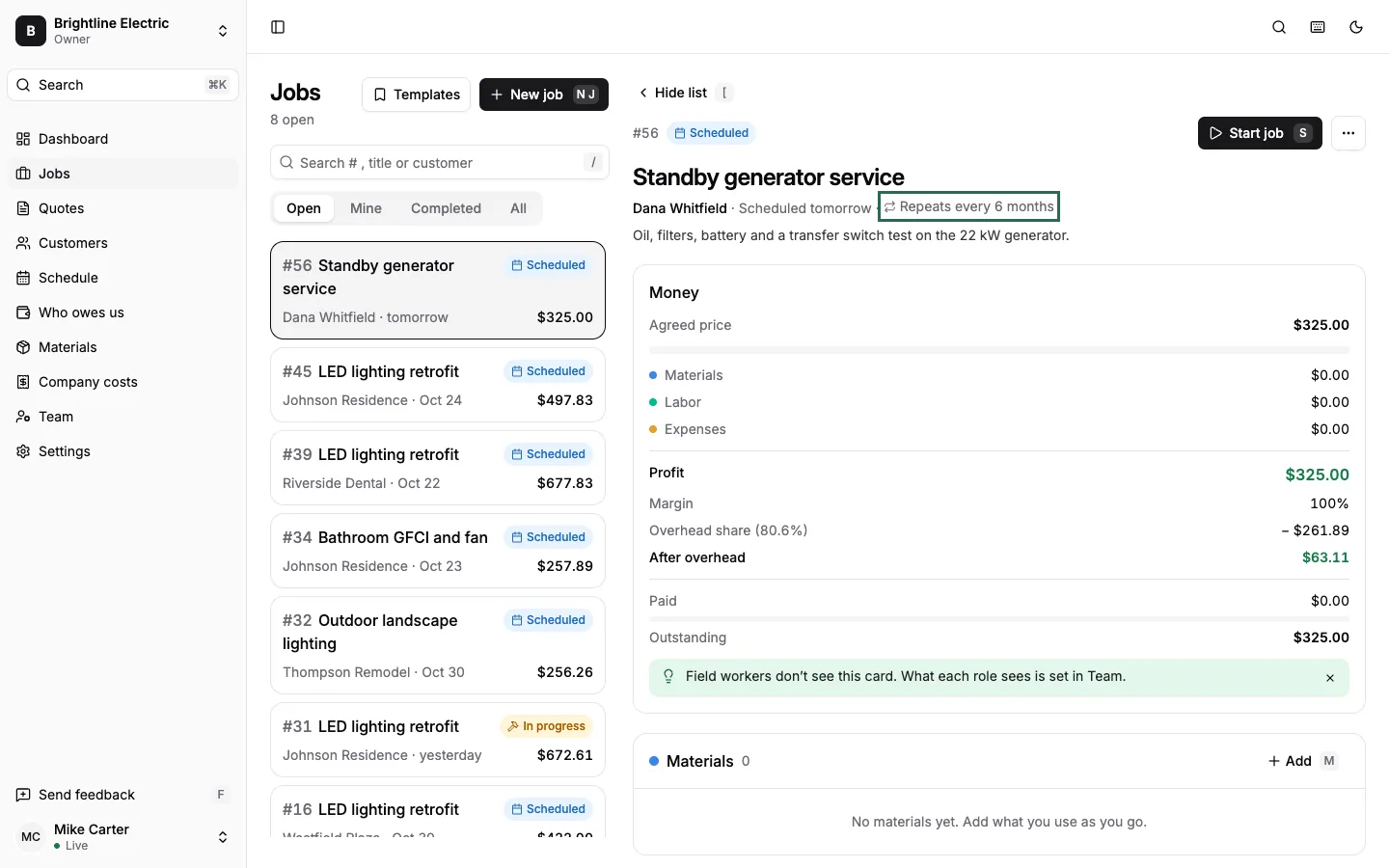
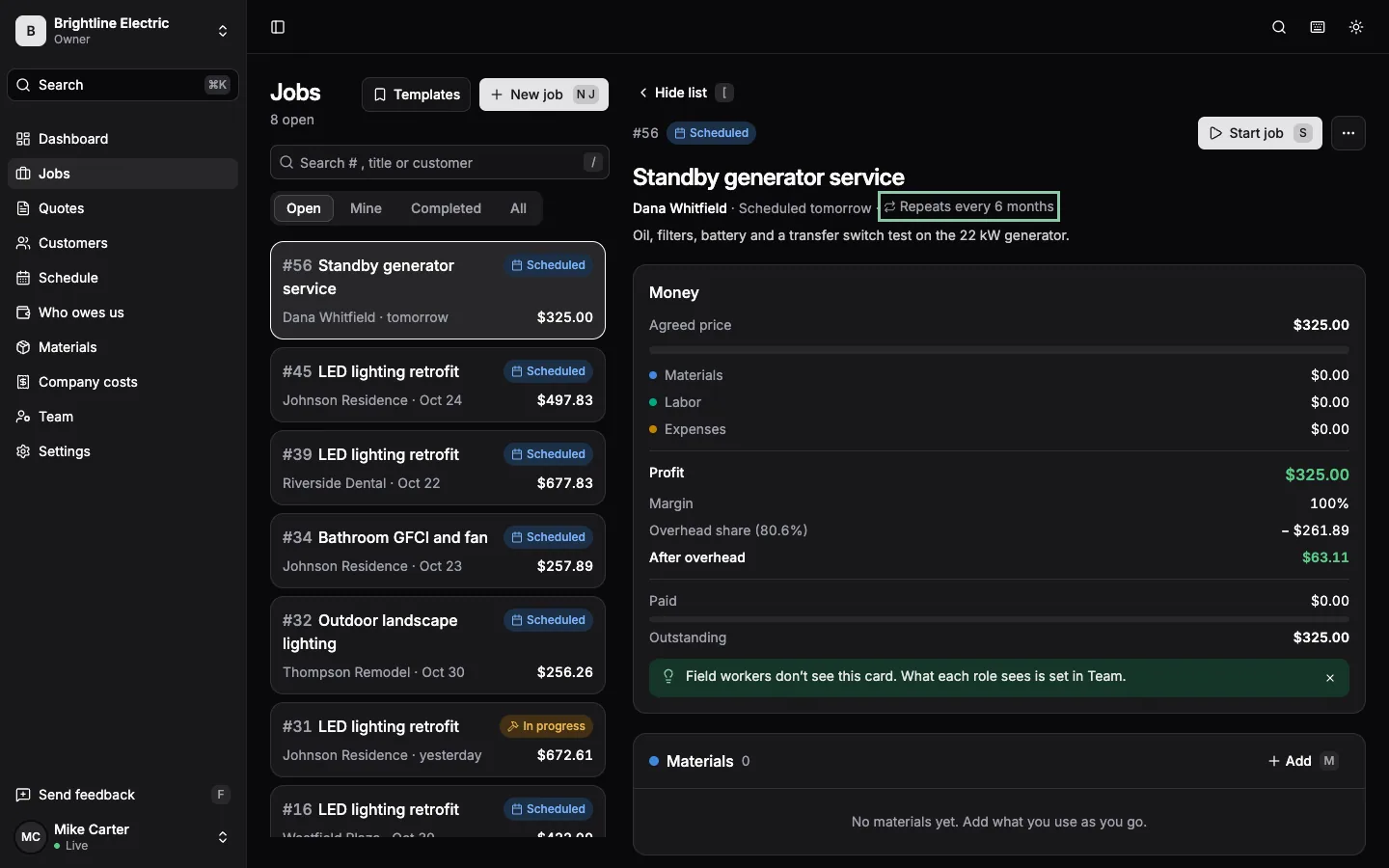
- The job now says how often it repeats, under its title.
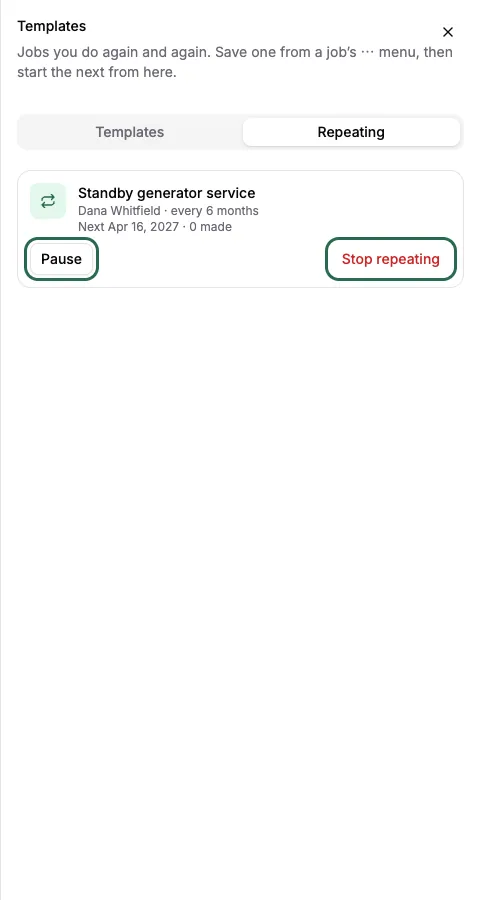
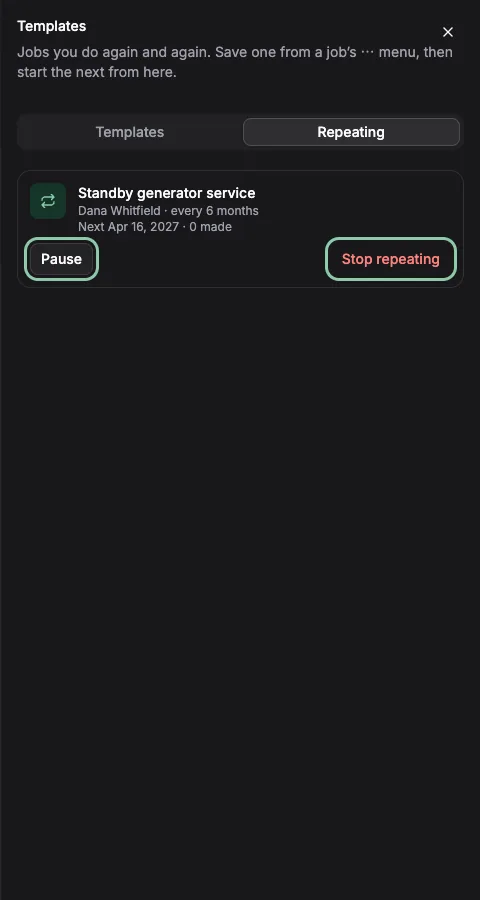
- To pause or stop it, go to Jobs → Templates → Repeating. Each one shows when the next job is and how many were
made. Pause stops new jobs until you Resume; Stop repeating ends it.
Good to know
Section titled “Good to know”- Next one on follows Every: it’s one interval after the job’s date. Once you pick a date yourself, it stays where you put it.
- Each job is made 14 days before its date (Skuadro checks every hour), as a Scheduled job for the same customer and people. If its date is already within two weeks, it’s made at once. The job’s history says the repeat made it.
- Jobs made this way have no arrival time and send no notification: add the time, and tell the team, when you plan the week.
- With visit confirmations on, the customer gets an email for each one once it’s made.
- Monthly repeats keep their day of the month; on shorter months they use the last day (31 Jan, 28 Feb, 31 Mar).
- Resume carries on from the next date after today; dates missed while paused aren’t made.
- Stop repeating keeps the jobs already made. Deleting the customer or the template pauses the repeat.
- Repeating saves the job as a template too. Materials from your catalog take the catalog’s cost when each job is made.
- The first date must be within the last year or the next two years.