

Four languages
- Who
- Owners, Office, Field workers
- Where
- Settings → Appearance → Language.
Each person picks the language Skuadro speaks to them: English, Español, Português or Shqip. Your crew can use it in Spanish while you use it in English, on the same jobs.
Why it’s there
Section titled “Why it’s there”A crew that reads the app in their own language makes fewer mistakes with materials and hours, and doesn’t need you to explain every screen.
Who sees it
Section titled “Who sees it”Everyone, for themselves. Nobody can change someone else’s language.
How to use it
Section titled “How to use it”- Open Settings (on a phone it’s under More). Under Appearance, find Language. Each language is
written in itself, so it’s easy to find whatever the screen is in now.
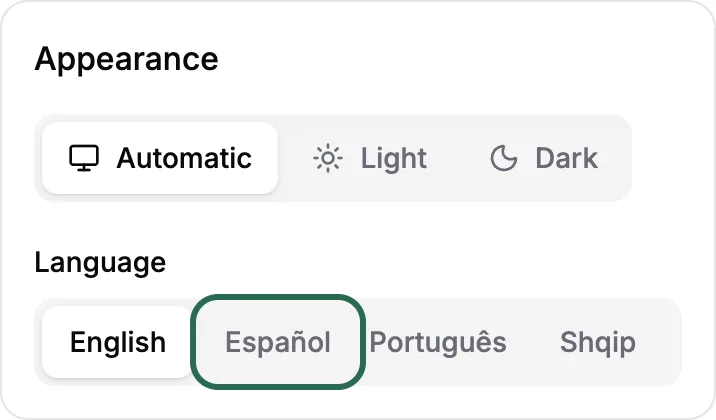
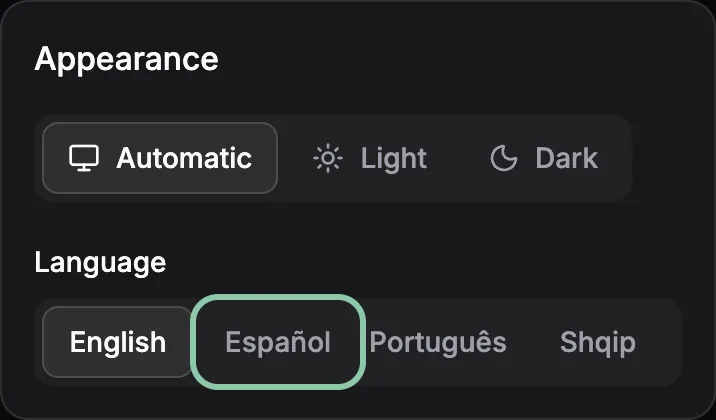
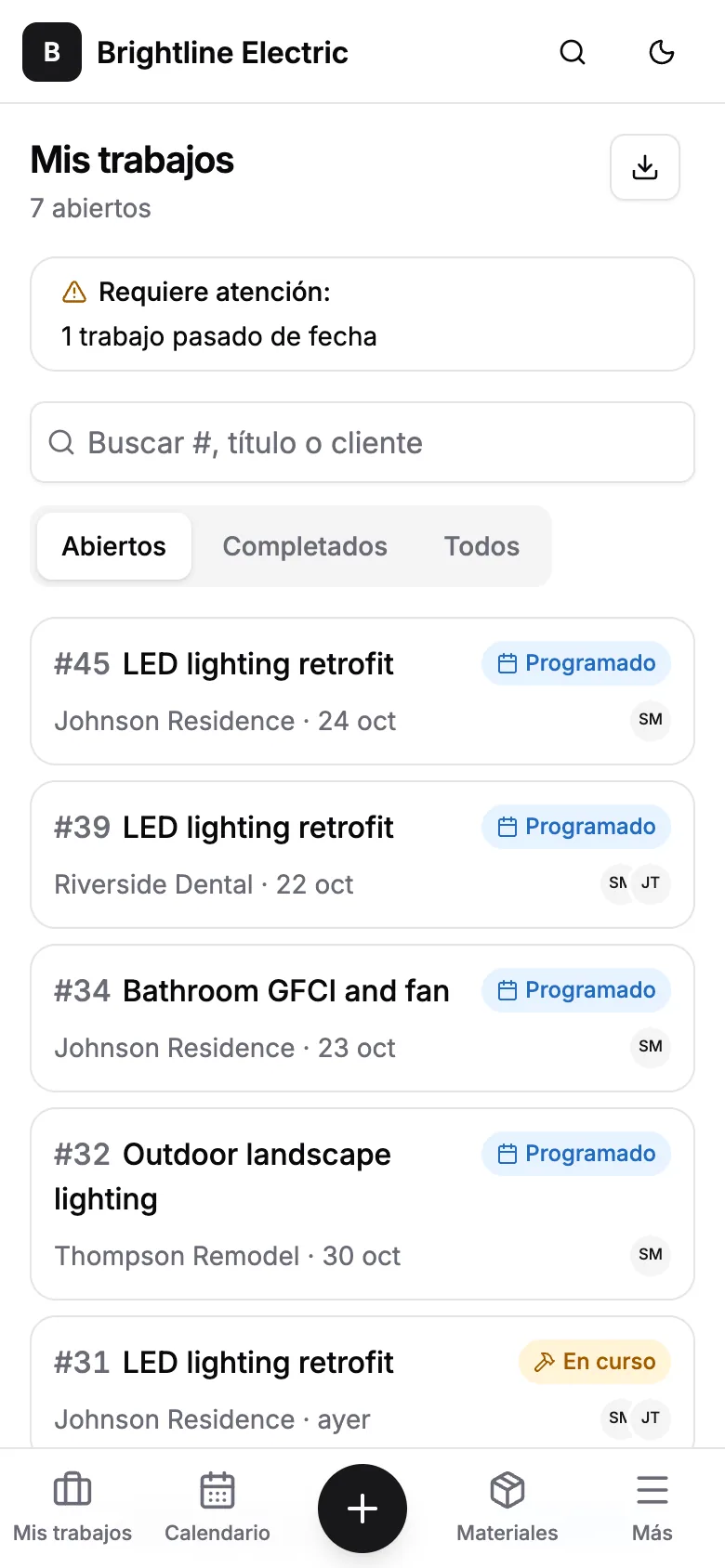
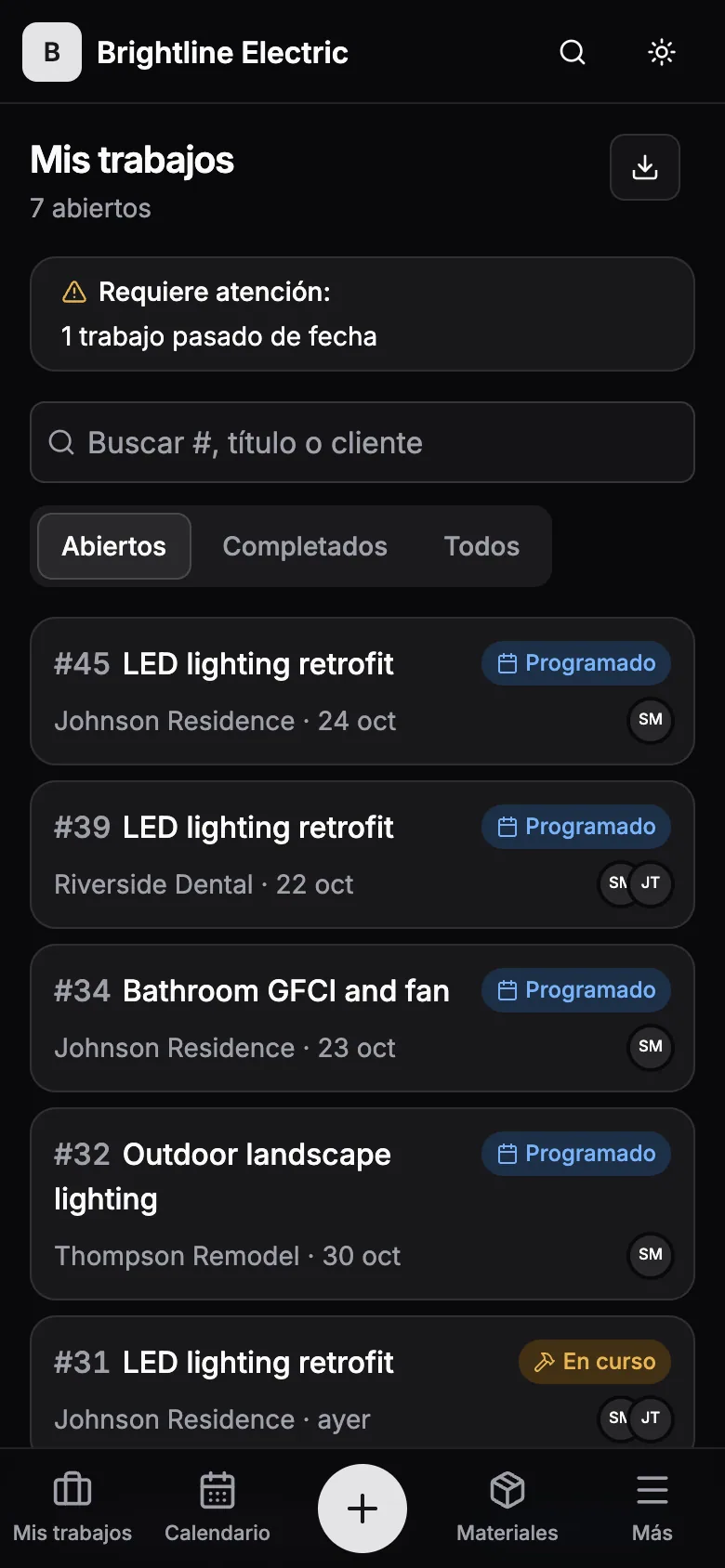
- Tap the language. The app reloads in it, with dates and numbers written the way that language writes them.
Good to know
Section titled “Good to know”- The choice is saved on your account, so it follows you to every phone and computer you sign in on. A different choice made on one device stays on that device.
- Error messages, and emails Skuadro sends to you such as a password reset, come in your language too.
- Customer documents (the emails with quotes and invoices, reminders and review requests) go out in your company’s language: the one the owner used when signing up. The pages your customers open from those emails follow their own browser’s language.
- Before signing in, the website and sign-in pages have their own language switch.