

Close your company
- Who
- Owners
- Where
- Settings → Your data → Delete company.
If you stop using Skuadro, you close the company yourself. It turns read-only straight away, and 30 days later it’s erased for good. Until then, one click brings it back.
Why it’s there
Section titled “Why it’s there”Leaving should be as easy as joining, without emails back and forth. The 30 days are there so a mistake, or a change of plans, never costs you your records.
Who sees it
Section titled “Who sees it”Owners. Everyone else in the company can’t sign in to it from the moment you ask.
How to use it
Section titled “How to use it”- Export first if you want to keep your records: Export everything gives you one zip (more). You can also do it during the 30 days.
- Go to Settings → Your data and click Delete company.


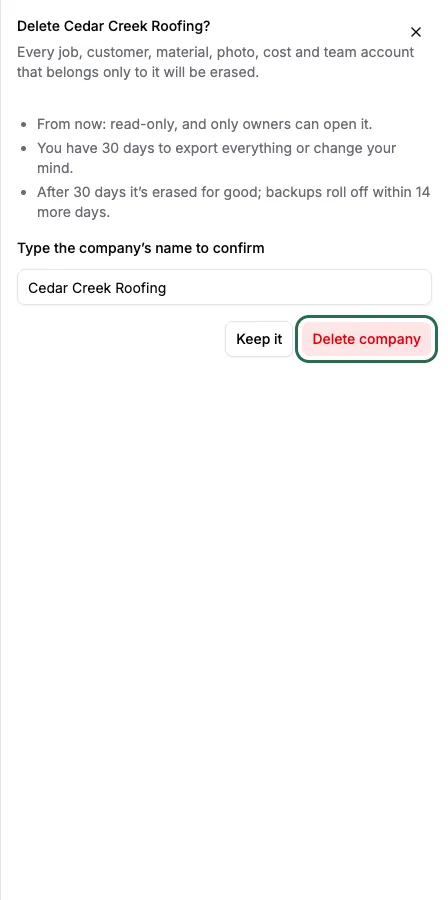
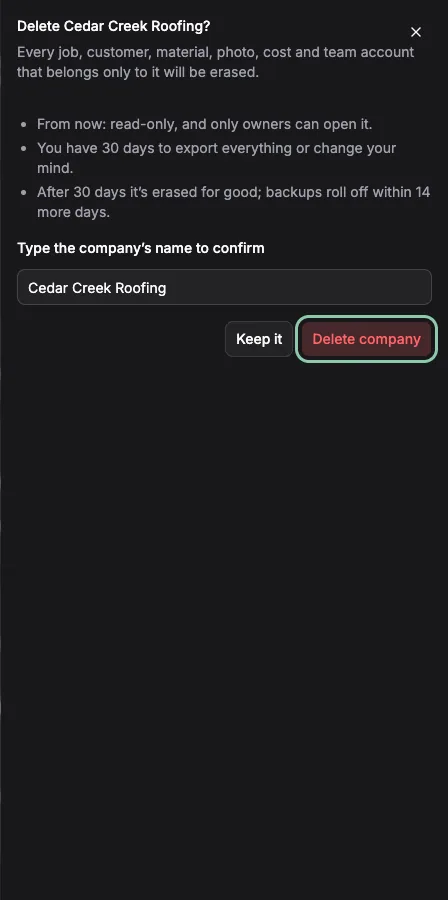
- Read what happens, type the company’s name and click Delete company. Keep it closes the panel without
changing anything.
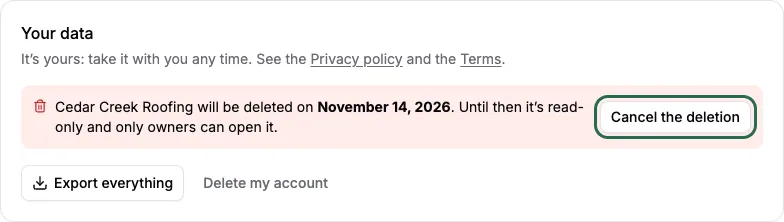
- From now on the company is read-only and only owners can open it. Every owner gets an email with the date it will be deleted and an Export or cancel button, and a banner on every screen shows the date.
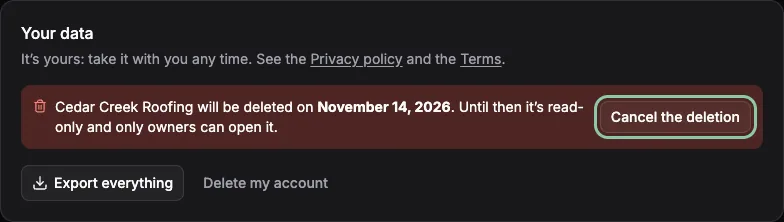
- Changed your mind? Go to Settings → Your data and click Cancel the deletion. Everything works as before.
What happens after 30 days
Section titled “What happens after 30 days”- Every job, customer, material, photo, cost and team account that belongs only to the company is erased.
- People who also belong to another company keep their account and that company.
- Every owner gets an email that the company was deleted.
- Backup copies roll off within 14 more days.
Good to know
Section titled “Good to know”- Once the day has come, the deletion can’t be cancelled any more.
- Delete my account (also in Settings → Your data) is for one person, not the company: you’re signed out everywhere and can’t sign in again, and the companies keep the hours and notes you added, under “Former member”. You type DELETE (and your password, if you have one) to confirm. If you’re the only owner of a company, delete the company first or make someone else an owner.
- Skuadro’s record of support looks into your company is kept for 24 months, as the privacy policy says.