

Licensed and insured, on the quote
- Who
- Owners
- Where
- Settings → Quotes and invoices → License and Insurance.
Type your license and insurance once, and every quote shows them under your company’s name.
Why it’s there
Section titled “Why it’s there”Customers want to know you’re covered before they let you into their house or their switchboard. Saying it on the quote answers the question before they ask, at the moment they decide.
Who sees it
Section titled “Who sees it”Owners fill it in. Your customers see it on every quote they open or print.
How to use it
Section titled “How to use it”- Go to Settings → Quotes and invoices. Type your License (the number and class, as your license reads) and
your Insurance (for example, general liability and workers’ comp). Click Save these details.
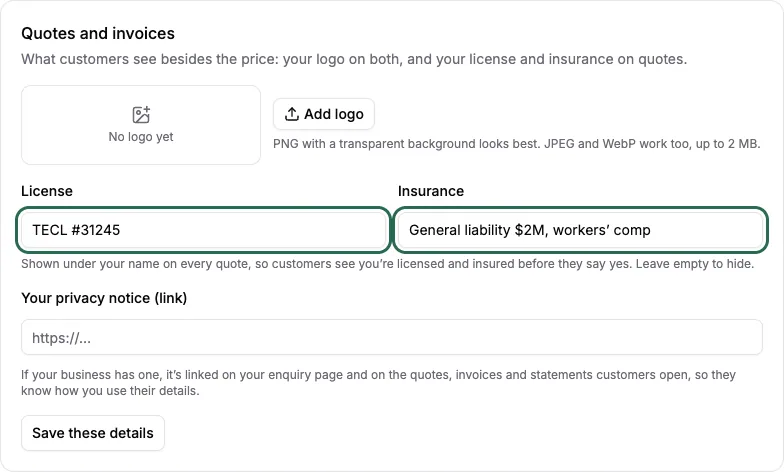
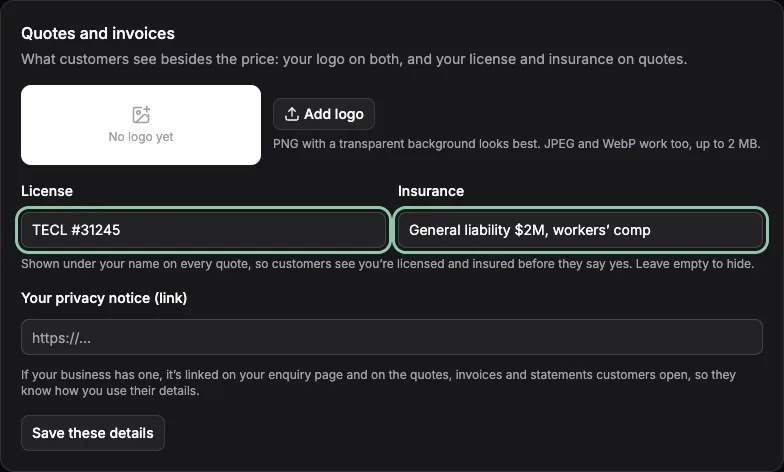
- Every quote shows them under your company’s name and the quote number, with a check and a shield.


Good to know
Section titled “Good to know”- Quotes only. Invoices don’t show them.
- Every quote, at once: quotes show what’s in Settings now, including ones you already sent.
- Leave a field empty to hide that line. Each takes up to 300 characters.
- Under them in Settings you can add Your privacy notice (link): it’s linked on your enquiry page and on the quotes, invoices and statements your customers open.