

Roles you can adjust
- Who
- Owners
- Where
- Team → Roles; Team → a person → What … can see and do.
A role is a set of permissions you give to people who do the same kind of work. On top of the role you can allow or deny single things for one person.
Why it’s there
Section titled “Why it’s there”Most crews fit a few patterns: people on site, someone in the office, someone who does the books. Picking a role takes one click, and the odd exception (a foreman who should see one price) doesn’t need a role of its own.
Who sees it
Section titled “Who sees it”Owners only. Everyone else sees just what their role and their own permissions allow (hidden means hidden). People with See team can see who’s on the team and their roles, but not change anything.
How to use it
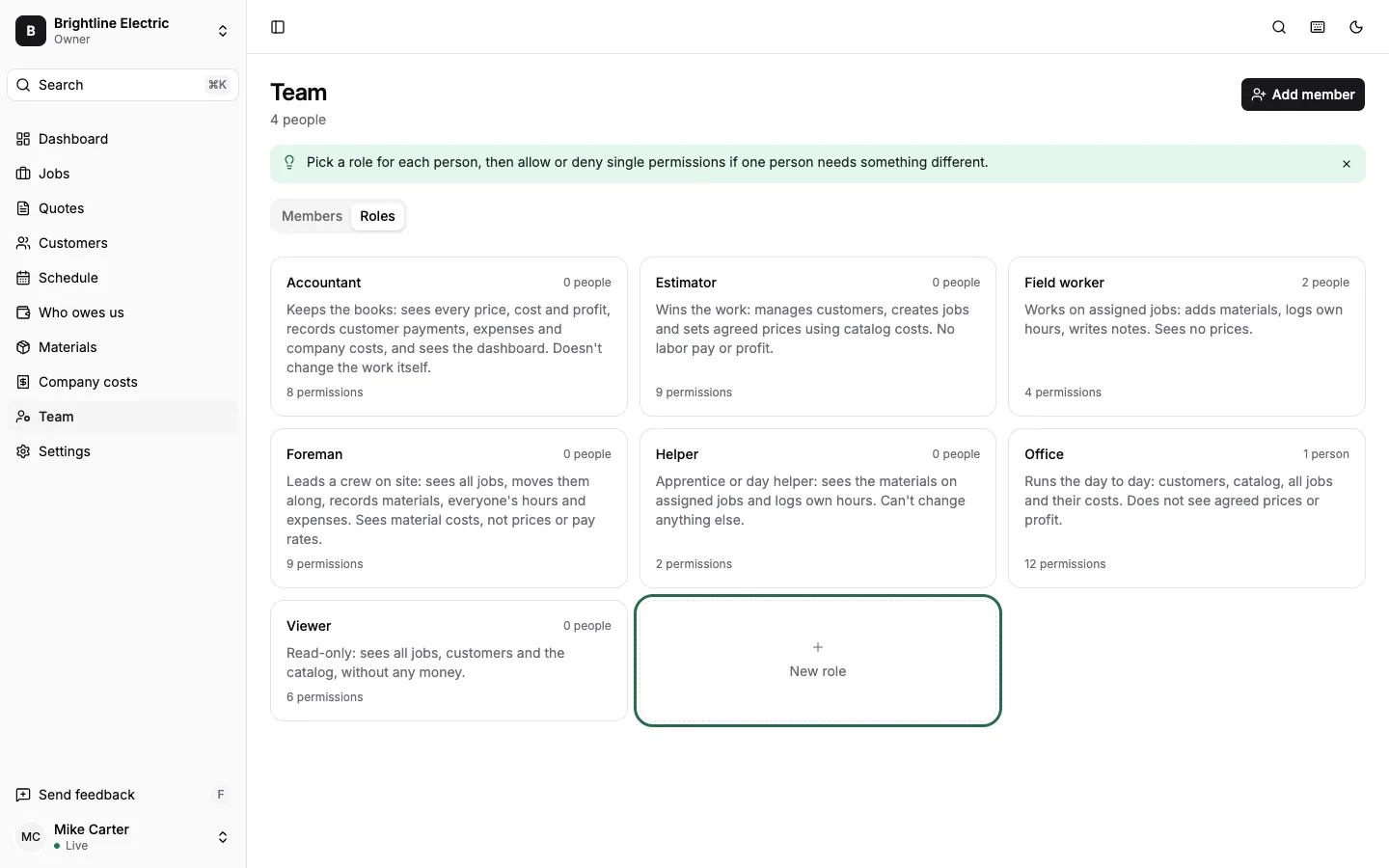
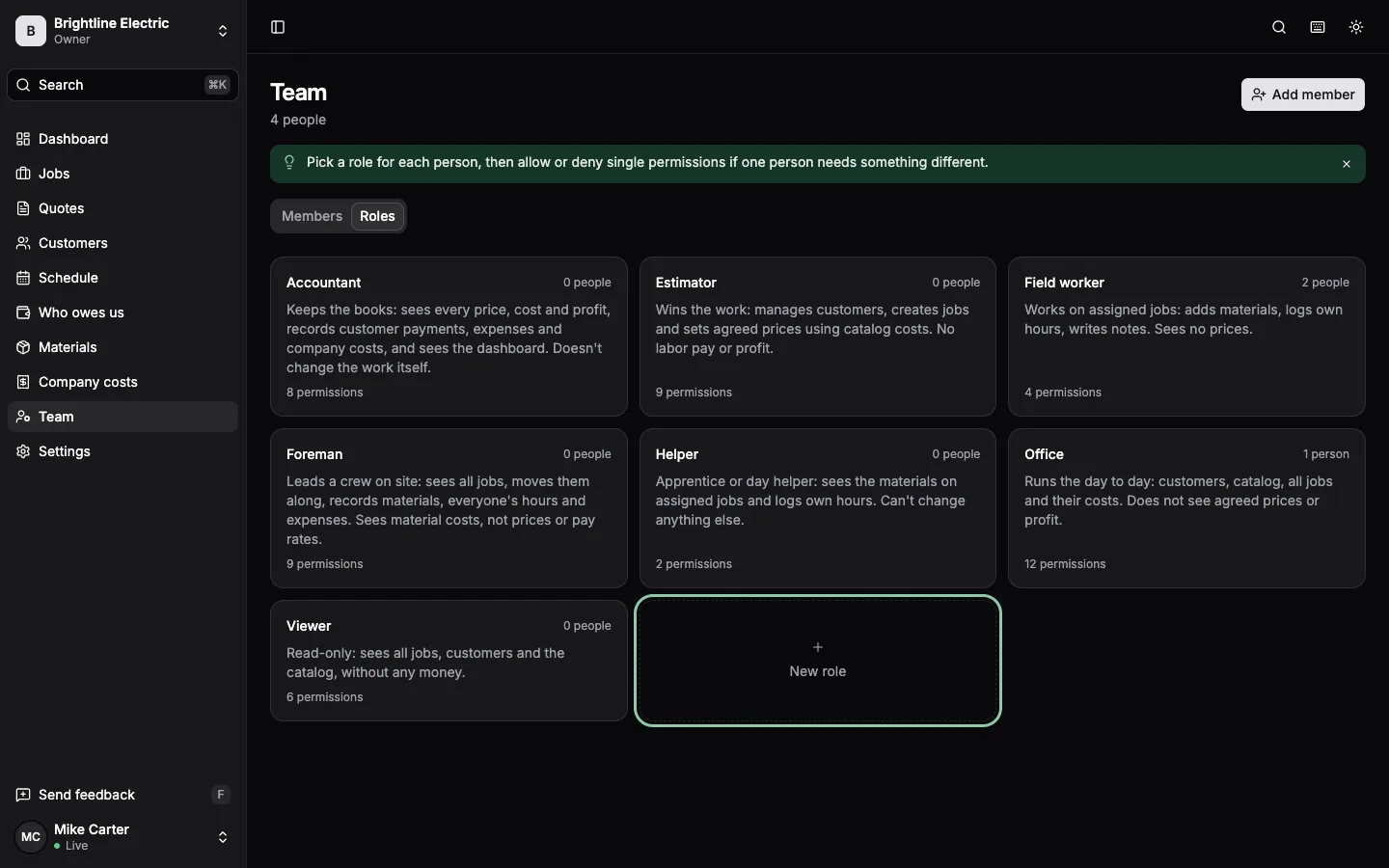
Section titled “How to use it”- Open Team and click Roles. Every company starts with seven: Field worker, Helper, Foreman,
Office, Estimator, Accountant and Viewer, each with a line saying what it’s for. Click one to see
or change its permissions.
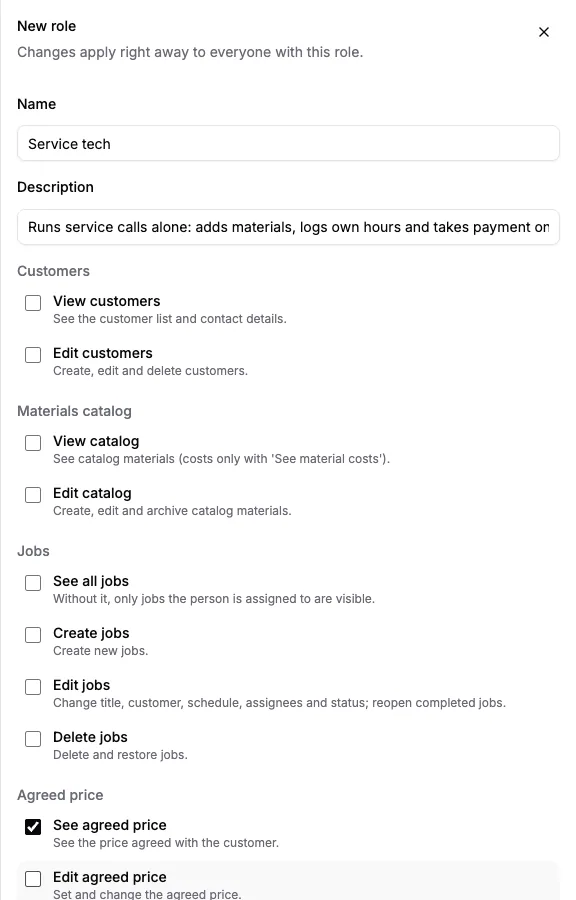
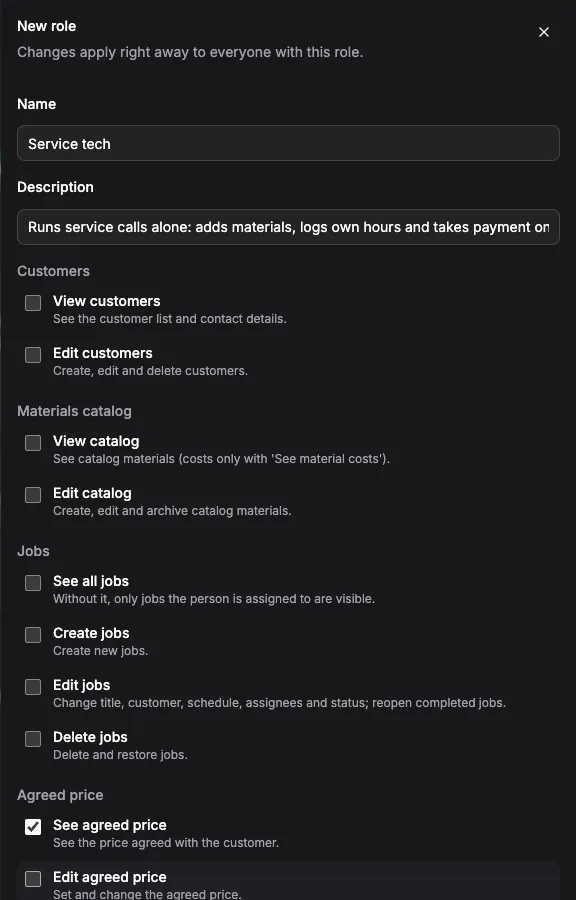
- To make your own, click New role. Give it a Name and a Description, tick the permissions it gives, and
click Save role.
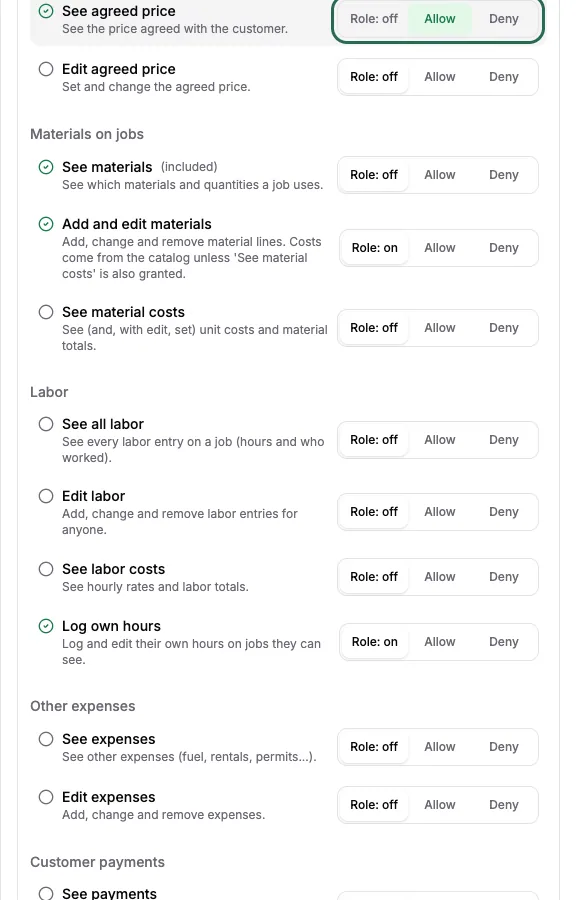
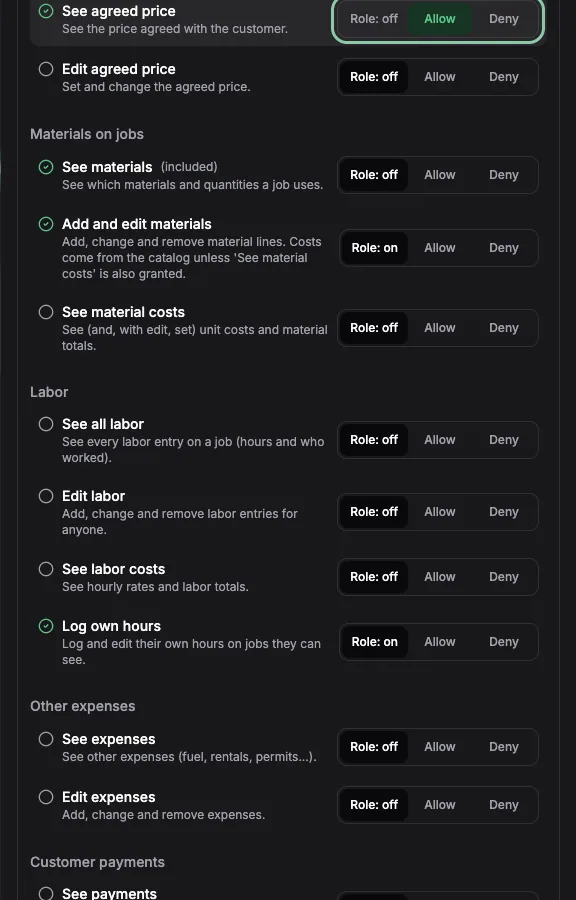
- For one person, open Team, click them, and look at What … can see and do. Each permission shows Role: on
or Role: off; choose Allow or Deny to change it for this person only. The line at the top says what
they’ll see, in plain words, as you change it. Click Save.
The ready-made roles
Section titled “The ready-made roles”| Role | For |
|---|---|
| Field worker | Works on assigned jobs: adds materials, logs own hours, writes notes. Sees no prices. |
| Helper | Apprentice or day helper: sees the materials on assigned jobs and logs own hours. |
| Foreman | Leads a crew: all jobs, moves them along, materials with costs, everyone’s hours and expenses. No prices or pay rates. |
| Office | Day to day: customers, the catalog, all jobs and their costs. No agreed prices or profit. |
| Estimator | Wins the work: customers, new jobs, agreed prices from catalog costs. No labor pay or profit. |
| Accountant | The books: every price, cost and profit, payments, expenses, company costs and the dashboard. |
| Viewer | Read-only: all jobs, customers and the catalog, without any money. |
Good to know
Section titled “Good to know”- Changes to a role apply right away to everyone who has it, from their very next action.
- Deny always wins over the role and over Allow.
- Some permissions bring others with them, marked (included): See profit includes every price and cost, and See dashboard includes profit and all jobs. Denying one also takes away what needs it: denying See material costs removes profit.
- A person with their own changes shows a custom badge on their card, such as 1 custom.
- Deleting a role leaves the people who had it with no role. Give them another one.
- The owner always has full access; their access can’t be changed.